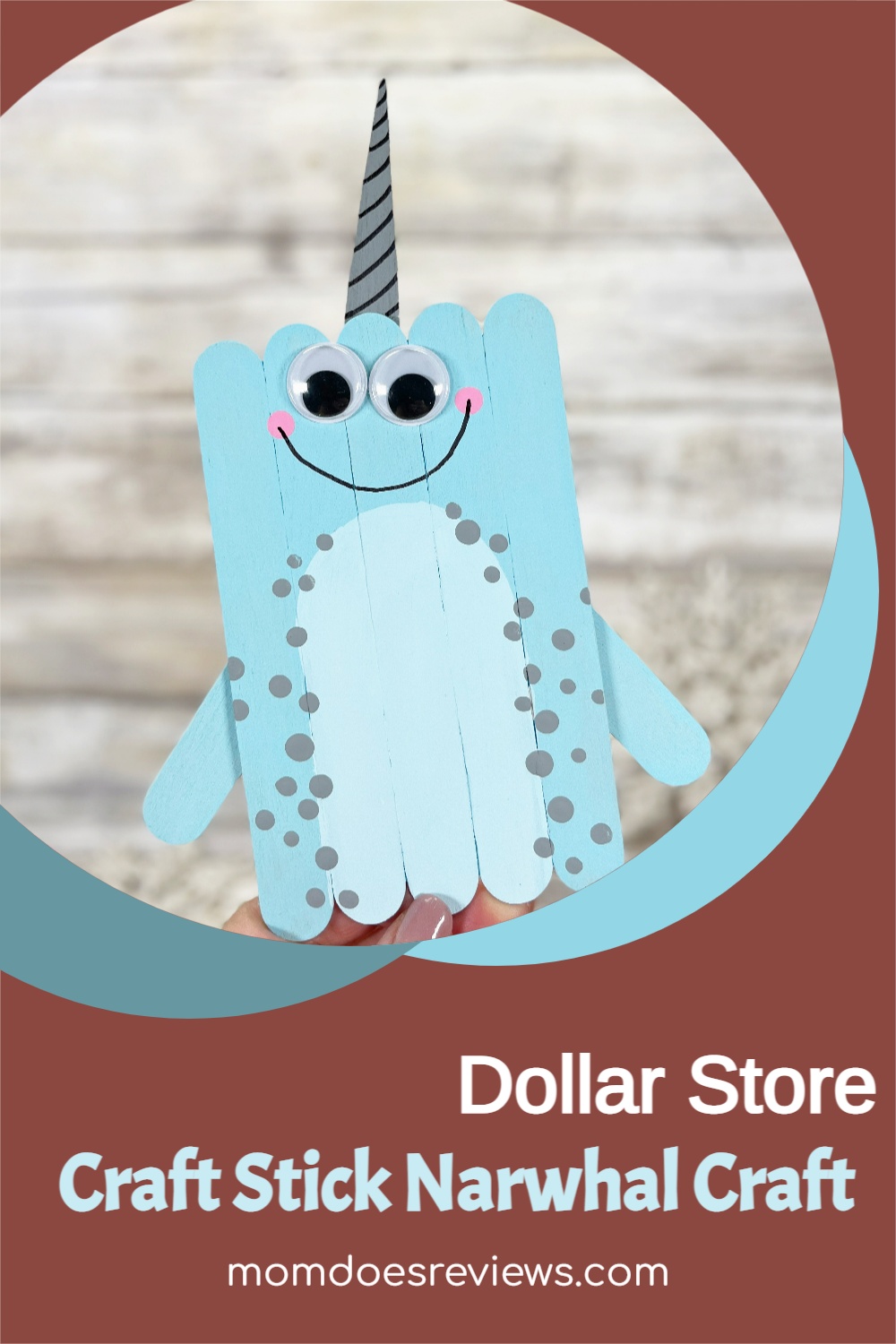
If you are looking for a fun and simple craft then look no further than this super cute Dollar Store Craft Stick Narwhal Craft! With this fun craft, simple jumbo craft sticks from the Dollar Store transform into the cutest Narwhal!
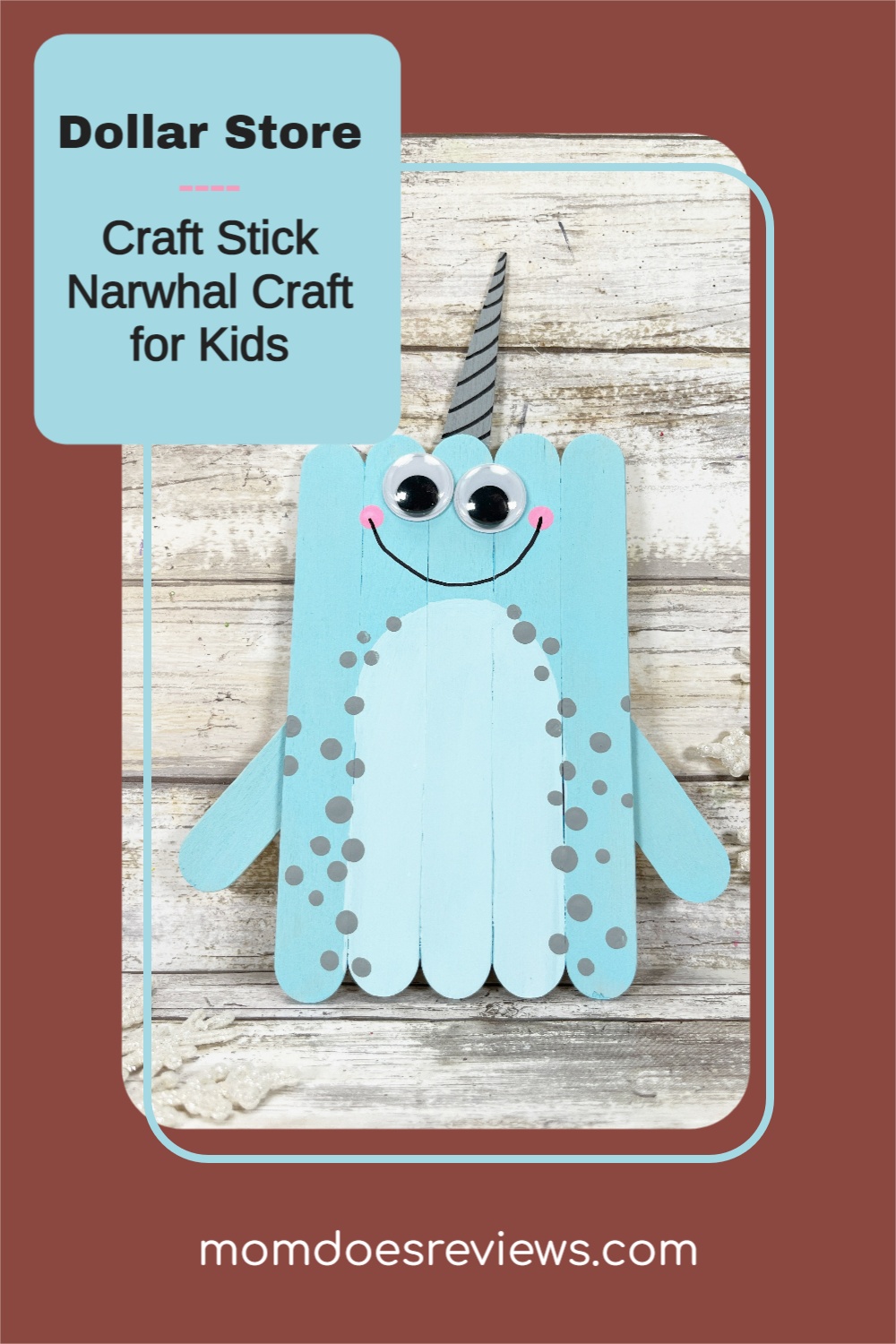
This is a fun activity to keep the kiddos busy with coloring, counting, and motor skills.
We love this easy craft because it can be made in just about 30 minutes and uses common inexpensive supplies from the Dollar Store.
For some additional fun look up the Narwhal on the internet and make a list of fun facts!
Want to check out a few more cute craft stick crafts? If so, check these out!
Dollar Store Craft Stick Love Sign
Create this adorable mixed media LOVE Sign with simple supplies from the Dollar Store. It’s the perfect gift for a teacher, neighbor, or friend this Valentine’s Day! Create this cute and unique Craft Stick Love Sign in just 30 minutes.
Dollar Store Craft Stick Unicorn Craft
If you’re a parent, then you know that your kids love anything and everything unicorn-related. Unicorns are colorful, magical creatures that represent happiness and joy, which is why kids love them so much! If you’re looking for a fun way to keep your kiddos occupied, why not try this Unicorn Craft Stick Craft?
Dollar Store Craft Stick Llama Craft
Are you looking for a fun craft for the kids? If so, you just have to take a look at this adorable Dollar Store Craft Stick Llama Craft! It is not only super cute but also inexpensive and oh-so-easy to do!
Craft Stick Patriotic Hat
Let the kiddos have fun with these easy-to-make Craft Stick Patriotic Hat Craft! It is a great family fun craft activity and the perfect place card for a Fourth of July party with the kiddos! In addition, this fun craft requires only a handful of basic supplies and, it is super easy to make using the step-by-step instructions. It’s also super adorable, don’t you agree?
Now, let’s check out this fun Narwhal craft!
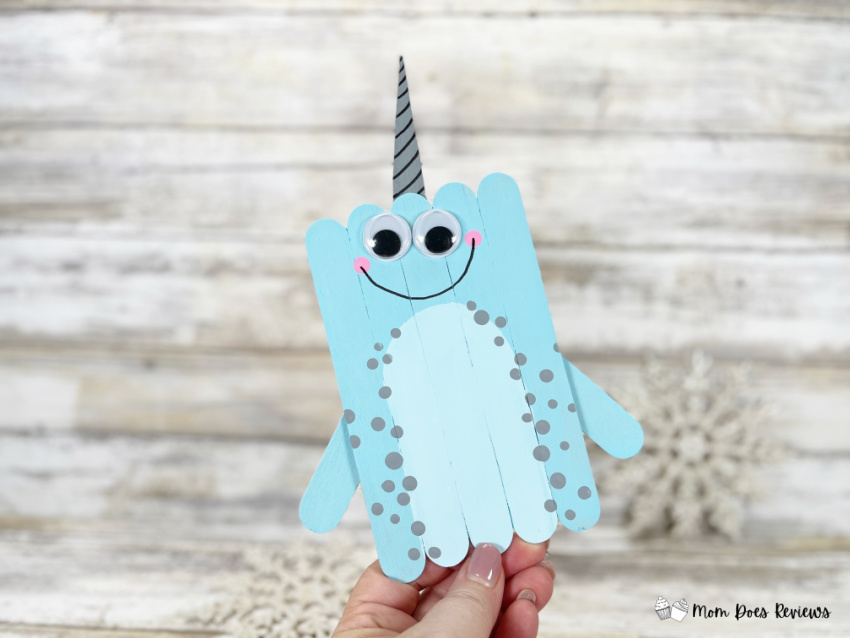
Dollar Store Craft Stick Narwhal Craft
Materials needed:
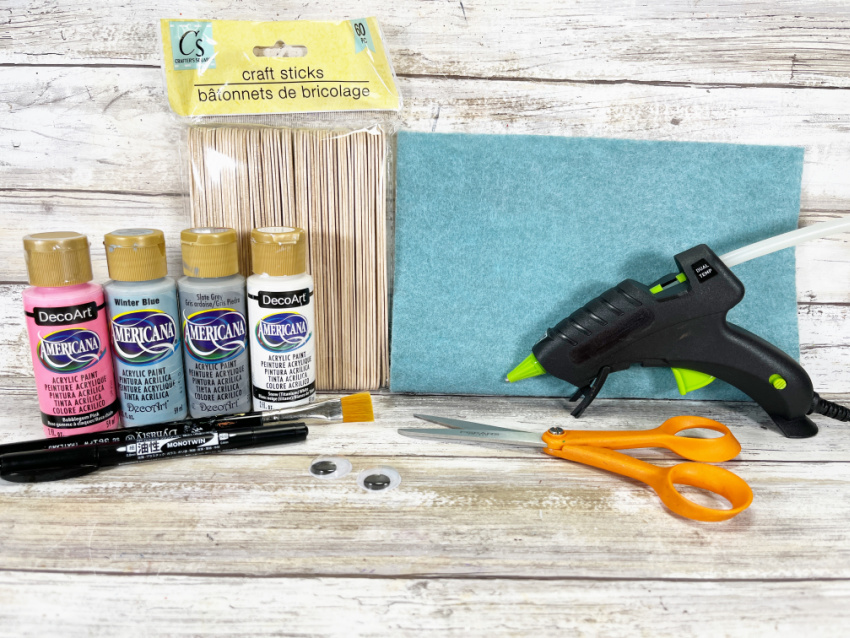
Wooden Craft Sticks, Jumbo – Dollar Store
Wiggle Eyes – Dollar Store
Craft Paint – White, Light Blue, Grey, Pink
Glue Gun and Glue Sticks – Dollar Store
Paintbrush
Scissors
Permanent Marker
Pencil with New Eraser
Ruler
How to make this cute Craft Stick Narwhal Craft:
STEP ONE
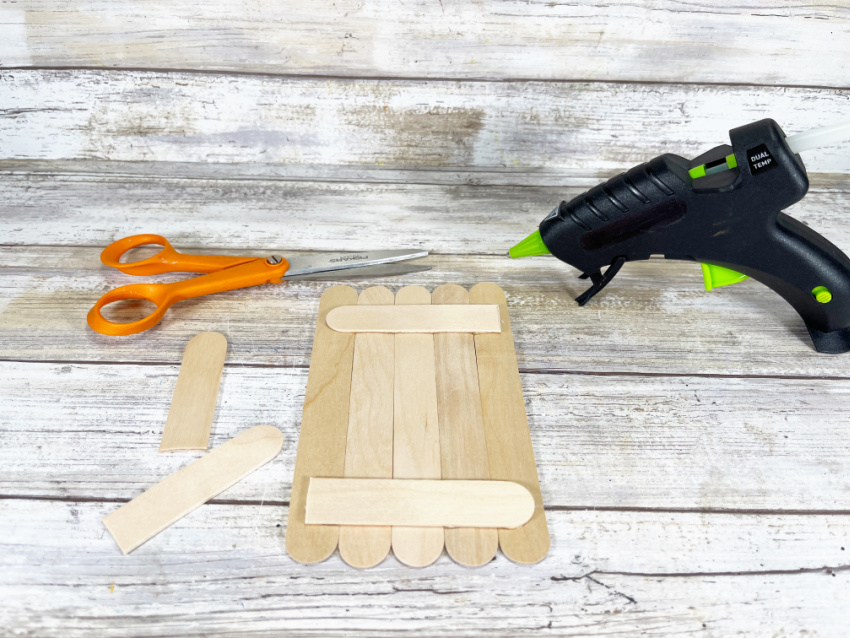
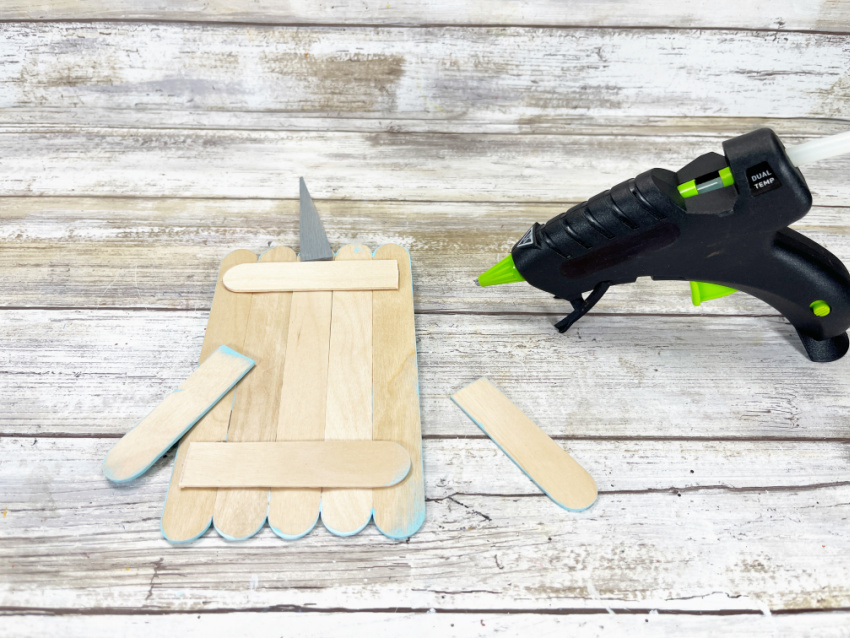
Gather all supplies. To create the Narwhal, line up five jumbo craft sticks on your work surface. Using scissors, trim additional jumbo craft sticks to the width of the Narwhal and attach with a glue gun and glue sticks.
TIP: You can use liquid craft glue for this project, but you will have to wait for it to dry.
STEP TWO
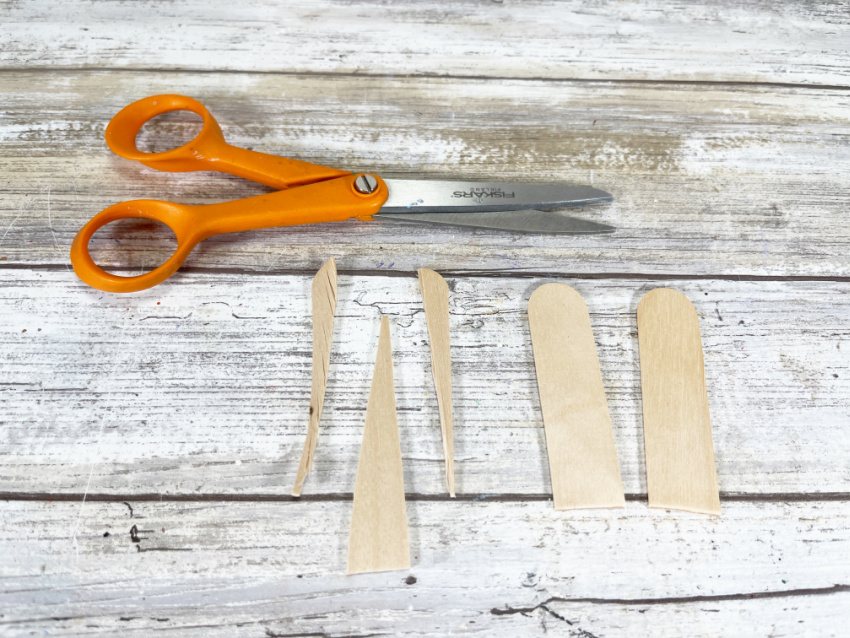
Measure and cut two jumbo craft sticks in half with scissors. Trim one of the half craft sticks into a pointed cone shape which will become the Narwhal’s tusk. Leave two of the half craft sticks as is to become the fins.
STEP THREE
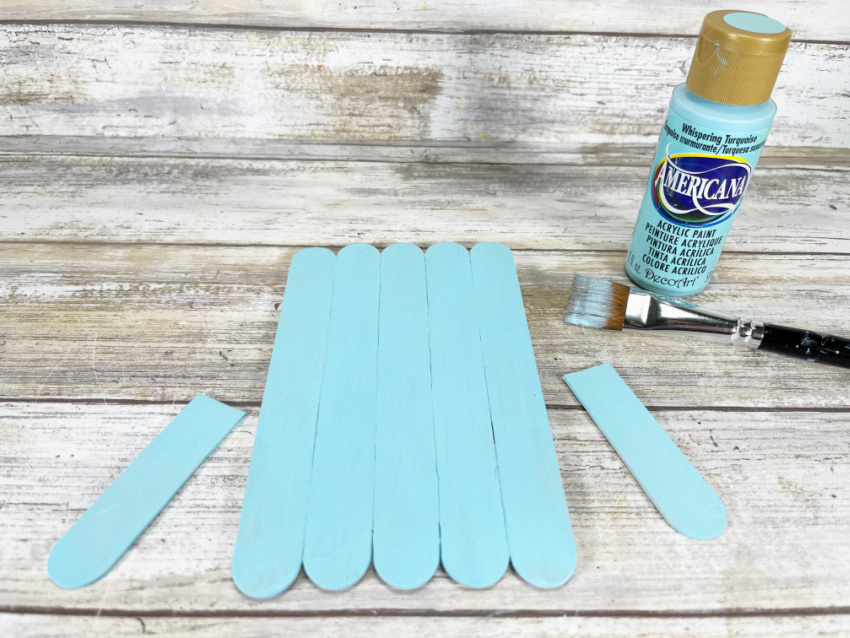
Base coat the Narwhal body and fins with light blue acrylic craft paint. Set aside to dry and apply a second coat, if necessary.
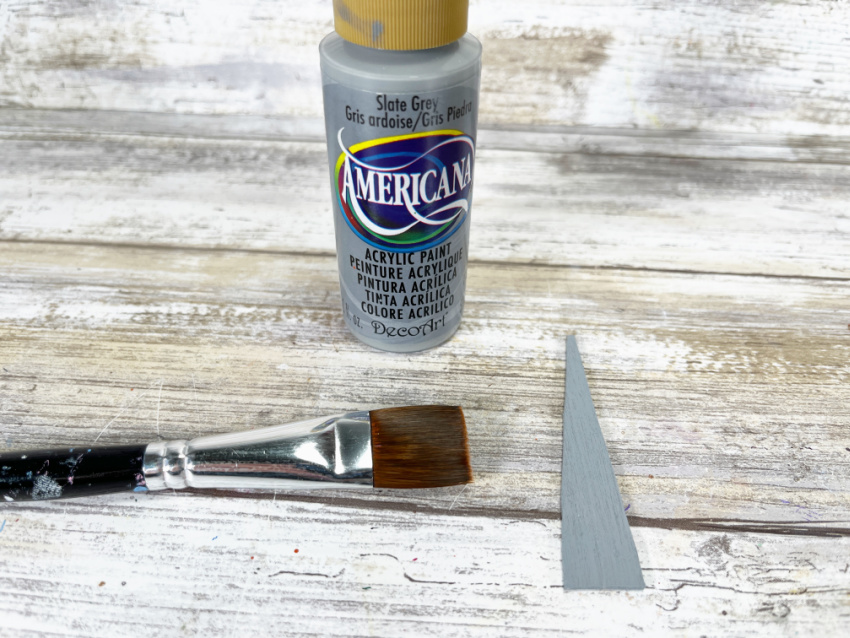
Base coat the Narwhal’s tusk with grey acrylic craft paint. Set aside to dry and apply a second coat, if necessary.
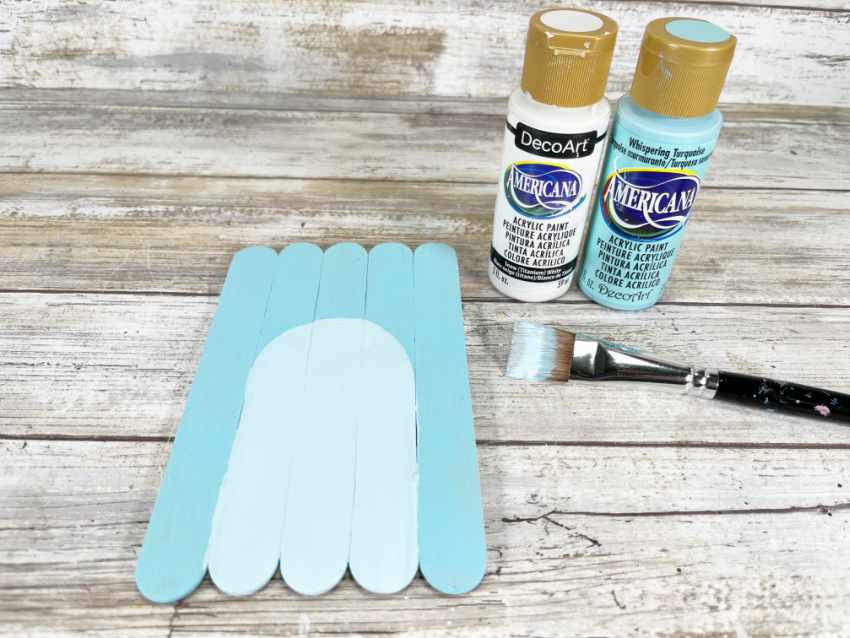
Mix white and light blue acrylic craft paint together and topcoat a large arch to create the Narwhal’s belly.
STEP FOUR
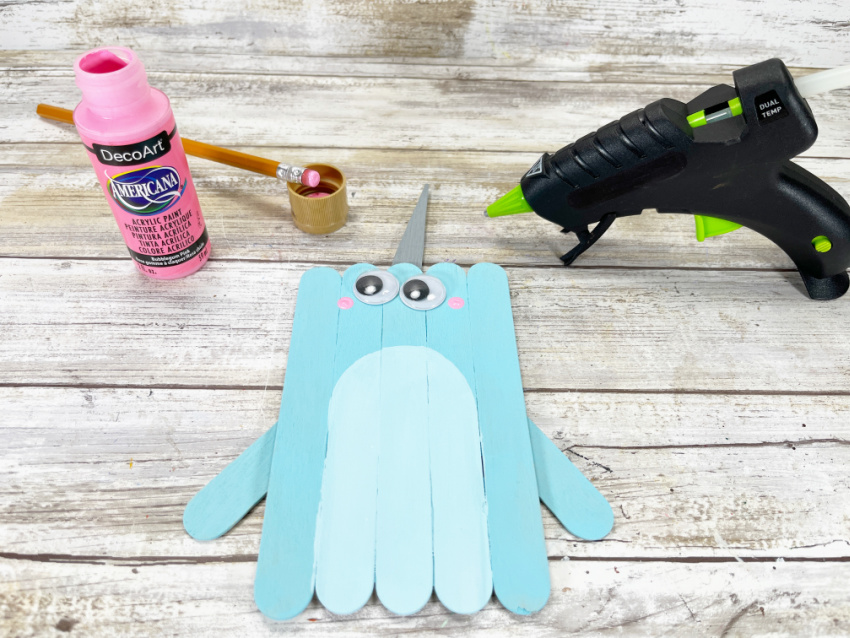
Using the photo as a guide, attach the tusk to the top and fins to the sides of the back of the Narwhal’s body with a glue gun and glue sticks.
STEP FIVE
Attach two wiggle eyes to the Narwhal with a glue gun and glue sticks. Create cheeks by dipping a new pencil eraser into pink acrylic craft paint and stamping on either side of the face.
STEP SIX
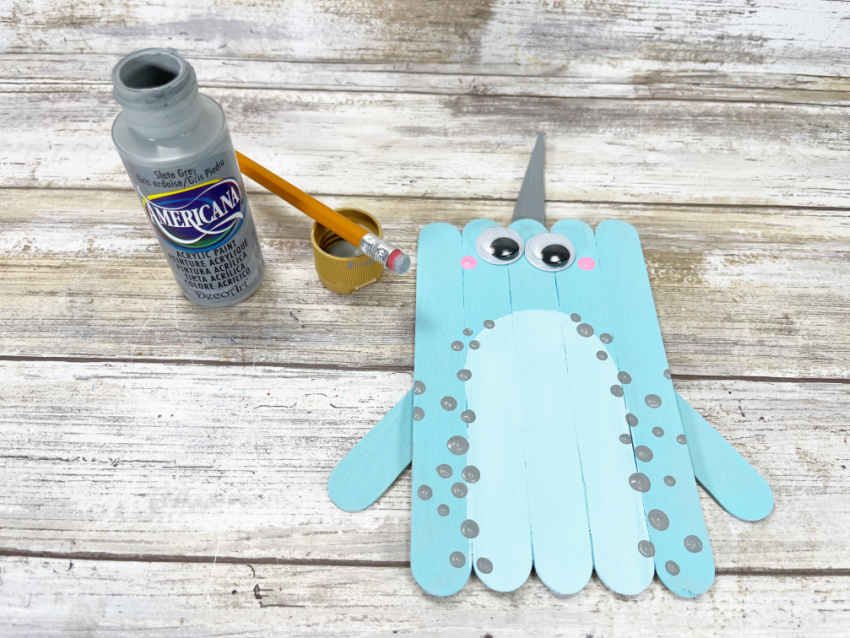
Create some texture on the Narwhal’s body by dipping a new pencil eraser into grey acrylic craft paint and stamping randomly around the belly area.
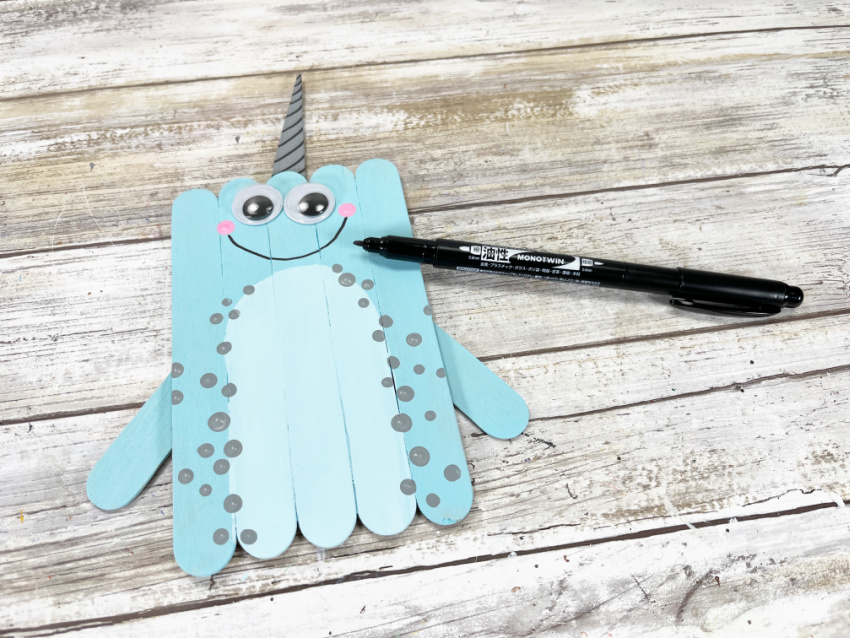
To finish, draw a smile on the Narwhal’s face from cheek to cheek with a permanent black marker.
Print the instructions for this fun craft!

Dollar Store Craft Stick Narwhal Craft
Materials
- Wooden Craft Sticks, Jumbo – Dollar Store
- Wiggle Eyes – Dollar Store
- Craft Paint – White, Light Blue, Grey, Pink
- Glue Gun and Glue Sticks – Dollar Store
- Paintbrush
- Scissors
- Permanent Marker
- Pencil with New Eraser
- Ruler
Instructions
- Gather all supplies. To create the Narwhal, line up five jumbo craft sticks on your work surface. Using scissors, trim additional jumbo craft sticks to the width of the Narwhal and attach with a glue gun and glue sticks.
TIP: You can use liquid craft glue for this project, but you will have to wait for it to dry. - Measure and cut two jumbo craft sticks in half with scissors. Trim one of the half craft sticks into a pointed cone shape which will become the Narwhal’s tusk. Leave two of the half craft sticks as is to become the fins.
- Base coat the Narwhal body and fins with light blue acrylic craft paint. Set aside to dry and apply a second coat, if necessary.
Base coat the Narwhal’s tusk with grey acrylic craft paint. Set aside to dry and apply a second coat, if necessary.
Mix white and light blue acrylic craft paint together and topcoat a large arch to create the Narwhal’s belly. - Using the photo as a guide, attach the tusk to the top and fins to the sides of the back of the Narwhal’s body with a glue gun and glue sticks.
- Attach two wiggle eyes to the Narwhal with a glue gun and glue sticks. Create cheeks by dipping a new pencil eraser into pink acrylic craft paint and stamping on either side of the face.
- Create some texture on the Narwhal’s body by dipping a new pencil eraser into grey acrylic craft paint and stamping randomly around the belly area.
To finish, draw a smile on the Narwhal’s face from cheek to cheek with a permanent black marker.
Pin it for later!