Taking My xTool M2 Setup to the Next Level with the Desktop Air Purifier
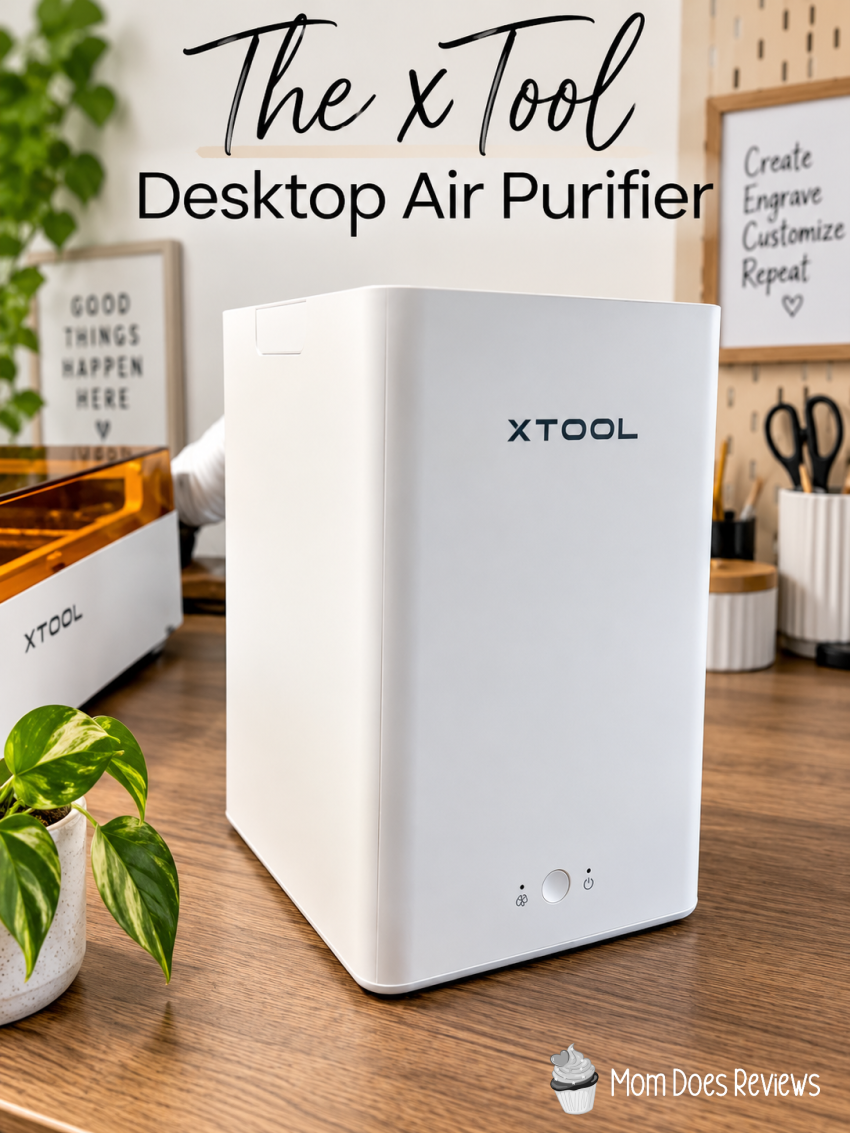
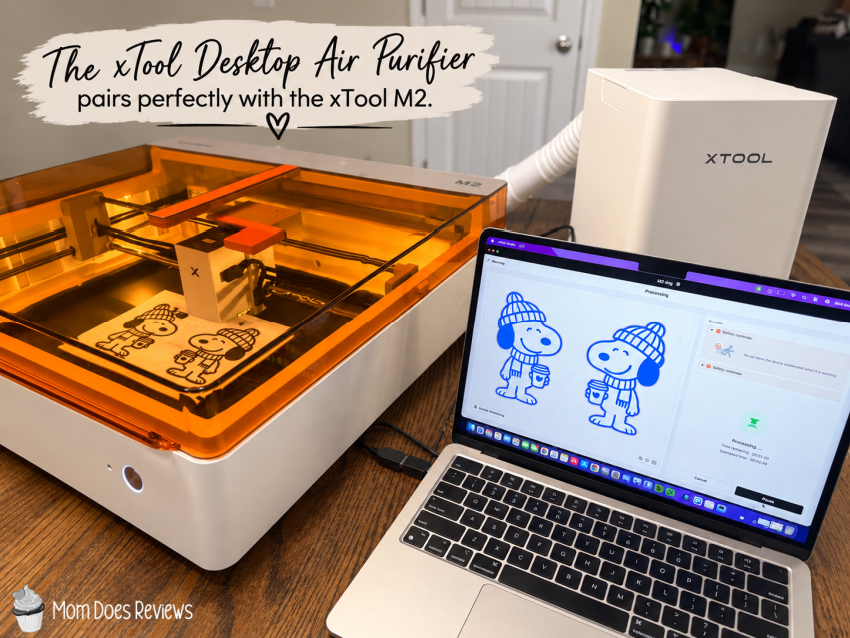
I recently added the xTool M2 Laser Engraver to my craft space, and I’ve had so much fun discovering everything this machine can do. From printing stickers and temporary tattoos to engraving and laser cutting, the creative possibilities seem endless. I’ve been teaching myself how to use the M2, and I’m honestly surprised by how quickly I’ve been able to learn. There is definitely a learning curve, but the more projects I make, the more comfortable I become with the machine and xTool Studio. When I started experimenting with the laser, I quickly realized that I needed a ventilation solution. Unfortunately, I don’t have the option to vent the laser out a window where I live. That’s when I discovered the compact xTool Desktop Air Purifier. It seemed like the perfect companion for my M2, giving me a convenient way to help manage smoke, odors, and particles while I create.
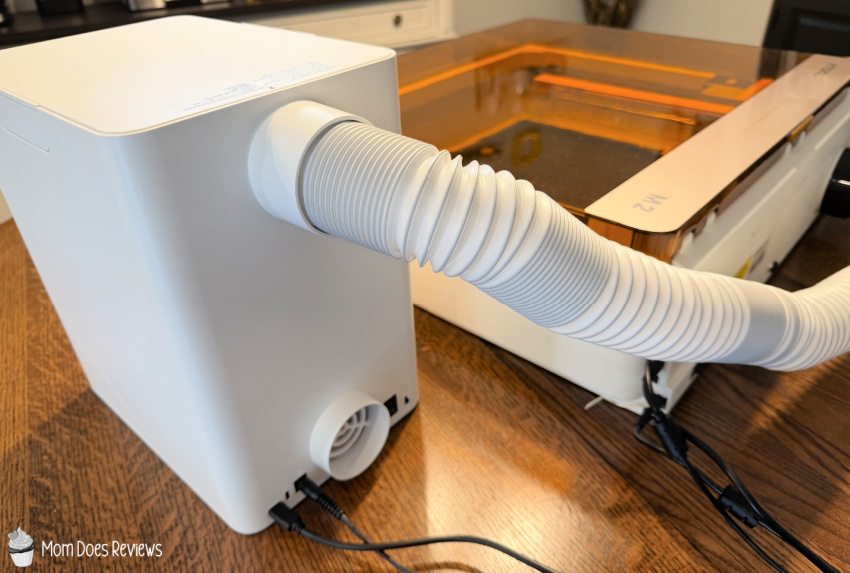
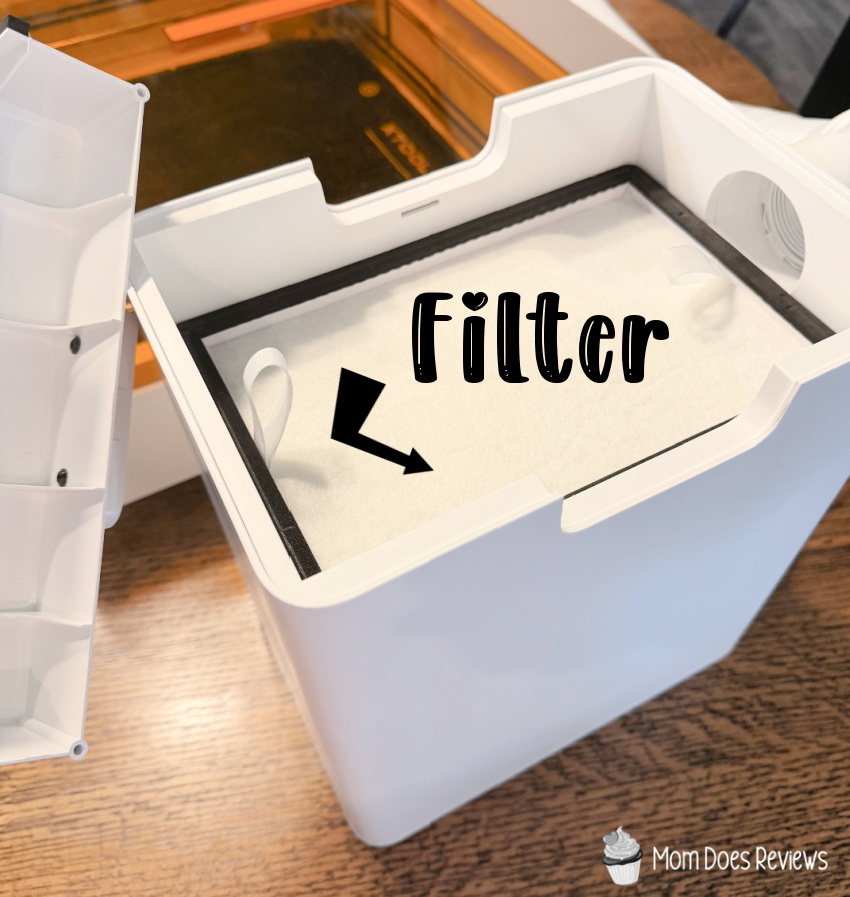
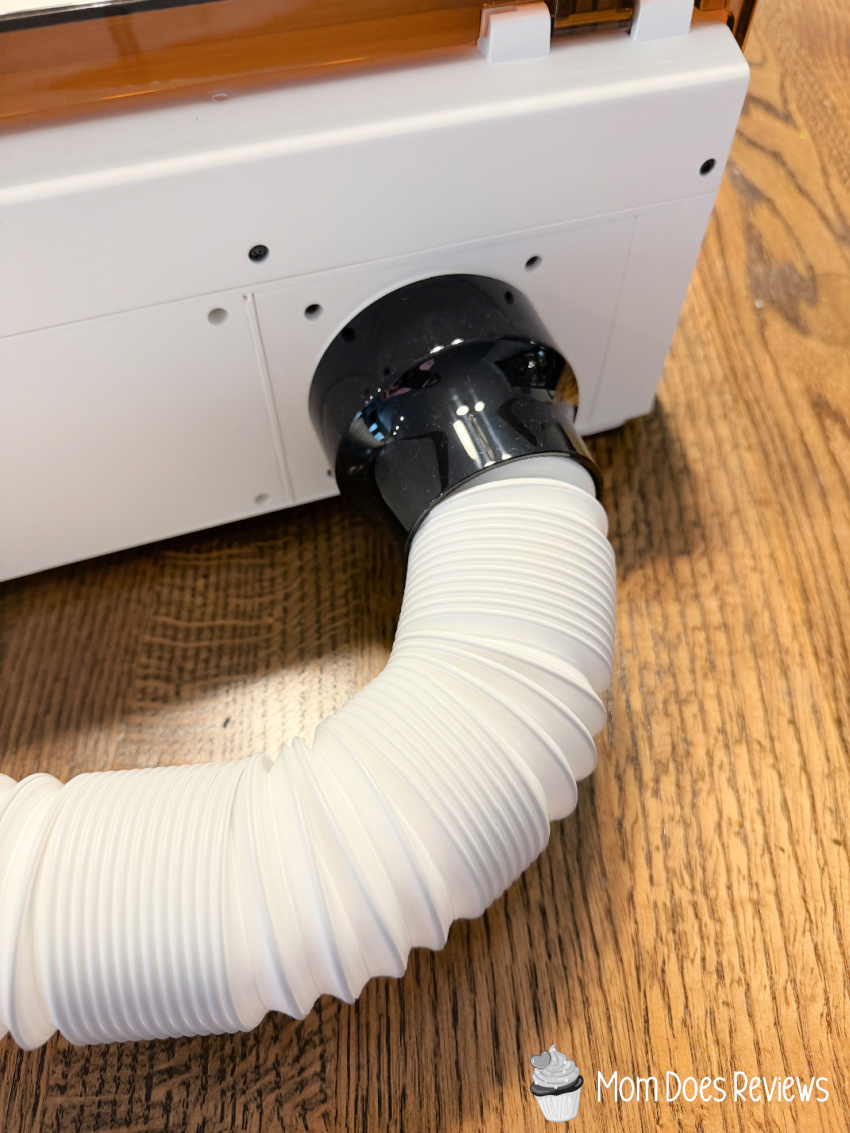
The xTool Desktop Air Purifier is a compact filtration system designed to pair with select xTool machines and help create a cleaner, more comfortable crafting environment. It uses a three-layer filtration system with HEPA and activated carbon filters to capture particles and help reduce odors from laser processing. It’s compatible with the xTool M2, F2, F1, and M1 Ultra. You’ll need an adapter to connect the purifier to the M2, and xTool recommends running the purifier at its highest setting while you use the machine. It doesn’t take up much space, making it an especially convenient option for a home craft area where venting outside may not be possible.
About xTool
At xTool, we believe creativity is the engine of civilization and the soul of humanity. Our mission is to simplify the complex—lowering barriers and expanding what’s possible to create in the physical world. From a spark of inspiration to something real you can hold, xTool empowers people everywhere to rediscover the joy of making, express who they are, and shape the world around them.
My Thoughts:

Check out my review on the xTool M2 Color Craft Laser Cutter & Engraver
Connect with xTool on social media
Facebook | Twitter | Pinterest | Instagram
You can find xTool in our 2026 Back to School Gift Guide!