My Creative Journey with the xTool M2
I’ve always loved creating things and adding personal touches to everything. Homemade cards and gifts are some of my favorite things to make, no matter the occasion. I definitely get that from my mom, who is incredibly talented and thoughtful. When I started having kids, creating personalized gifts became even more fun. I was always looking for ways to customize things, so I had purchased a vinyl cutting machine. I had an absolute blast with it and quickly learned how to get creative and make the most of it. Eventually, I wanted to take my creativity to the next level and started looking into laser cutting and engraving. It felt intimidating at first, but I knew it could open up a whole new world of possibilities. That’s when I discovered the xTool M2 Color Craft Laser Cutter & Engraver, and it has been an amazing machine.
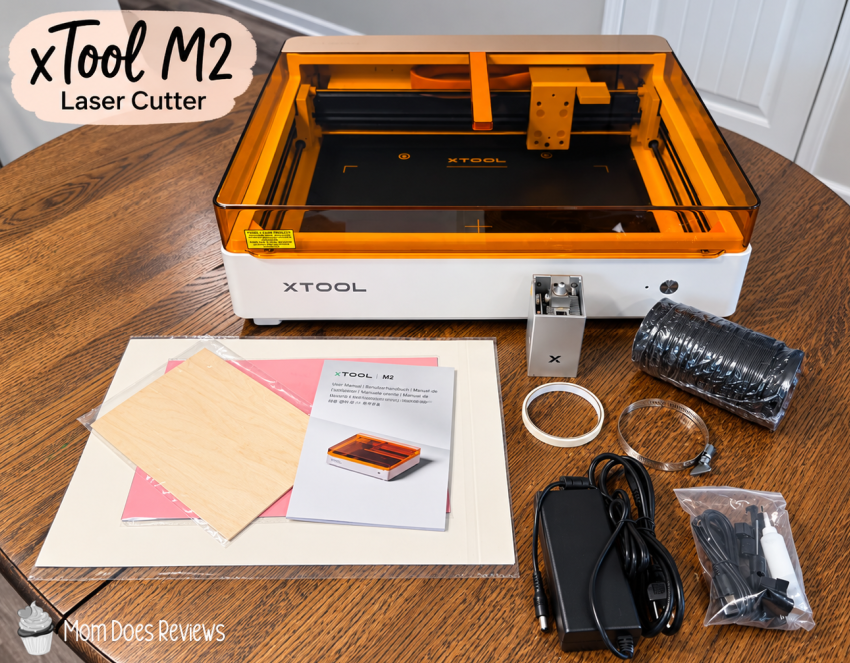
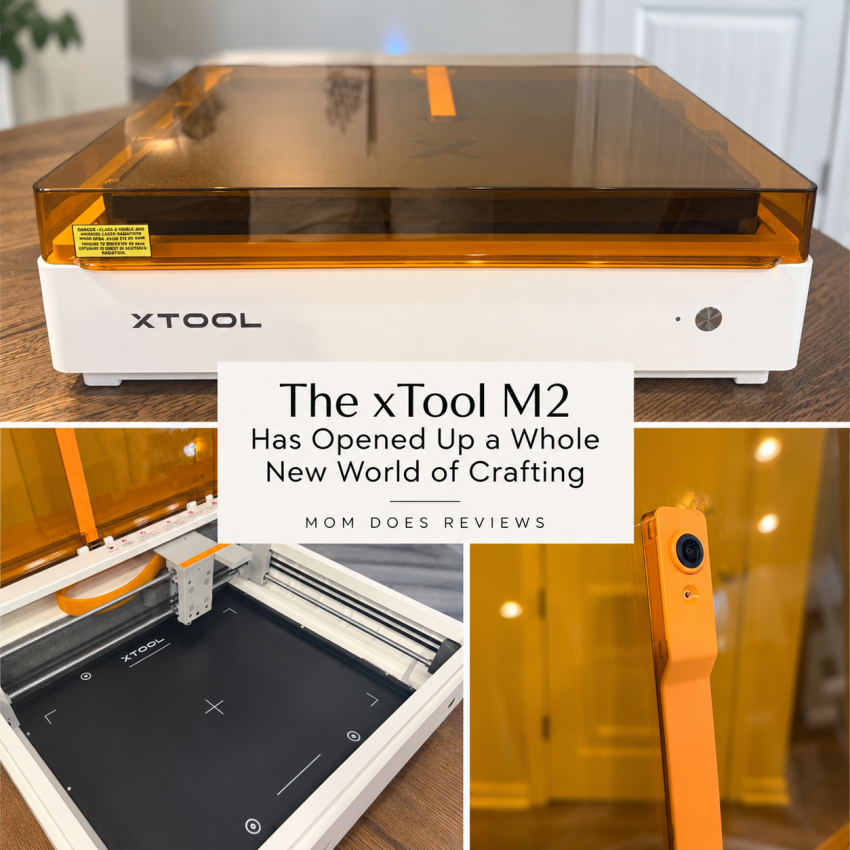
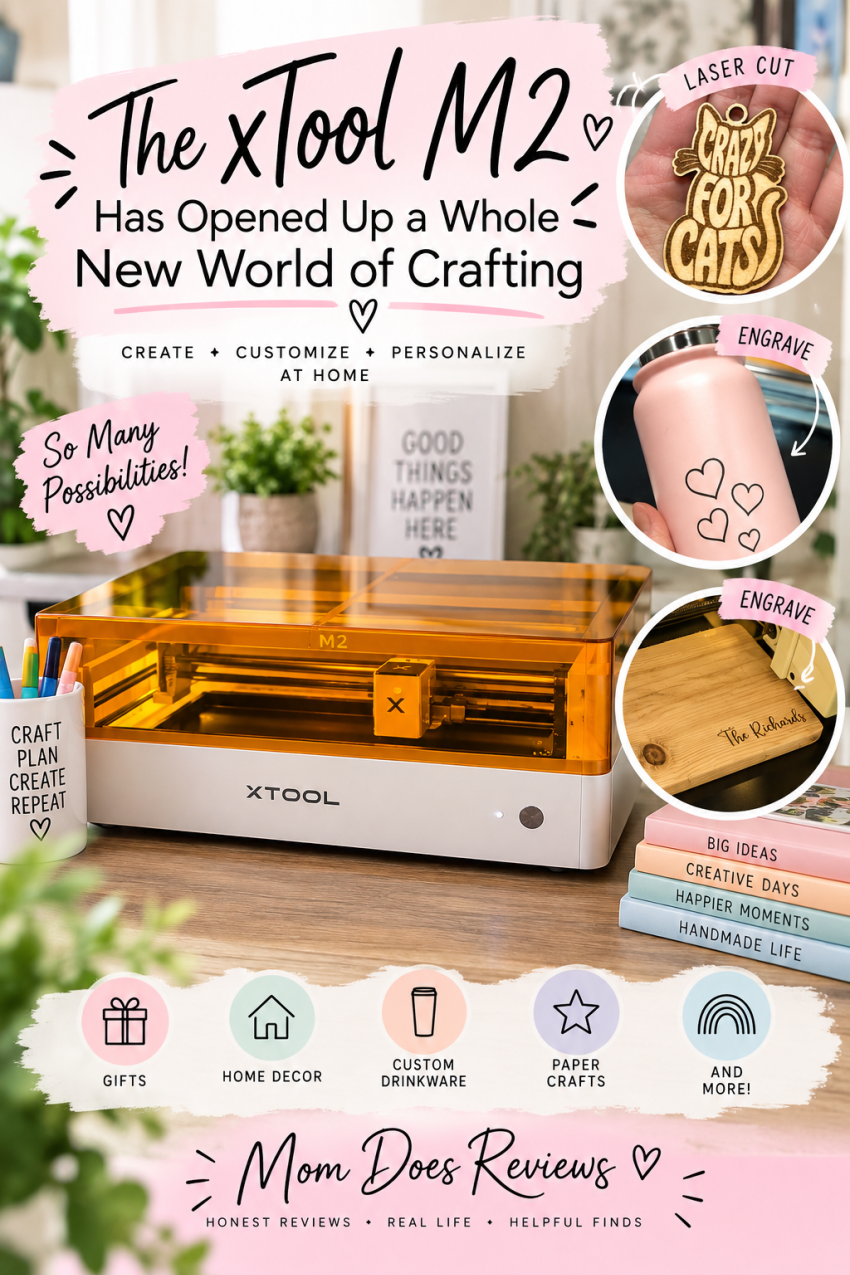
The xTool M2 Color Craft Laser Cutter & Engraver is a versatile desktop crafting machine that takes DIY projects to a whole new level. It combines laser cutting and engraving with full-color printing, giving you the ability to create everything from personalized signs and gifts to stickers, cards, wood projects, acrylic designs, and so much more. What I really love is that it isn’t limited to just one type of material or project. The M2 is designed to work with a variety of materials, including wood, acrylic, leather, paper, fabric, and more. It also features a spacious work area and user-friendly software, making it easier to bring your ideas to life. Whether you’re an experienced crafter or just getting started with laser projects, the xTool M2 offers plenty of creative possibilities all in one machine.
About xTool
At xTool, we believe creativity is the engine of civilization and the soul of humanity. Our mission is to simplify the complex—lowering barriers and expanding what’s possible to create in the physical world. From a spark of inspiration to something real you can hold, xTool empowers people everywhere to rediscover the joy of making, express who they are, and shape the world around them.
My Thoughts:
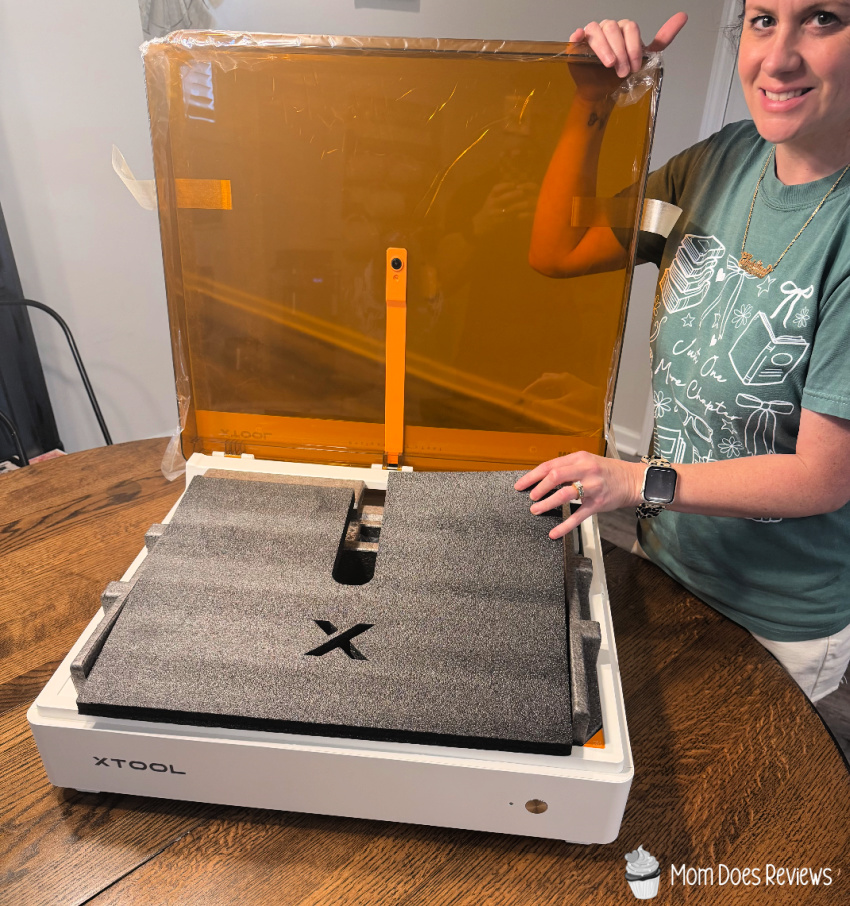
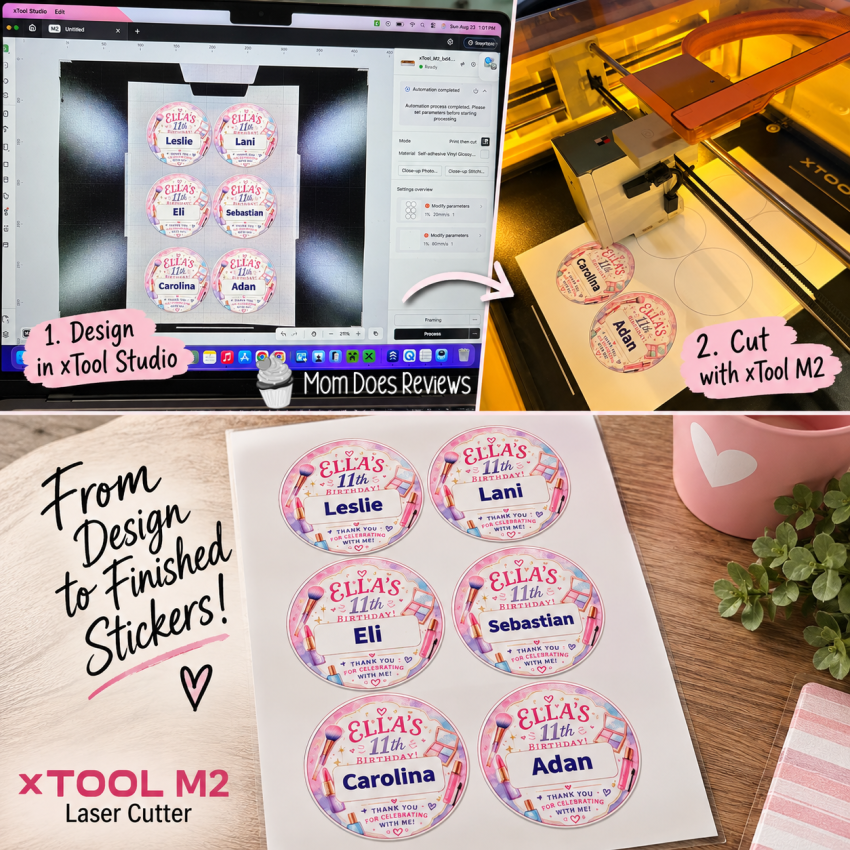
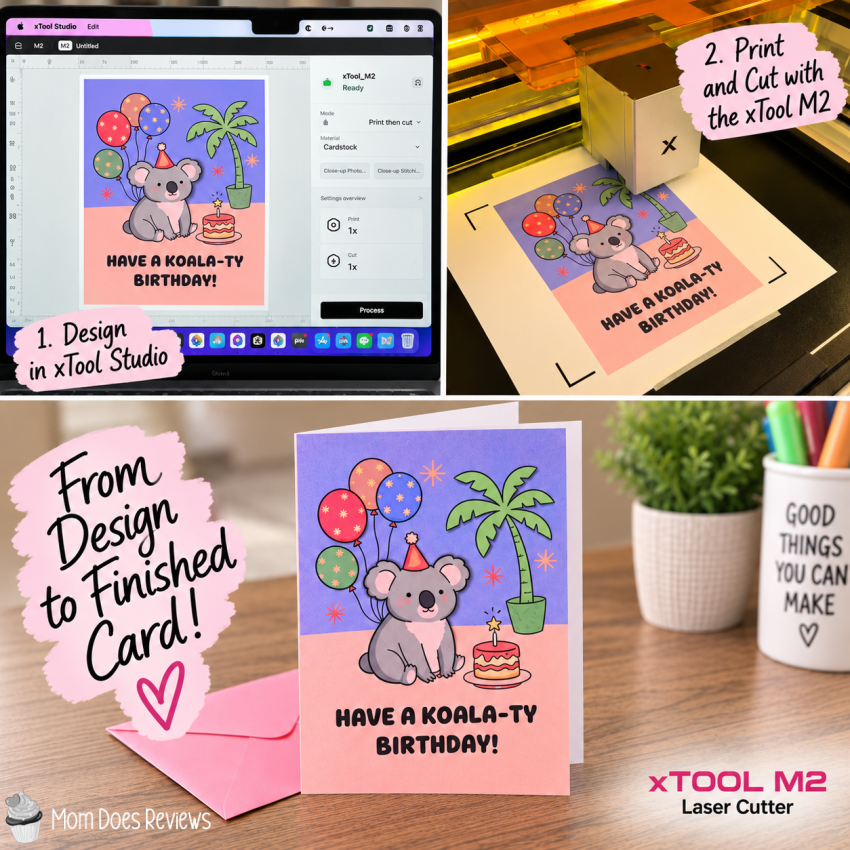
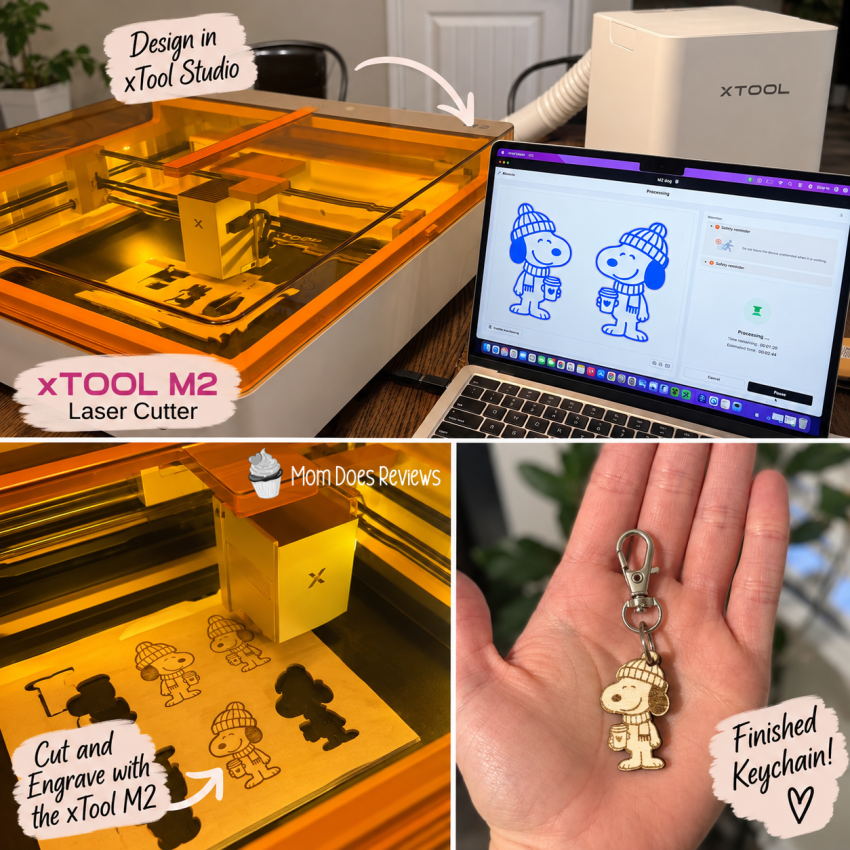
As soon as my xTool M2 arrived at my front door, I couldn’t wait to get started! I unboxed it, plugged it in, downloaded the software, and jumped right into setting everything up. The process was surprisingly simple, and I was creating my first project before I knew it. I love that it comes with several materials to test, which made it easy to start experimenting right away. I’m still learning my way around xTool Studio, but it gets easier and more intuitive every time I use it. I’m especially impressed by the laser’s precision and how crisp and detailed my engravings and prints turn out. Switching between the laser and printing modules takes just a few seconds, making the print-and-cut process incredibly easy. I quickly learned that proper ventilation is important when using the laser, and the xTool Desktop Air Purifier has been a fantastic addition to my setup.
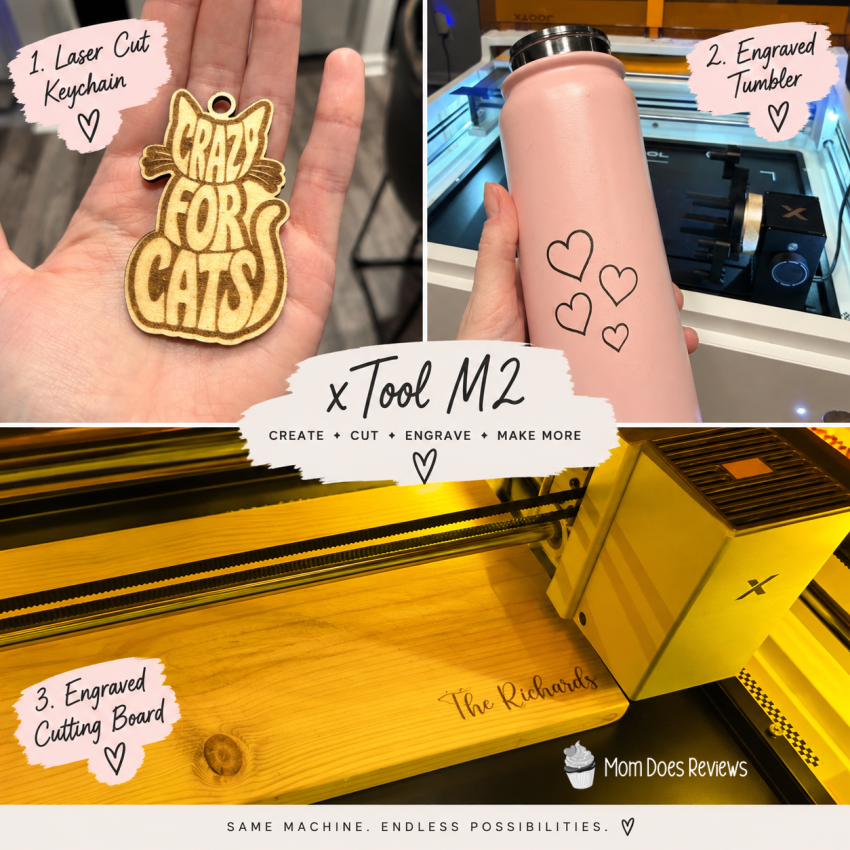
One of my favorite things about xTool Studio is the huge selection of free templates. They make it so much easier to get started and take a lot of the guesswork out of creating a project. I’m also amazed by how many different materials the M2 can handle. One feature I’m still having fun learning is the rotary attachment, which lets me engrave drinkware, Christmas ornaments, jewelry, and more. So far, I’ve made a birthday card, customized goody bag labels, keychains, a cup, and even engraved a cutting board. Every project has taught me something new, and that’s what I love most about using the M2. It’s been such a fun learning adventure, and I feel like I’ve only scratched the surface of what this machine can do. Whether you’re a beginner or an experienced crafter, the xTool M2 opens the door to so many creative possibilities.
Why You’ll Love It
If you love creating, personalizing, and turning your ideas into something you can actually hold in your hands, I think you’ll have a lot of fun with the xTool M2. It’s a great fit for crafters, DIY lovers, small business owners, teachers, and anyone who enjoys making personalized gifts and projects. I especially love it for people who want to take their crafting to the next level without needing to be an expert from day one. There is definitely a learning curve, but I’ve enjoyed learning as I go and discovering something new with every project. From custom gifts and party decorations to signs, stickers, engravings, and so much more, the creative possibilities are huge. I’m still learning everything my M2 can do, but I already know it has earned a permanent spot in my craft space!
Please note: The CMYK Inkjet Printing Module, RA3 Lite, and Desktop Air Purifier are sold separately from the xTool M2. However, the CMYK Inkjet Printing Module and RA3 Lite can be bundled with the M2 here.
Connect with xTool on social media
Facebook | X | Pinterest | Instagram
You can find xTool in our 2026 Back To School Gift Guide!