
We are wrapping up our Tria Beauty Hair Removal Laser series with a review of Tria – in use! I have to say I was pretty scared to give Tria a try. Although the directions frown upon using the hair removal laser for more than one person, I tested it out on my husband first — he gladly accepted the job!

Prior to use, we prepped the treatment area by shaving and allowing the area to dry completely.
We began our first session by taking everything out of the box and activating the device online. Tria is NOT a charge and go device, you have to activate it before you can begin using it. This recommendation is so strong that they programmed it in a way that you have no other choice- Tria will not turn on without activation.
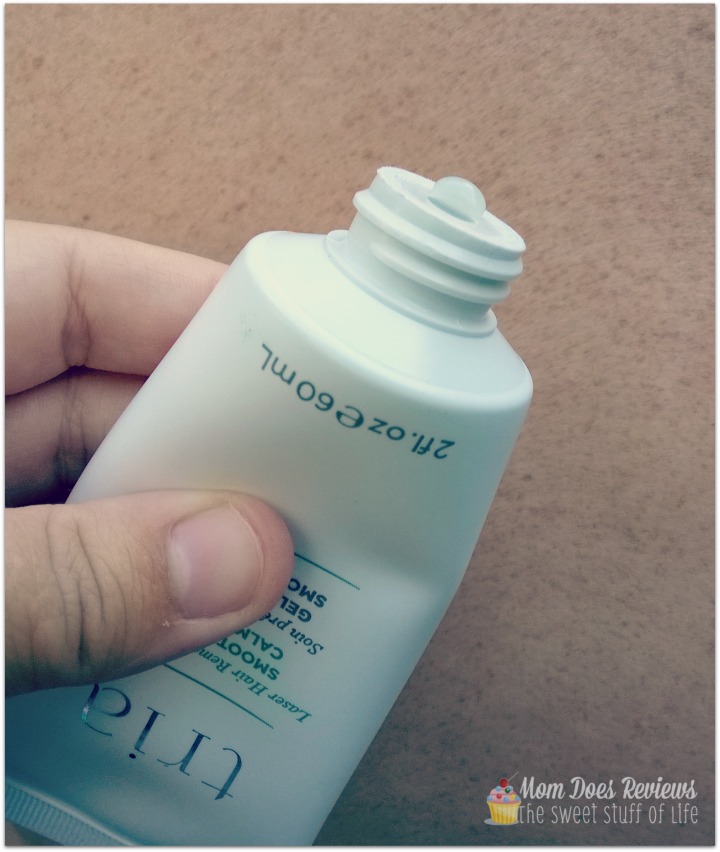
After activation, I applied the SmoothStart calming gel to the treatment area. SmoothStart Calming Gel contains an Indian plant extract with anti-inflammatory properties to help diminish the sensation of the laser treatment.
After the Tria Hair Removal Laser is activated, press the power button while holding Tria’s base to the treatment area. This will unlock the device for use — the unlocking procedure must be completed at the start of every session. After Tria is unlocked, the LED screen begins showing the user important information: lock (off/on), battery indicator, pulse counter, skin sensor indicator, and treatment level.
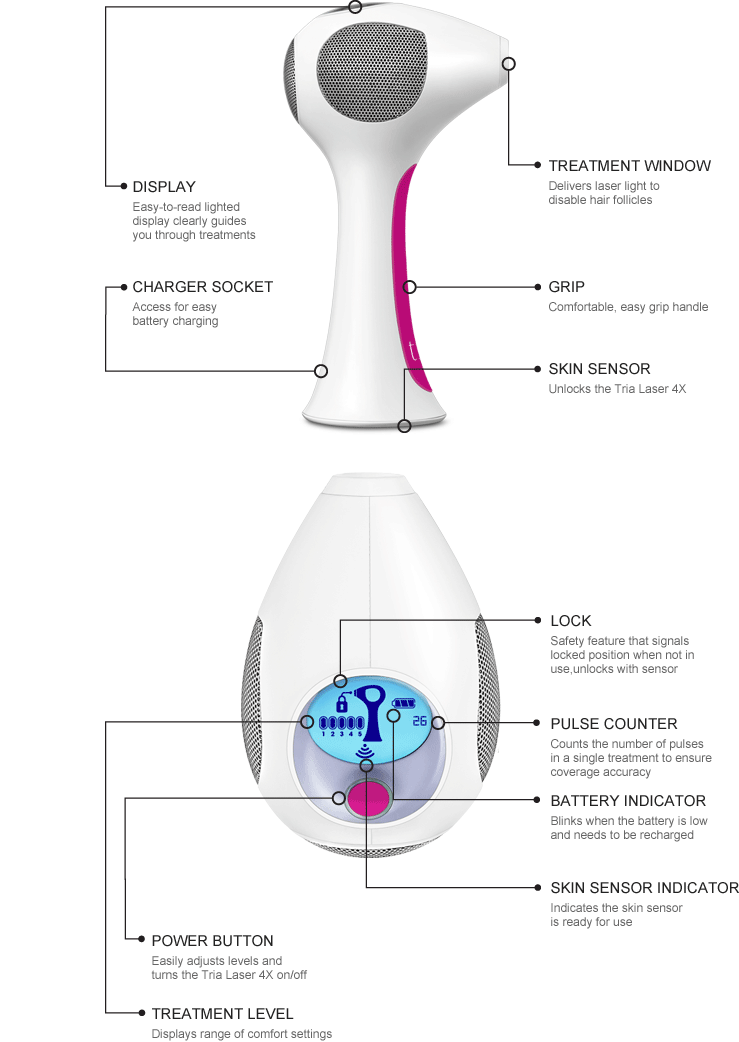
Here’s a cool feature that I didn’t notice until we started, Tria doesn’t have a “trigger” button. The only button that needs to be pressed is the main on/off/treatment level button. The actual laser is performed via a sensor and is automatic. Just press Tria Beauty Hair Removal Laser to the skin and it completes the laser action and the pulse counter automatically goes up. That’s it! See how easy it is in the video below.
(*Note, this is a simple video showing what happens when Tria is in use on the highest setting)

The directions recommend you use the highest setting you can tolerate during each session. I tested each setting on my husband before I began and he said that the highest setting was fine.
“In a clinical study, higher levels were found to be 2-3 times more effective. So for best results, [they] recommend you use the highest setting that you can tolerate.”
Was it painful?
I was really worried about the Tria Beauty Hair Removal Laser being painful, but it wasn’t. Seeing my husband do so well with it on the highest level during his first treatment session, I sat aside my fear and tried it for myself.
I was able to begin my treatment at level three. I didn’t experience “pain” but I did feel warmth. The best way to describe it would be less-so than a warm pants button fresh out of the dryer. When the fan turned on I noticed a slight increase in the warmth I felt but it didn’t make me want to discontinue treatment.
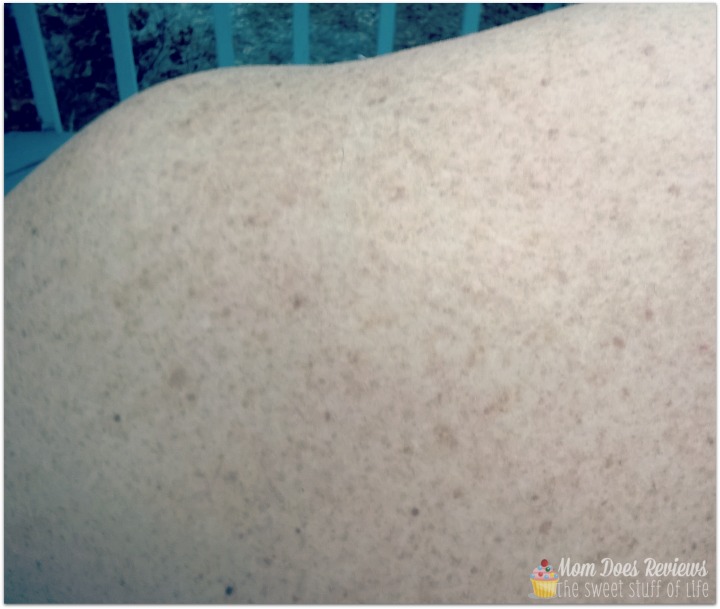
The photo above was taken immediately after my husband’s treatment on his upper arm/shoulder. As you can see, there was no redness or any skin irritation. I couldn’t notice a difference in the areas I used the laser and didn’t. The photo above has the treatment area in the upper half and a non-treated area in the lower half of the picture.
Mom’s Thoughts:
The Tria Beauty Hair Removal Laser 4X was much easier to use than I thought and I am pretty relieved that it didn’t hurt.
I would like to see a wider treatment window considered for future lasers to reduce the amount of pulses required for larger areas. The 100 pulses/4-5 minutes for each underarm went quickly, but the 1200 pulses/1 hours for each complete leg seems daunting. I am going to start by treating my lower legs first for the complete three months and then move to my upper leg/thigh. (Each user will have their own preferences and treatment schedule.)
Look for more Tria Beauty updates from me after the new year!
See the full Tria Series at Mom Does Reviews HERE.
Visit Tria Beauty to learn more about the Hair Removal Laser.
Website | Facebook | Twitter | Google+ | YouTube | Pinterest
The Tria Beauty Hair Removal Laser 4X is also featured on the 2015 Christmas Gift Guide!
Visit the guide to find more fabulous gift ideas.

