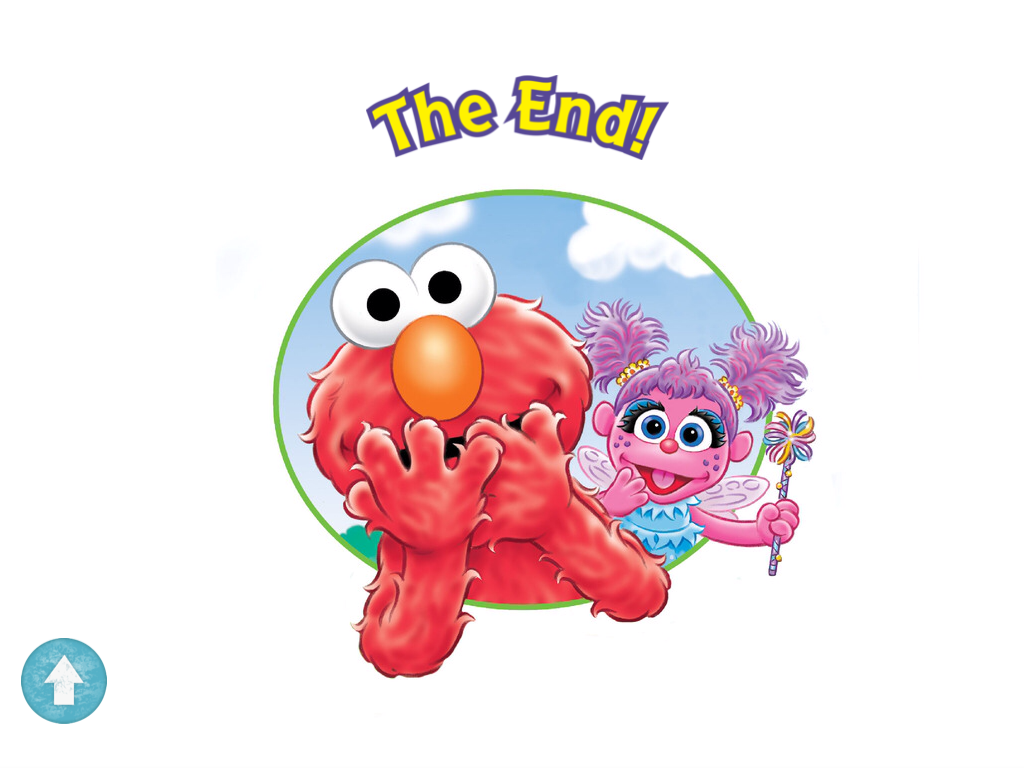
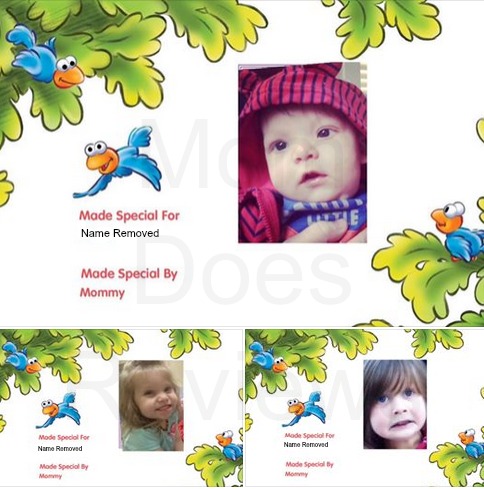
We are big fans of Put Me In The Story at Mom Doe Reviews and we are excited to tell you about their newest eBook application, What Makes You Giggle. What Makes You Giggle is a story application featuring the Sesame Street characters that also allows you to put your child’s name in the story. Putting your child in the story is easy and takes less than two minutes to set up. All you have to do is create your child’s profile by typing in their name, picking out a picture, and recording their name in your voice. If you don’t have a photo available, there is an option to take one, right then, without leaving the application!
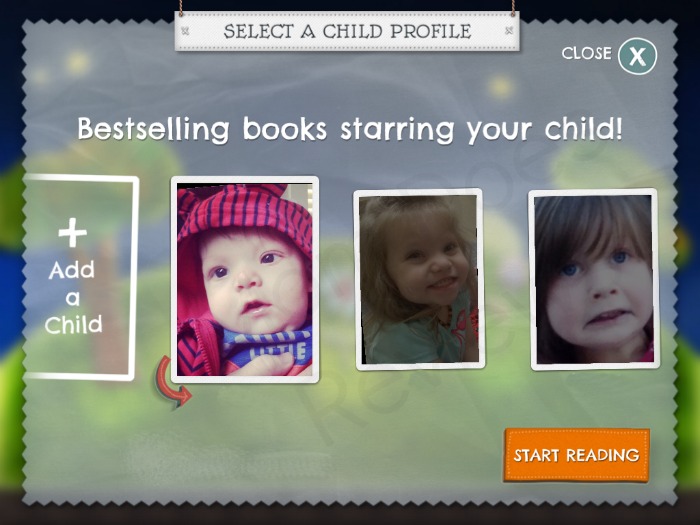
I really liked that I could create multiple accounts for more than one child. This is great for those who have multiple little ones sharing the same book application – like me. (*Children’s names appear under each child’s photo. I have removed my children’s names from the screen shot above.) (Yes, my silly son made that face on purpose *smile*)
What gives your child a grin? Big Bird in a tutu doing a spin?
In What Makes You Giggle, your child comes along on a roaring ride of tummy tickles and giggles with Elmo and Abby as they delve into all kinds of fun things that make them laugh and smile. Simply add your child’s photo and name, then watch your child’s face light up as this story comes to life with animation and narration, with your child as the star.
Your child joins the story for a laugh at the zoo, a chuckle at Oscar’s birthday party, and a smile in Cookie Monster’s kitchen. Share your child’s story with friends and loved ones!
Using the application was very easy and there are several features I would have never thought of creating – but they did! One of these neat features is sharing your new book on your social media pages or email. After we created our book we were able to send an image to our Facebook page to share with others. Oh! And, before I forget, if your child really likes the book, you can order a hardback version directly from the app.
 Once your child’s account is set up and you are ready to get started, you have a few more features to choose from. Read to Me, Autoplay, and “Hear Sound Effects”. My kids like autoplay with sound effects best. The sound effects really help to make the story that much more entertaining.
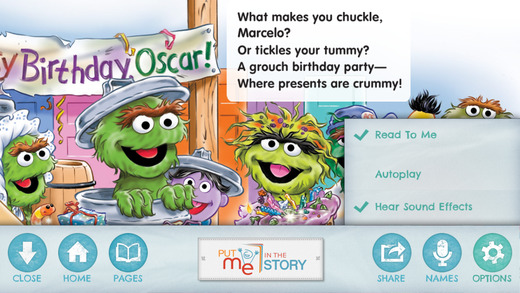
On each page there are also visual effects your child can enjoy. A visual effect is indicated by a sparkling, twinkling, puff of glitter that appears letting your child know to touch that portion of the page. Visual effects can make characters wiggle, move, or other aspects of the storybook page to move. Our favorite page is the Snufleupagus race because Elmo and Earnie both move, and Snufleupagus runs across the page.
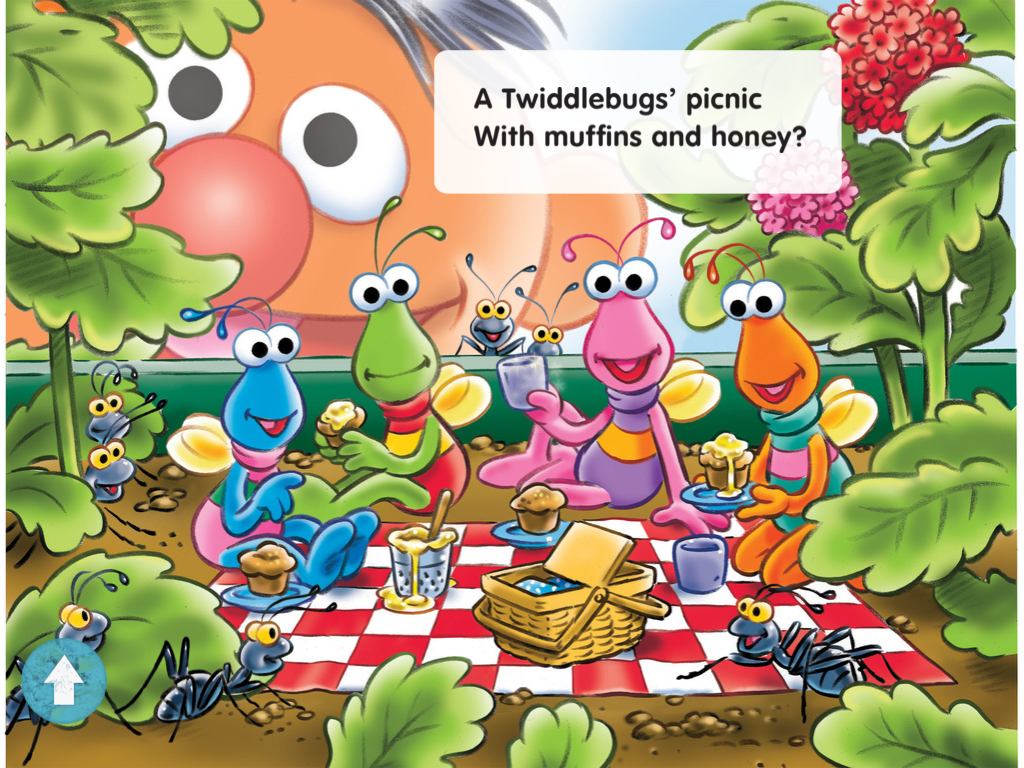
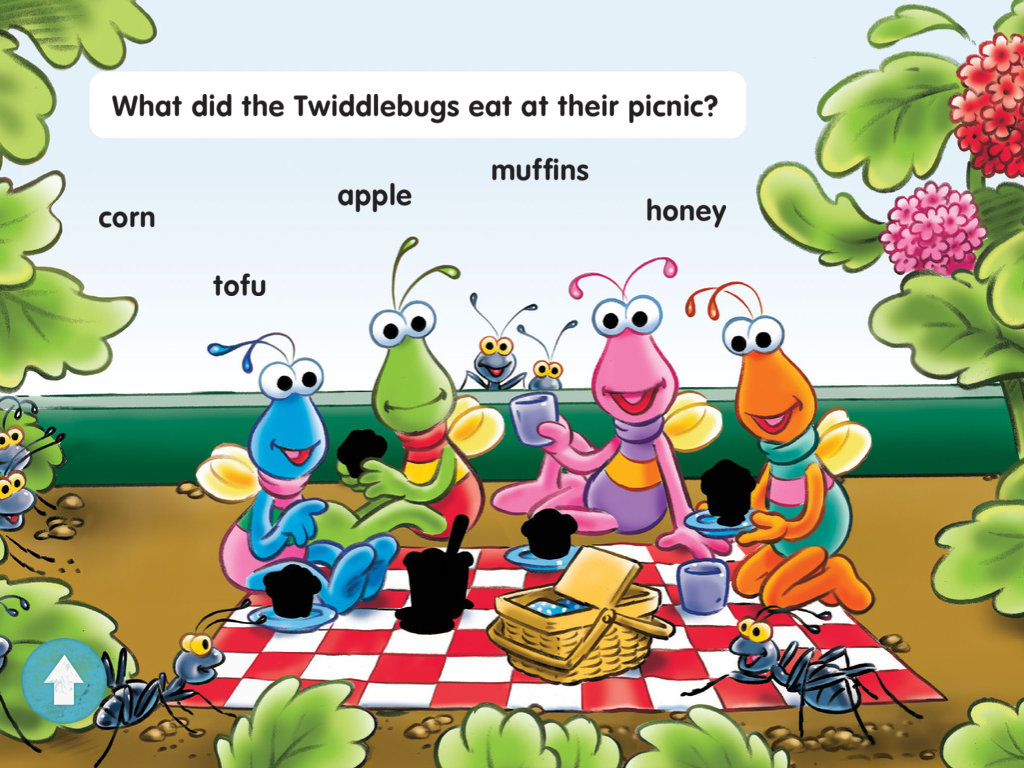
Another page we like is at the end of the story when the child is asked questions about the story (this promotes story recognition to make sure your child is comprehending what is being read to them, or what they are reading.) Do you see the photo above? At the end of the story this same page appears again but minus items that were on the blanket previously. The caption at the top of the page asks “What did the Twiddlebugs eat at their picnic?”. When the child selects the word for the items they ate, the item re-appears back onto the page. Take a look at the photo below to get an idea of what I’m talking about:
What did Mom and the kids think?
The children who have enjoyed reading this story are under the age of five and each one has a different preference. Baby Girl prefers to take the book much slower and watches each animation separately. My “big” guy, who is my special child, enjoys recording his voice saying his name instead of me, and he likes to try all of the animation quickly – at one time. He becomes bored somewhere near the middle, while Baby Girl does allow me to finish. He will come over and help us answer the questions at the end which is always fun for everyone.
Based on the kids reactions, they enjoy the app greatly. They like seeing their pictures in the book and have asked me to sit with them for a reading several times.
I like that there is an educational aspect to it – educational is always good! I would love a feature that would allow me to record myself reading the entire story instead of just the child’s name. It sounds so out of sorts when it is said that I prefer to skip that portion altogether.
Pick up your copy of What Makes You Giggle in the Apple Store HERE.