Pictures do a lot of the talking online these days. Businesses, designers, teachers and creators lean on images to explain ideas, sell products and catch people’s attention while they scroll. The trouble is that not every picture slots neatly into every design. A product shot taken against a grey kitchen wall can look badly out of place on a bright website, a social post, a slide deck or a flyer. That’s exactly where transparent backgrounds earn their keep.
With transparent backgrounds, the subject of an image stands on its own, with nothing solid or distracting sitting behind it. It gives designers far more freedom and makes it much simpler to drop visuals into all sorts of projects. Editing tools have also come a long way, so removing a background is no longer a job reserved for seasoned professionals. Someone putting together their first online shop can now manage it on a lunch break.
What Is a Transparent Background?
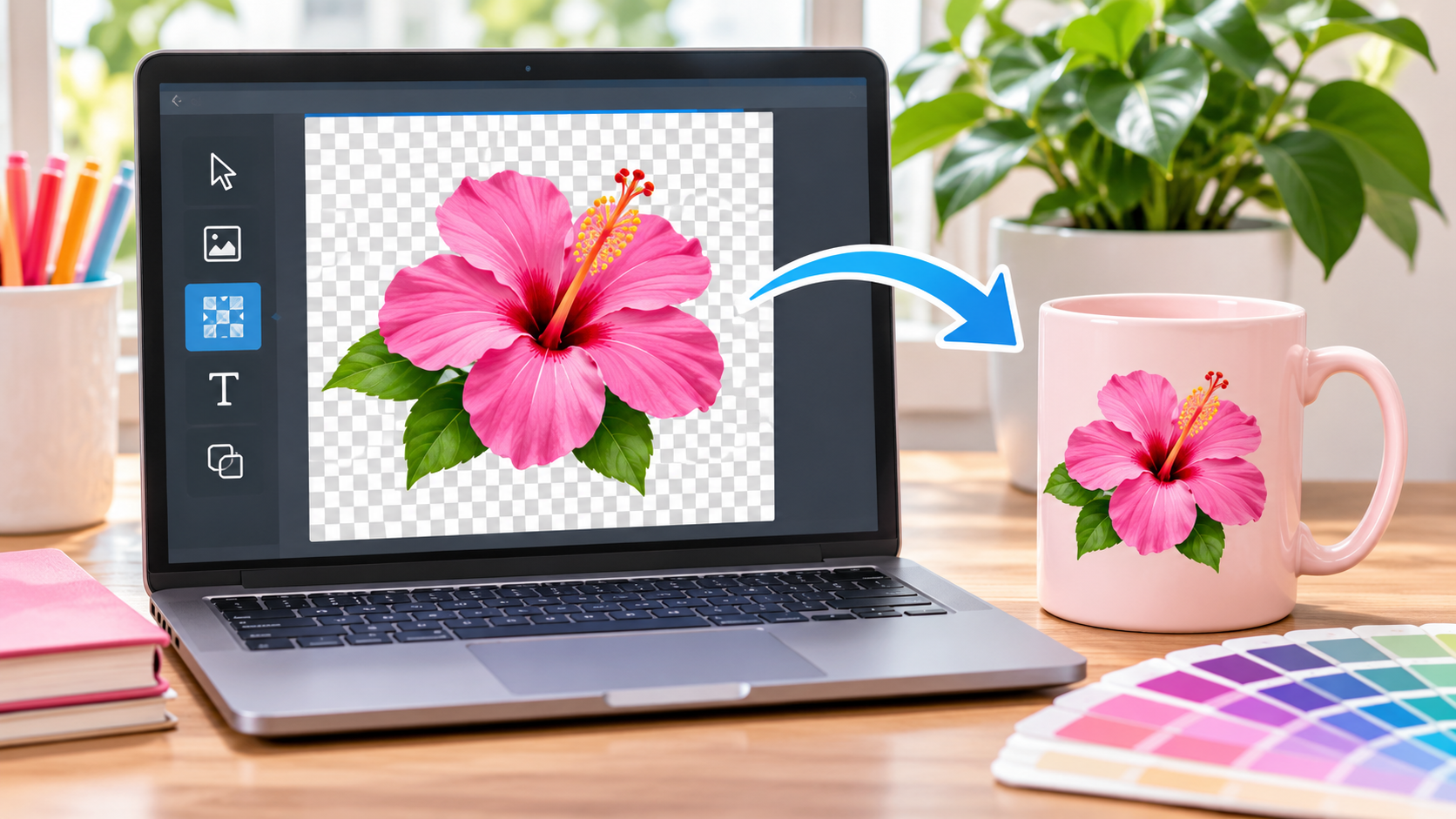
In simple terms, it’s part of an image that holds no visible colour or solid surface at all. There’s no white box, black patch or coloured block. Whatever sits underneath the image simply shows through.
PNG and WebP files are able to hold on to that see-through information. That’s why they’re the usual choice for logos, icons, product photos, illustrations and other graphics. Save a logo in the wrong format, and the see-through areas can quietly vanish.
Much of the magic comes down to something called the alpha channel. It sets how opaque each individual pixel is, so some parts of an image stay fully visible while others fade partly or completely away. The result is softer edges and compositions that look natural rather than cut out with blunt scissors.
Why Transparent Backgrounds Matter in Digital Design
The practical benefits add up quickly, and flexibility sits at the top of the list. One image can go on top of a plain colour, a busy pattern, another photo or any section of a website without anyone having to fix the background each time. It saves a surprising amount of fiddling.
Take an online shop selling ceramic mugs. The same mug photo might need to appear on the product page, in an advert and on a festive banner. Once the original background is gone, that single image fits neatly into every one of those layouts and looks consistent wherever it lands.
It also keeps a brand looking the same everywhere. Logos turn up on websites, letterheads, packaging and social posts, often against very different colours. A transparent version saves a lot of awkwardness, because there’s no white rectangle clashing with a dark navy header.
How AI Technology Simplifies Background Removal
Not so long ago, removing a background meant painstaking manual work. Designers worked with selection tools, masks and careful edge tweaks to lift a subject away from everything around it. Those techniques still have their place on demanding projects, but they eat up time and take real skill. Tracing around a bicycle wheel spoke by spoke is nobody’s idea of fun.
Artificial intelligence takes a much more automatic route. AI tools study an image, pick out the main subject and tell it apart from the background. They look at shapes, colours, textures, lighting and edges to decide what stays and what goes.
An online transparent background editing solution can make the whole job easier by cutting down on manual selection. It’s especially handy when getting product images, profile pictures, illustrations and other visuals ready to publish. A small seller preparing fifty product photos the night before a launch will certainly feel the difference.
Automatic results aren’t flawless, though. Wispy hair, glass objects, subjects that share colours with their background or people overlapping in a group shot can all trip the software up. A little extra tidying is often needed before the image is truly ready.
Common Applications Across Different Industries
Transparent backgrounds pop up in all kinds of work, from big professional projects to personal ones.
E-commerce: Online shops often show products on their own to keep listings clean and consistent. Cut-out images can then be dropped straight into adverts and seasonal campaigns, such as a summer sale banner.
Graphic Design: Designers combine photos, illustrations, lettering and decorative touches using transparent elements, so nothing gets spoiled by a stray background.
Social Media: Creators regularly add transparent stickers, logos, cut-out photos and small decorative touches to posts, thumbnails and short videos to make them stand out in a crowded feed.
Education: Teachers and course designers can bring transparent diagrams, icons and illustrations into presentations and learning materials. A diagram of the water cycle can sit on any slide background without messing up the layout.
Branding: Transparent logo files are a real help to businesses, since they slot easily into websites, adverts, digital documents and other branded materials.
Choosing the Right Image Format
Picking the right file format plays a big part in keeping transparency intact. PNG is still a firm favorite, since it handles alpha transparency and compresses without losing quality. It’s ideal for logos, illustrations and graphics that need crisp, clean edges.
WebP handles transparency too, and in many cases it produces noticeably smaller files. That makes it a sensible pick for websites, where a slow-loading page can lose a visitor in moments.
JPEG is a different story, as it simply doesn’t support transparent areas. An image saved this way usually ends up with a solid background, even if the original editing file was full of see-through sections.
Best Practices for High-Quality Results
A good transparent image takes more than just stripping the background away. Image quality, edge accuracy and file compatibility all shape how the finished piece looks.
Things go far better when designers start with a clear, high-resolution photo wherever they can. It also pays to zoom in on the tricky bits, especially hair, shadows, fabric edges and tiny decorations. A blurry phone snap rarely gives clean edges, however clever the tool.
Once the background is gone, checking the image against a few contrasting colours, perhaps black, white and bright red, quickly shows up leftover pixels, rough edges or faint outlines. Saving it as a file type that can handle see-through areas keeps all that careful work intact. Nobody wants to discover a hidden white halo after the design has gone to print.
Conclusion
These days, transparency sits at the heart of modern digital design, because it lets a single visual be adapted, reused and fitted into all kinds of creative settings. AI has taken much of the hassle out of removing backgrounds, so far more people can turn out professional-looking pictures without years of editing behind them. Knowing how transparency works, picking a sensible file format and checking the result gives designers and creators flexible visuals for almost any digital use. A bit of care at the editing stage pays off every time the image is used again.
