As many companies begin to shift to a more permanent work-from-home model due to the COVID-19 pandemic, managers and fellow staff members face the prospect of trying to figure out how to maintain company culture and continue to communicate well within the organization.
Current company infrastructure may not support a communicative remote working environment, but the good news is that there are plenty of options to connect with your remote employees and potential interviewees. Learn about six of these ways.
1. Schedule interviews remotely with Goodtime.

By using the software at Goodtime.io, your recruiting team can reach out to job candidates who fit the qualifications for any open positions that you might have at your organization. The candidates can look at a schedule of available slots and choose their own time to interview, which cuts down on a lot of back and forth emails of trying to schedule interviews and adds efficiency to the entire interview process.
2. Invest in call center software
Running a call center takes a lot of technology, whether it is for phone support, customer service, or a contact center for a larger company. For employee safety, many call centers across the United States have had to take their operations to a remote setting. Zendesk call center software and other call center solutions can provide the support needed to handle outbound calls and inbound calls, call recording, store customer data, and more. Some may be able to integrate with Salesforce which can also help with customer support and customer service.
3. Get a live chat option that you and your employees can use.

There are several available options for live chat so that you and your employees can effectively communicate at any point. You may need to get in touch with a support team or help desk member quickly or need an edit to the company’s knowledge base, which would be easier to request when you are able to reach them over a live chat.
Live chats can also make it easier for remote customer service options, as any customer can submit a live chat request instead of making a phone call. This can help free up phone lines and you can serve customers in less time.
4. Establish official communication channels for efficiency.

Speaking of several available options, this applies to all types of communication. You should consider establishing official communication channels so that every employee knows what procedure to follow and how to reach anyone within the organization. Consider certain rules such as a 24-hour reply requirement for emails or inputting doctor appointments into a calendar so anyone can see if employees are available at the time they try to message them.
5. Host virtual events for your employees.
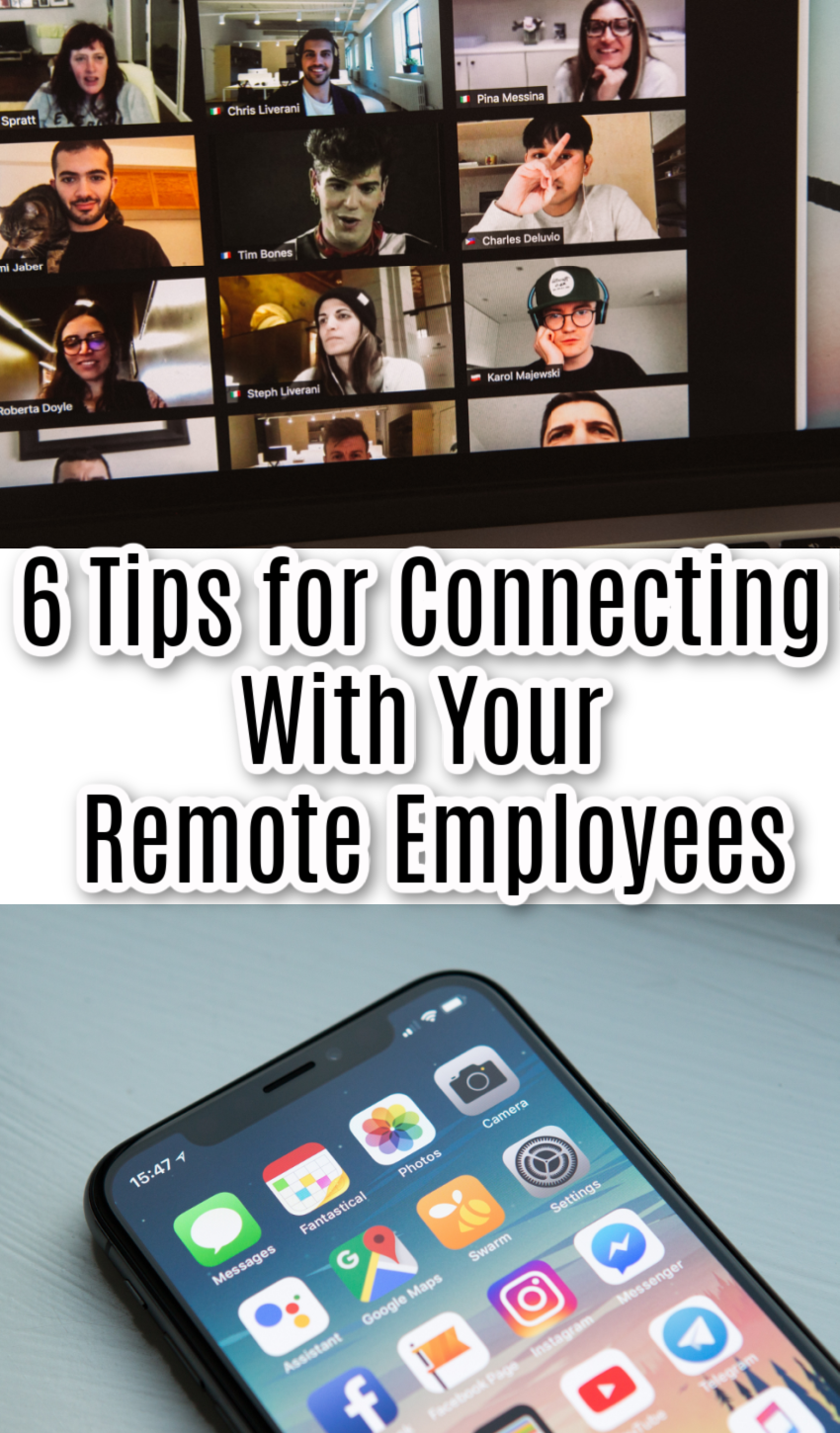
One concern about working remotely is the potential increase in loneliness. People are already socially isolated and they also lose their face-to-face time with other employees. This can decrease their feelings of engagement in work as they lose that sense of camaraderie with others. Consider hosting virtual events like a happy hour where employees can cut loose a bit, talk with each other, and enjoy each other’s company virtually. Lunchpool provides many options for virtual events.
6. Encourage employees to download mobile apps.
In the event that an employee’s internet goes out, they may not be able to communicate directly with you to inform you unless they have downloaded mobile apps on their phone. Encourage them to download Slack, email, or any other company standard of communication. Make sure they know to maintain work-life balance, though, and tell them it is OK to turn off notifications if they want to do so.
