If you wish to restore old pictures, you no longer need to spend money on expensive professionals and wait several days for the result. Nowadays, you can do it yourself, easily, quickly, and almost free of charge. Basically, there are two ways to proceed: you can restore old photos manually and digitally.
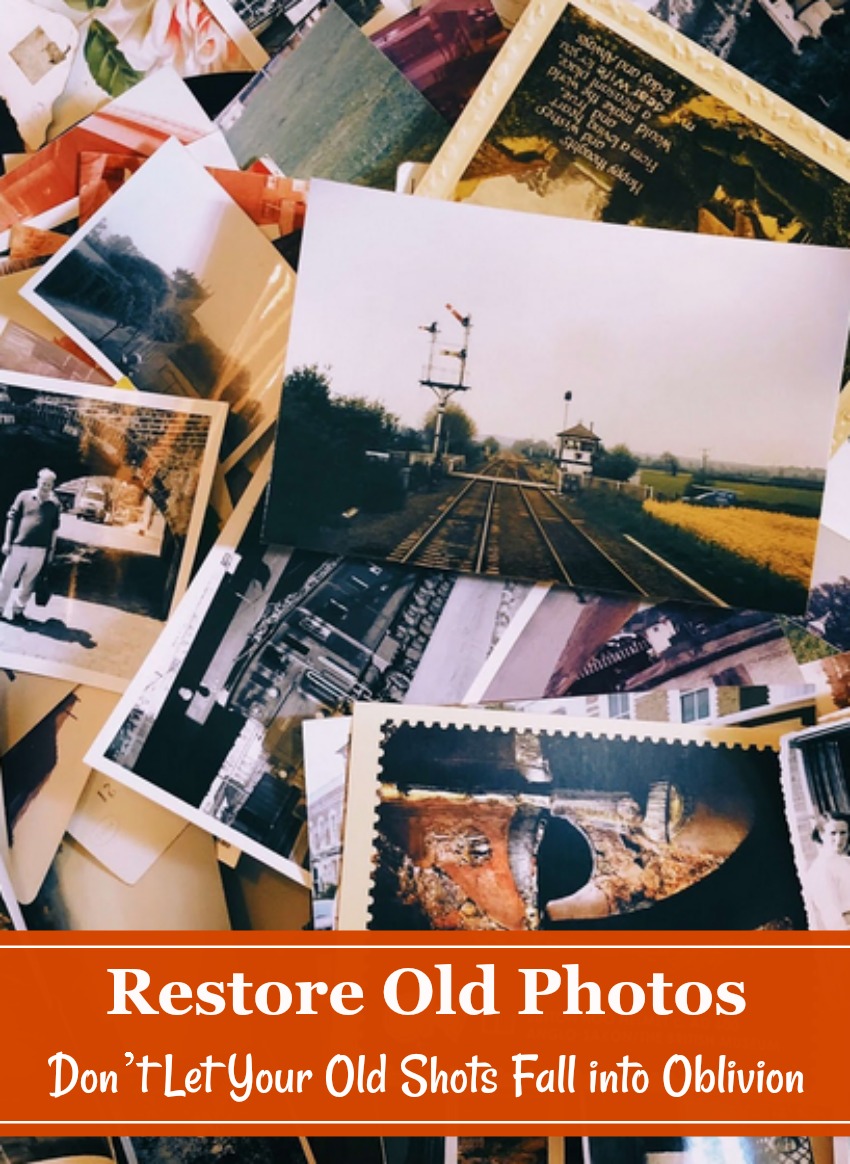
Option 1: Manually
Depending on the quality of the photo, there are various ways to go about it. If the picture is dirty and dusty, simply put on gloves and clean it using warm water. In case you find a pile of photos stuck together, soak them in distilled water for 20-30 minutes to gently separate them. Found an old picture stuck to glass? Use a hairdryer on it for 5-10 minutes and you will see the immediate result. If you discover a tear on the image, use acid-free tape to fix it or just apply a small piece of paper with acid-free glue.
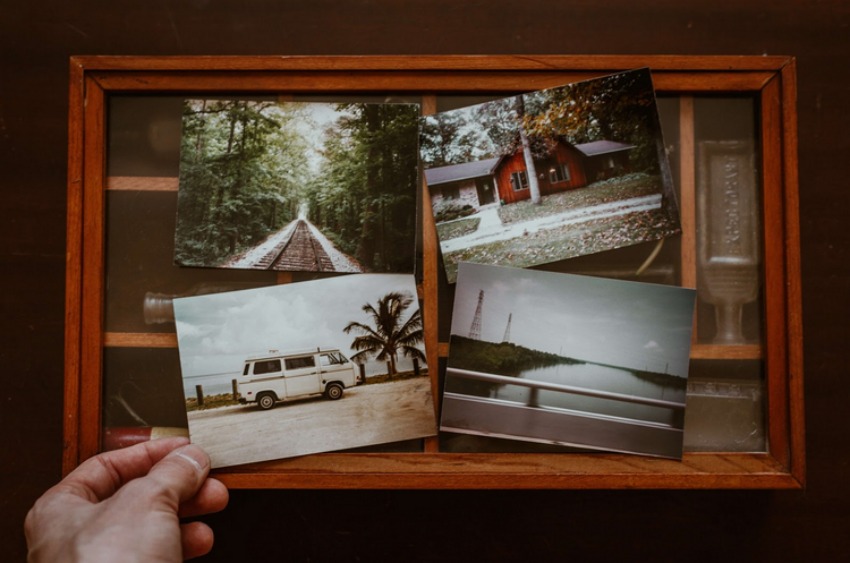
Option 2: Digitally
You can also use the products of technological progress to make old pictures look new and breathe new life into them. Even if you are unfamiliar with graphic design, you have definitely heard of Photoshop. It is probably the first tool you think of when it comes to photo editing. Second one is PhotoWorks – a much cheaper program that contains the same set of tools for photo editing.
With Photoshop
The program provides an extensive variety of tools for any purpose and you certainly can restore old photos in Photoshop as well.
Does your old image have brittle and torn edges? Use the crop tool to fix it. In case you discover big tears and cracks on the photo, use the Healing Brush to hide them. To give the picture its original tone back, use the Levels tool to adjust the colors. If the lighting is a tad off, adjust the Shadows, Highlights, and Contrast to give the image a harmonious look. After correcting contrast, use the Vignetting Tool to highlight the subject from the background.
With PhotoWorks
Another great photo editing program is PhotoWorks. Along with containing the same tools for photo correction, it has a much easier interface and perfectly suits aspiring photographers and amateurs.
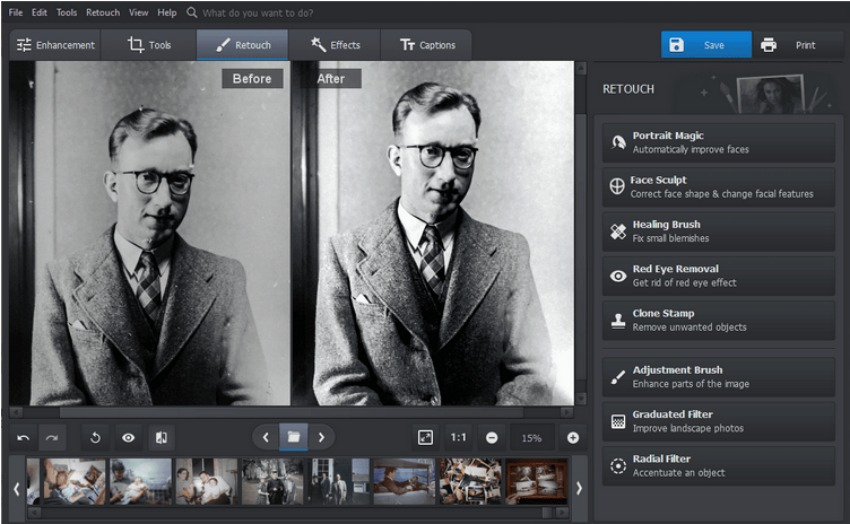
So how to restore old photos in PhotoWorks? You can basically apply the same tools that were mentioned earlier: Cropping tool, Healing Brush, Highlights, Contrast, and Sharpness. The perk of this particular software is its advantageous pricing, intuitive interface, and reduced system requirements, so you can run the program on any PC. Especially if you are a beginner, this program will make the learning curve easier and smoother due to its small built-in tutorials that will help you to master the essential editing tools.
Old family photos are too precious to lose, so use our tips to save them and enjoy for many years to come. It is important that upcoming generations learn about their ancestors and know the family history. Hopefully, our small tips on how to restore old photos will be very useful and help you bring old photos back to life.
