In this article, we will discuss two methods that you can use to create a website. The first method is with the help of an online platform like WordPress or Blogger. But still, it does not require any knowledge of coding. This option is beginner-friendly and quite affordable. You can do it yourself!
The second method is coding. To create a website powered by code, you need to be familiar with programming languages or hire someone who is. This option is more expensive, but the quality of your website will be far greater.
Since you are probably unfamiliar with coding, let’s assume you need to hire someone.
Now let’s take a closer look at these two methods, so you can decide whether to do it yourself or hire someone else.

How to create a website by yourself without coding
-
Choose a platform
Establishing an online presence for your company, personal brand, or hobby can be accomplished in a number of ways, one of which is by making a website for free.
It is possible to easily create a website without having any prior knowledge of programming or other technical skills, thanks to the availability of a number of tools and applications.
Blogger, a free platform offered by Google that enables users to create a website with a domain name of their choosing is one of the more well-known options available.
-
Choose a domain name
You must sign up for a Blogger account by providing your email address. After you have created an account, you can select a website name and a domain for it.
Remember that if you are using the free version of Blogger, the URL of your blog will end in .blogspot.com. This is a limitation of the free version of Blogger.
If you want to use a different domain, such as .com or .in, you will need to buy one from a website that sells domains and then connect it to your Blogger account.
-
Design and Customize

Developing an online presence requires several steps, one of which is the design of your website. You can upload the XML file of a theme you have downloaded from the internet by using the theme option located in the dashboard of Blogger.
You can find this option by clicking on the “Design” tab. Using the Customize option that’s located in the dashboard as well, you can personalize your website by dragging and dropping elements, as well as removing features that aren’t necessary.
This way, you can create a website that is both aesthetically pleasing and simple to navigate.
-
Add content
After setting up your website, you can add content by selecting the Post option from the menu. Articles, blog posts, product descriptions, and any other information you want to share with your audience are examples of content that fall under this category.

What you need to know about code-based websites
-
Programing language
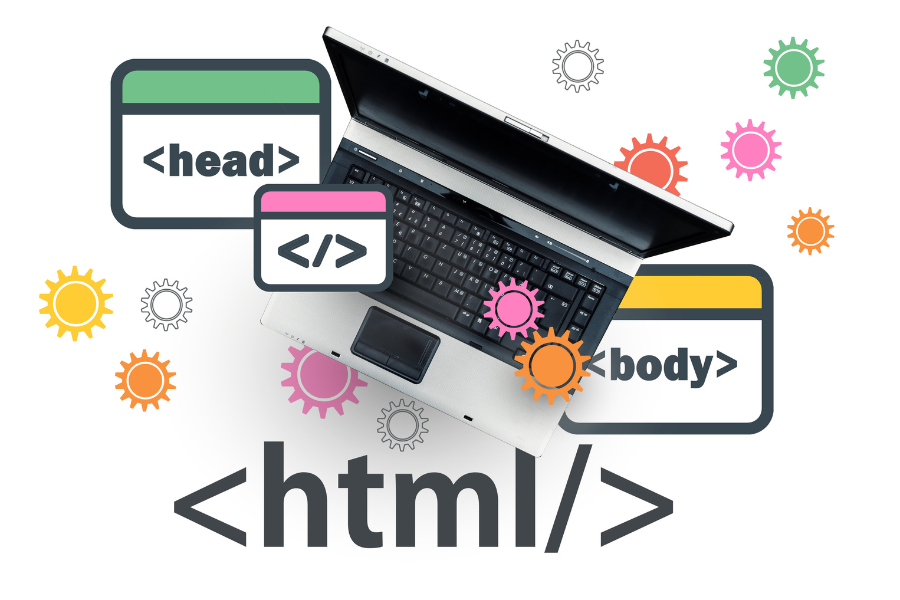
HTML, CSS, and Java are just a few examples of the many programming languages frequently employed in developing websites. Markup languages, such as HTML, are utilized to structure and format content.
CSS, which stands for “Cascading Style Sheets,” is a stylesheet language that allows users to control the appearance and layout of websites. The creation of interactive elements on a website, such as drop-down menus and forms, can be accomplished through the use of the programming language known as Java.
Developing a website with these programming languages can be broken down into two distinct phases: the front-end development phase and the back-end development phase.
-
Front-end
The process of creating a website’s visual and interactive elements is referred to as front-end development. These elements include a website’s layout, design, and functionality, among other things. HTML, CSS, and Java are the typical tools that are utilized for this purpose.
-
Back-end
Back-end development is creating the underlying infrastructure of a website, such as a database and server-side processes. Back-end development is also known as server-side development. Typical tools for this task include PHP, Python, and Ruby, all of which are programming languages.

Final word
So will you build a simple website with Blogger, or will you hire someone to code your website? If you are still unsure, think about your website’s size and complexity.
Do you want a simple design with some functionality? Blogger is a good option.
If you want a unique website with a number of functions, hire a developer!
