The internet can be a tricky place to navigate. Privacy settings can only do so much to help protect your identity online. Everyone in your family must know how to protect themselves and their information online.
There could be several dangers lurking around the websites your family frequents, so doing your best to protect your family is the least you can do. Here are some great ways to set your family up for security and ensure online privacy.

1. Set Up Multi-Factor Authentication
While a normal account might only have a username or email and password to protect it, an account with multi-factor authentication ensures it’s much more difficult for people to access your account.
It requires using some extra sort of security measure, such as a code sent to your phone or email, to access an account. It might seem like a pain to set up all these extra steps, but you’ll be grateful for them when you realize that you only have access to your account.
2. Educate Them About Phishing Scams
While many people may not use email as actively as they used to, their inboxes are still targets for phishing scams. Warn your household about what to look out for, like how scam emails may look no different from one they’d see from a family member.
Teach them to always look at who sent the email, as the email address can often tell you whether it’s from a scammer or spammer.
If you worry that someone in your family may have fallen for a phishing scam, keep an eye on your financial accounts and report any suspicious activity as soon as you see it. Change your passwords just in case — you might be able to stop an attack before it happens.
3. Download Smartly
Your family should know what websites they’re using, and they should be able to determine whether a site is secure. You can often find this information by looking up the address bar at whether the website has a small lock symbol next to it.
That symbol means the website is secure and it’s okay to use. Even then, your family has to make sure they download things like photos smartly. They should be fine if they know the website is secure.
4. Teach Them What Shouldn’t Be Shared

It’s still possible to have privacy online, as long as your family knows how to protect it. Discuss with your family what should and should not be shared online.
For example, you may not want to publicly share photos of the outside and inside of your house, but if you adjust your privacy settings and only share them with a limited group of people, you might feel greater peace of mind.
Teenagers and older adults may naively talk to people they don’t know online, but they must know how to protect their privacy and not reveal too much about themselves.
Teach them not to give out financial information or believe anyone needs help getting back into their social media accounts. If they keep this information safe, the family won’t be vulnerable to getting their accounts hacked.
5. Get an Antivirus Software
Antivirus software will protect your devices from any harm if someone accidentally clicks on something they shouldn’t have. Sometimes, people are lured in by advertisements or click the wrong thing, thinking that it is something they need to click on.
Antivirus software can periodically run scans to determine whether your devices are at risk. It can also tell you which sites are threats and if your passwords have ever been compromised. It might cost an annual subscription, but it’ll help you feel safer online.
6. Use Password Management
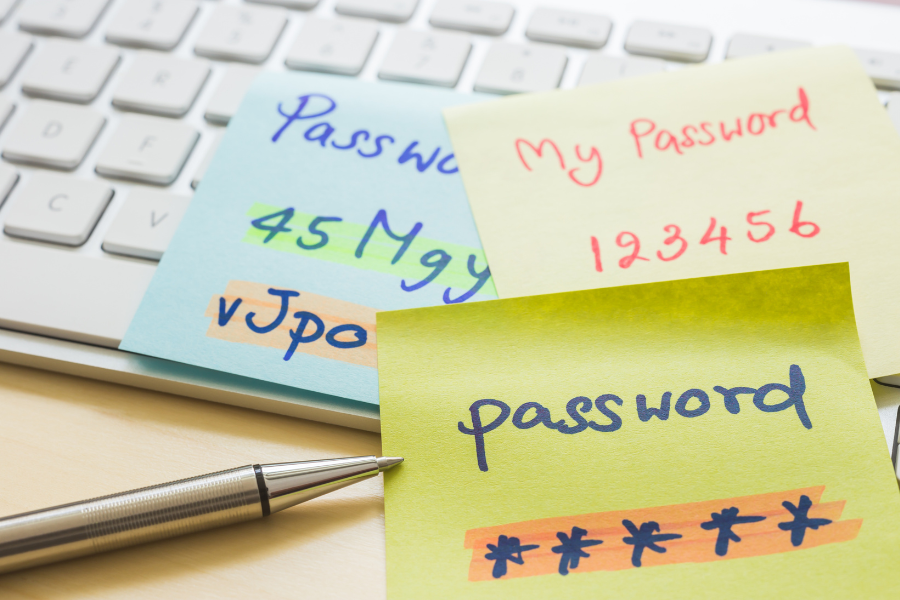
You should know that strong passwords are the way to go. Phrases and words that can be guessed easily won’t protect your account as much as a strong password with a combination of uppercase letters, lowercase letters, numbers and symbols.
When you have a different strong password for everything, it can be difficult to keep everything straight.
A password manager is extremely secure thanks to multi-factor authentication and can create strong passwords for you to use and store them all in one handy location. It might be a great tool if your family has several accounts spread across the web.
7. Identify Reputable Shopping Sites
Some people use the internet to browse for things they’d like for their home, themselves or others. While advertisements online might look enticing, sometimes the stores are just a front to steal your sensitive credit card information.
Always check out using a secured third-party service, like PayPal, where you can open a dispute to get your money back if you’re scammed. Otherwise, you can identify which websites are trustworthy and which are scams and stay away from the latter.
Watch Out for Online Threats
While you may not always be able to protect your family, knowing what you’ll be up against by being active online can help you prepare for the worst situations.
By taking measures to prevent hacking and phishing before they happen, you’ll be able to protect your family from any vulnerabilities. You might even limit how much time everyone should spend on their devices.
As long as you ensure that your family is educated about the internet and protected from any online threats, you can browse and share safely.
