If anyone in your family wears corrective lenses, you understand the expense involved. Even with insurance, often families spend thousands of dollars each year. For our family, we have six people that need corrective lenses. But, do you need new lenses every year? How do you know, without going to the optometrist? Well now you can test your family’s vision at home with the EyeQue’s Vision Monitoring Kit.
About EyeQue
Founders Tibor and John discovered an MIT patented technology that could theoretically create a smartphone powered refraction test rivaling traditional room-sized ophthalmic refractometers. Realizing the global impact of such technological advancements, they set out to develop optical smartphone attachments and mobile applications that empower people anywhere to test their own vision and take part in their own vision correction.
EyeQue is on a mission to bring affordable eye care to everyone. We’re putting accurate vision tests directly into the hands of people around the world. Our patented technology makes self-administered eye tests available to billions of people– many of whom may not have had the ability to test their eyes and correct their vision without access to low cost, convenient solutions.
EyeQue Vision Monitoring Kit
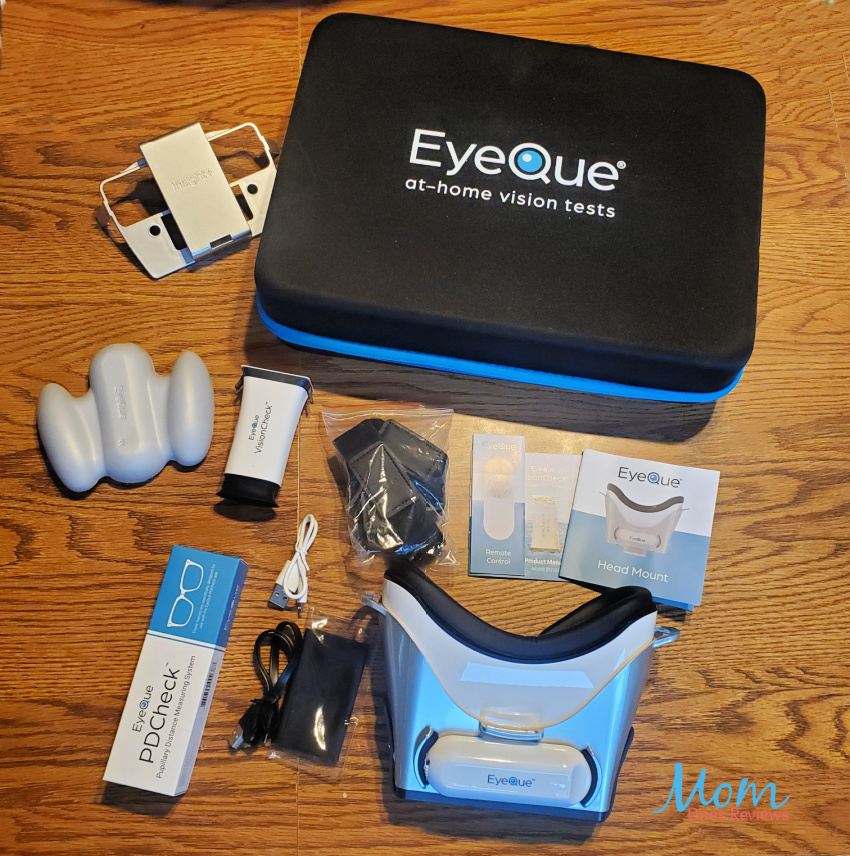
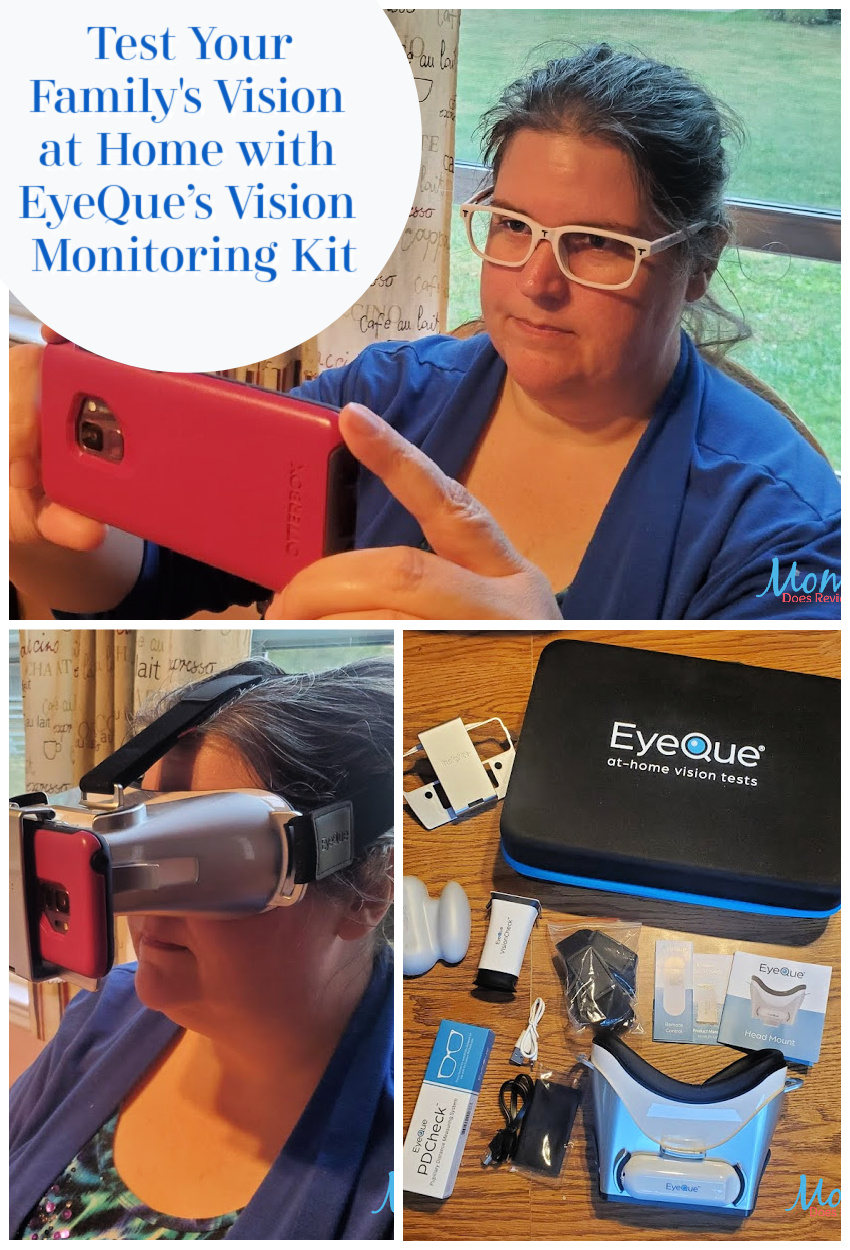
This Vision Monitoring Kit includes everything you need to screen and monitor your vision, test the accuracy of your current glasses and order new eyeglasses. All from the convenience of home.
Phone Requirements
Note please that the system does have minimum requirements for your phone. If using an iPhone it will need to have at least the Apple iOS 10.0 or above. On Android phones, the operating system must be at least version 5.0 or above and your phone must have at least 4GB of RAM. Additionally, your phone must have a screen resolution of at least 300 pixels per inch (PPI) with a display screen of at least 4.7 inches in size. If you are not sure if your phone will work, just drop EyeQue Customer Support an email with your questions.
My Experience with the EyeQue Vision Monitoring Kit:
Having worn glasses or contacts since my teen years, this kit looks like a game changer in being able to monitor vision changes at home. Have you ever wondered if your current prescription was ok? If like most of us, you have no way to know so you make those appointments to have them checked. Now you can check yourself from the convenience of home and save the time and money (especially if more than one family member wears lenses).
Getting Started:
Once you have unpacked your kit, getting started is easy. Simply set up your account and down load the apps to your phone. The EyeQue VisionCheck app (includes PDCheck) and the EyeQue Insight app are available for free from both Apple iTunes and Google Play depending on your phone.
Setting Up for Testing
Before you can start the testing process, you will need to set up an account online at EyeQue.com. Then log into your account and register each of the items in the kit. There is a QR code you can simply scan with your phone to make this step easy. After your products are registered, you are ready to begin the vision screenings.
Screen Your Vision Acuity
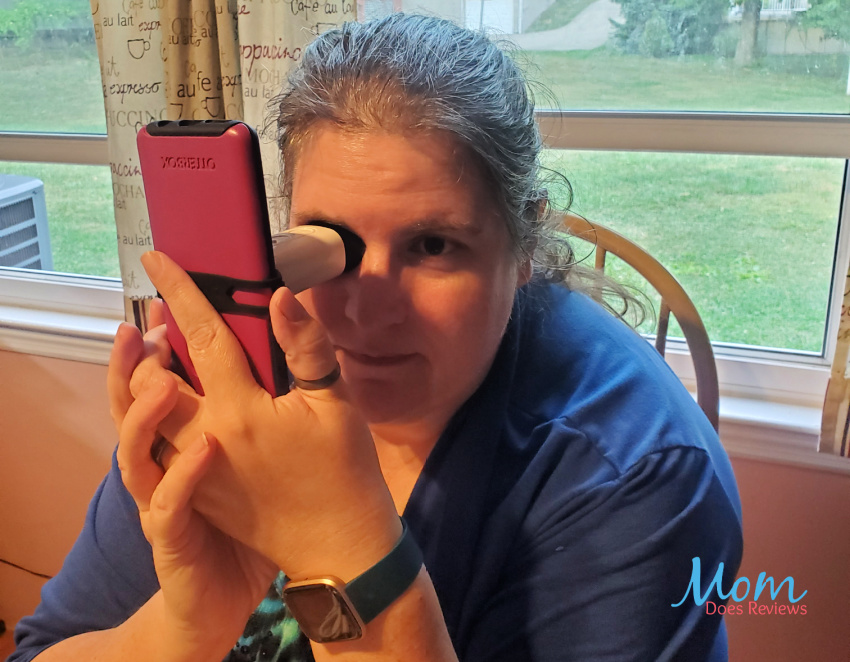
The EyeQue Insight Plus will screen your visual acuity to confirm your vision. Within a minute you will know if you are seeing 20/20 to 20/400. It even measures single and dual eye performance. You can compare these numbers with your current prescription glasses or contacts to determine if an updated prescription is needed. The test will also test your color vision in three deficiencies: deuteranopia, tritanopia, and protanopia. And test your contrast sensitivity which can determine vision regression aside from visual acuity.

EyeQue VisionCheck
This test will measure refractive error meaning the lens power needed to correct nearsightedness, farsightedness and astigmatism. With these EyeGlass Numbers (sphere, cylinder, and axis measurements), you will be able to order your glasses online from retailers. And if you need readers and bifocals, the near-vision add values (NV ADD) will be included.
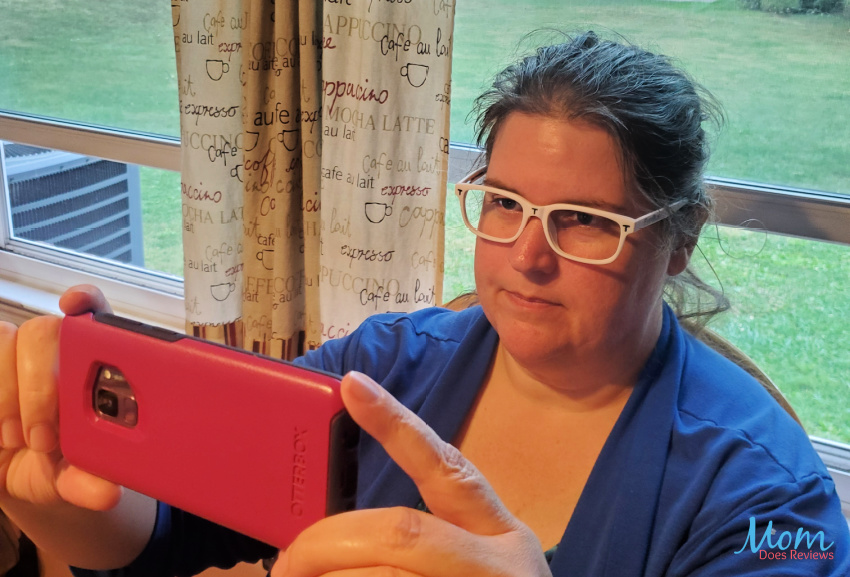
EyeQue PDCheck
The test will measure your pupillary distance (PD) including dual, single and near pupillary distances.
Online Tutorials
I know, it all seems a bit involved and overwhelming; but its not. EyeQue has several videos to help with the set up and testing.

Actual Testing
Before starting the testing, I recommend going through the tutorials in the apps and watching a couple online. It just clears those nagging questions about am I doing this correctly. Then jump in and start the testing and measuring.
Each step in the process does require a little time and concentration. It isn’t something you want to start and stop several times although you can repeat the tests more than once if you want to confirm the readings.
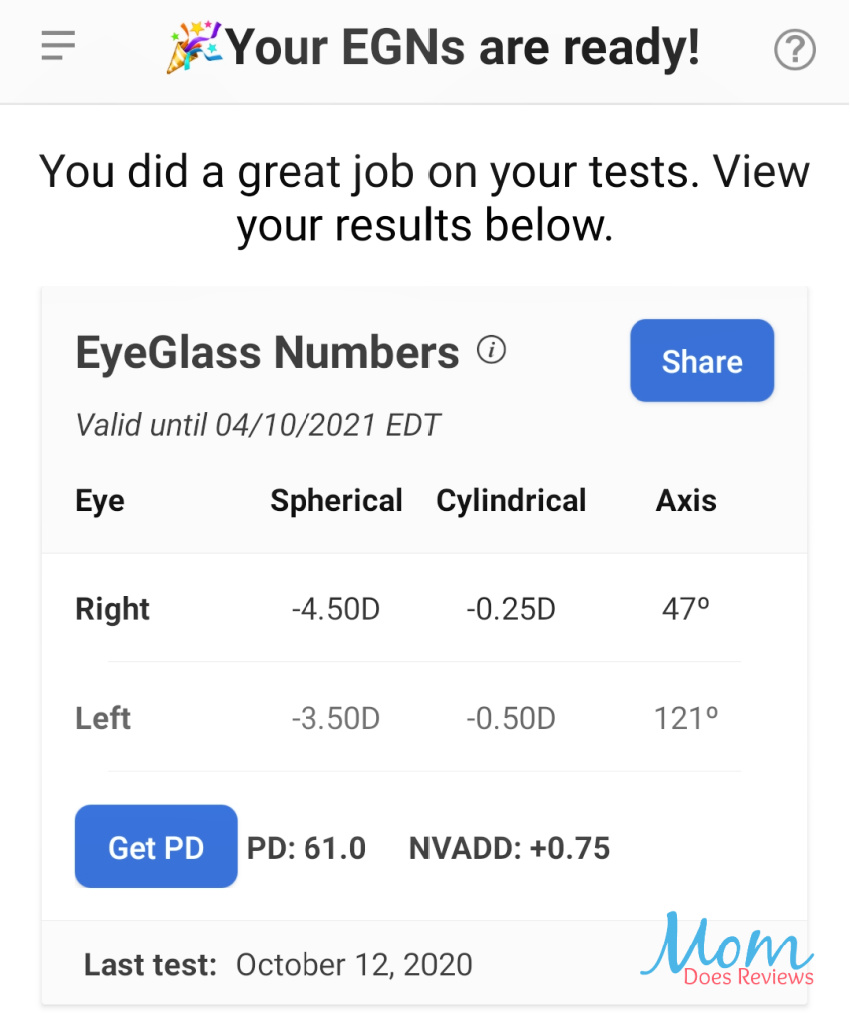
It is recommended that you take a minimum of four full VisionCheck tests after your practice test. You’ll be asked to save or discard your results after each test. Just discard the results of your first test so that your EyeGlass Numbers will be generated based on the next three tests. If you make a mistake or progress through a measurement you feel unsure of, exit, discard and restart the test.
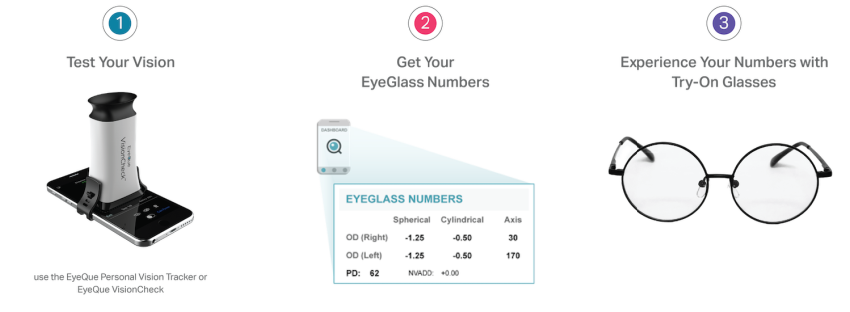
Once you have your numbers, order a set of test glasses in the dashboard on EyeQue. Your glasses will arrive quickly and you will know that the settings are correct. Then place your order from your favorite online retailer for your new glasses.
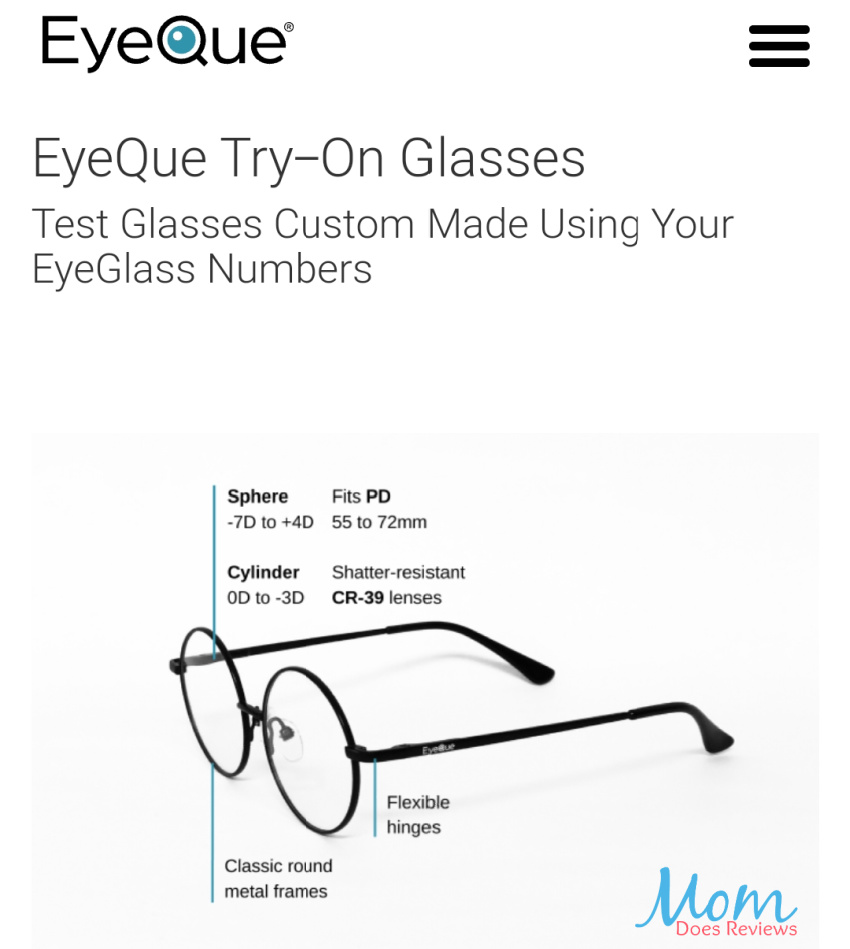
It really is easy, safe, and can be used for the entire family. Order your EyeQue Vision Monitoring Kit today. You only need one kit for everyone in the family.
Make sure to follow EyeQue on social media:
We’ve added EyeQue to our Back to School Guide 2020 #Back2School20
Check it out here!