Do you wish to master the art of portrait photography? Whether you are a professional photographer or an aspiring one, constantly improving your skills and enhancing the quality of your photos is a part of the journey. Along with a great camera, lighting, and composition, post-production is an essential step in the process.
Nowadays, you have a large choice of editing tools, so how do you decide which one to use? The answer is simple – by trying them out. And a free portrait editor PhotoDiva is a great start. You will enjoy the comfortable interface, an extensive collection of amazing tools, and a great number of cool perks so much, that you will no longer look further. In this article, we will discuss the main problems that photographers face when taking portraits and find out how to fix them.
Lighting and Color
One of the most common problems is unflattering lighting. Maybe you don’t have enough equipment to fix it during the photoshoot or you are only at the beginning of your career and make mistakes. Either way, the portrait photo editor offers a variety of simple tools for a quick and effective fix.
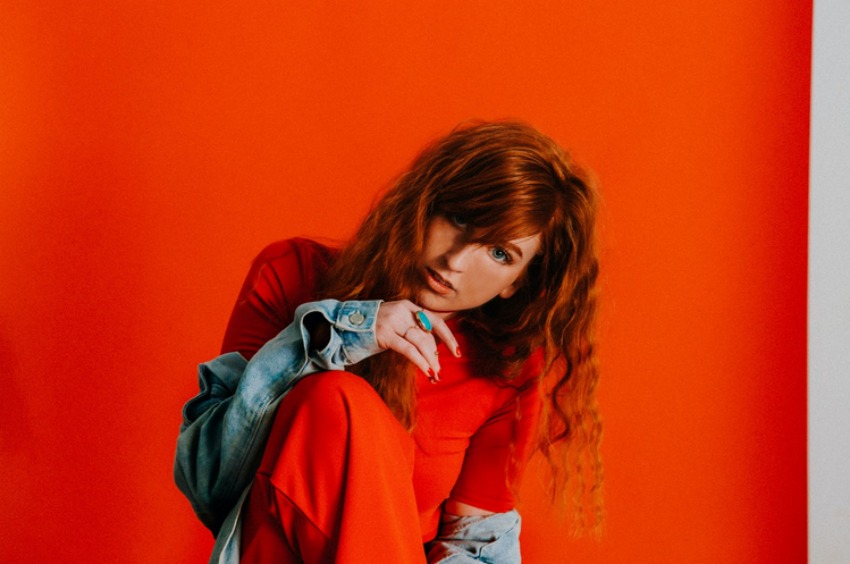
If you have been shooting outside and the photo looks too bright now, adjust Exposure and Shadows. You can also correct colors in the Lighting & Colors tab: Saturation, Hue, and Luminance. Additionally, this portrait editing software provides a number of one-click solutions: get rid of red eyes using the Red Eye Removal tool and drastically enhance the quality of your work with the Auto Retouch Tool: brighten the lips, whiten the teeth or remove face shine.
Skin Blemishes and Make-up
We all have our skin imperfections we would like to hide. However, with the Healing Brush you are able to make the model’s skin look perfect: remove wrinkles, blemishes, and roughness. In case the make-up got smeared during the photoshoot, fix it with the Make-up Tool. You can color the lips, add mascara and eyeshadows or highlight the cheekbones with a bronzer.
Maybe the angle was unflattering, so the model’s nose looks too big or his or her eyes seem to appear too far away. Use the Face Sculpt tool to fix the small imperfections and create a high-quality photo.
Background and Model
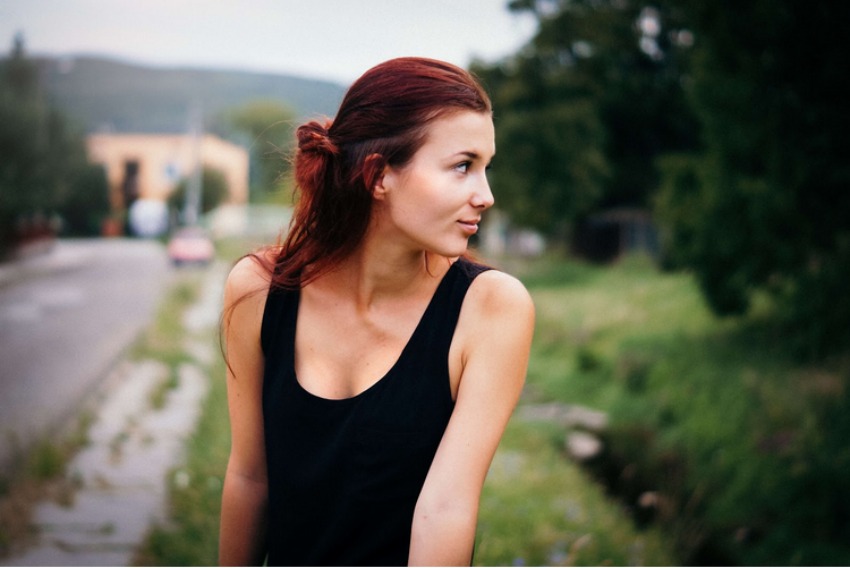
If during the post-processing you have noticed some unfitting objects in the background which you would like to remove, use the Clone Stamp. Perhaps, your model would like a photo in front of Niagra Waterfalls or the Statue of Liberty. With the current traveling restrictions, it’s not going to be possible to visit those places for a long time. Make him or her happy and replace the background altogether by applying the Change Background tool.
Additionally, apply Vignetting settings to highlight the model and darken the edges to redirect the focus to the subject. Finally, adjust contrast and sharpness if the image looks blurry to create a professional photograph.
A portrait editor is an essential tool for every photographer, regardless of his level of expertise. We wish you a lot of patience and inspiration to become the next Annie Leibowitz and conquer the world with your unique and amazing photographs.
