Planning a party, wedding, or other large event takes so much time and effort. There are so many details to keep up with if you are the one tasked with pulling the event off. While there are some areas that you would not want to take shortcuts, you can save yourself some time by sending online invitations on Paperless Post. They have so many beautiful designs and their step by step process is easy to use.

About Paperless Post
Paperless Post is an e-commerce company focusing on design-driven online and printed stationery, including greetings, invitations, birth announcements, wedding suites, and custom stationery.
With almost everything we do being digital, it makes sense that we would use online platforms for special events. The concept is simple. Using online invitations make gathering easier.
Paperless Post has an invitation for just about every occasion
Whether you are sending a save the date announcement or inviting friends to see your new home, they have you covered.
We are thrilled that one of our daughters and her husband just closed on their first home. They have been working like crazy to get it ready for them to move in as soon as possible. There are so many things you need when you move into your first home. That’s why we are hosting a house warming party for them.
Paperless Post is easy to use
Using Paperless Post to create the invitations was awesome. They have so many designs (and they are all so easy to edit) that customizing your invitation is a breeze. And if you already have an image or a design, you can upload and customize it right on the platform.
Once you set up an account on Paperless Post, the creative fun begins. Seriously, they have so many designs that picking just one is so hard. Don’t worry if you are not the creative type (like I am), they have a great Help Center with detailed directions and helpful ideas to answer all your questions.
The currency on the site is “coins”. Each card, flyer, invite, or announcement will have the cost listed in coins (if it isn’t one of the free options and they are plentiful). You purchase coins to be used to draw from as you send notes or flyers to your friends and family. The coins can be used to purchase online cards and any premium options. Paperless Post coins do not have an expiration date so you can use them anytime. Prices start at .10 each depending on the quantity of coins you place in your account. Want to send a Happy Birthday card to someone? Just log in and select one, customize it, and sent it off to the recipient. It is that easy!
There are so many choices in designs
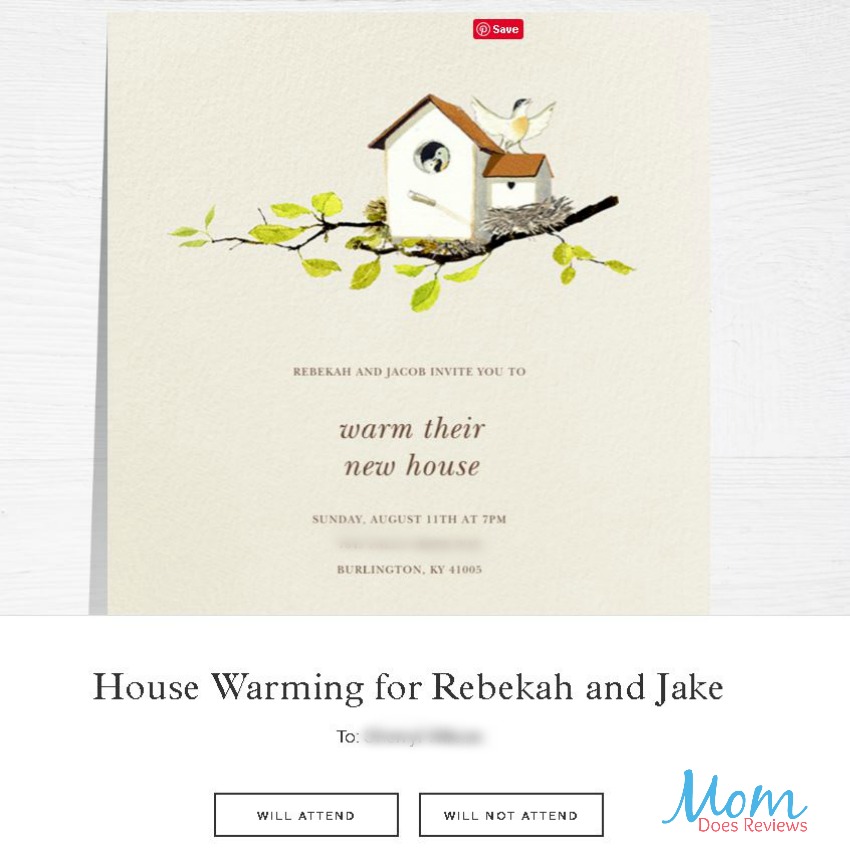
For our house warming, we selected a cute little bird house invitation. I just love the simplicity of the design.
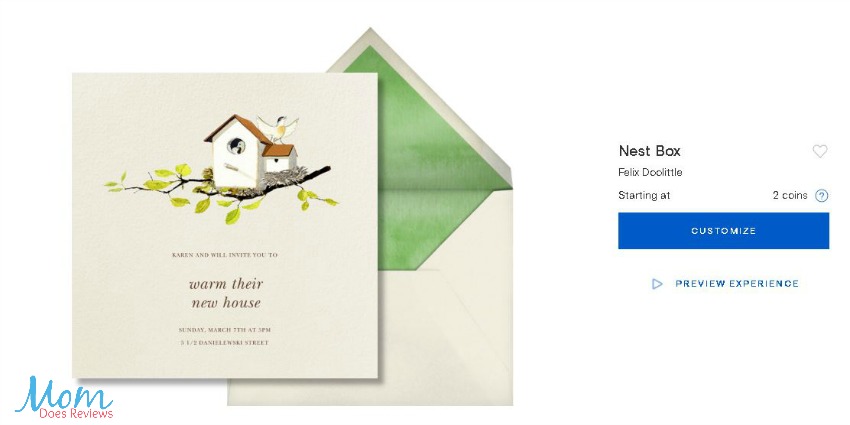
In order to customize the wording, just click on it and a box opens where you can enter your information in place of the sample text. There is also the option to change the font setting which is nice if you want to play around with the design layout. When you are happy with the design, just click next and move on to the next step. Here you will select the liner color and background of the invite you just created. Then move on by clicking the next button or arrow.
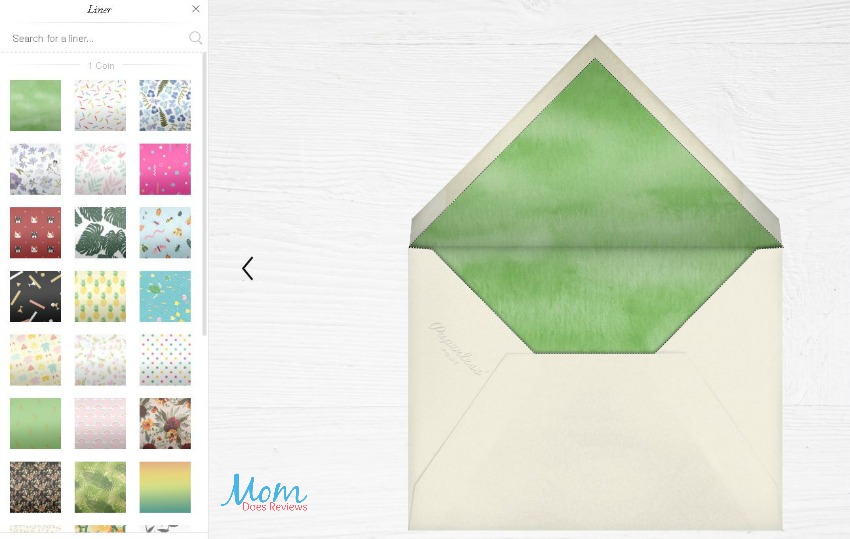
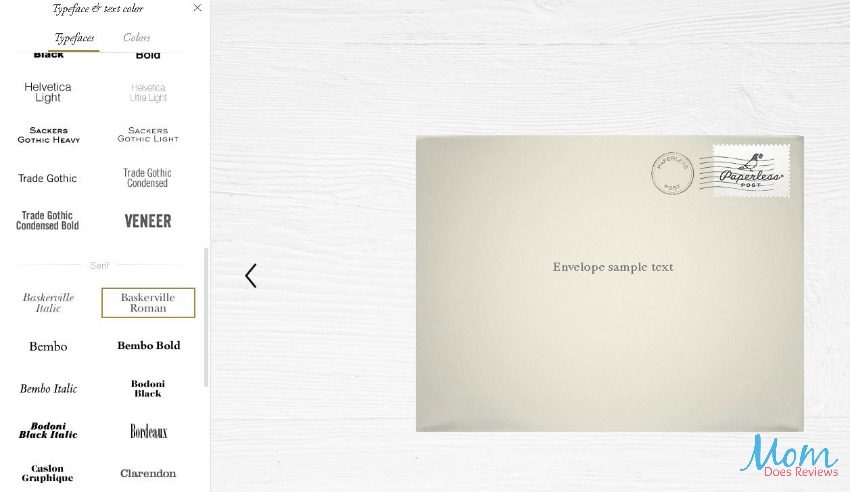
Here you will reach the design portion of the front of the “envelope”. Do you want a special stamp imprinted? They have so many to choose from! You can even pick a postmark for the envelope. I think this is special because it is the same process that you would go through if your were sending physical invitations to a wedding or party.
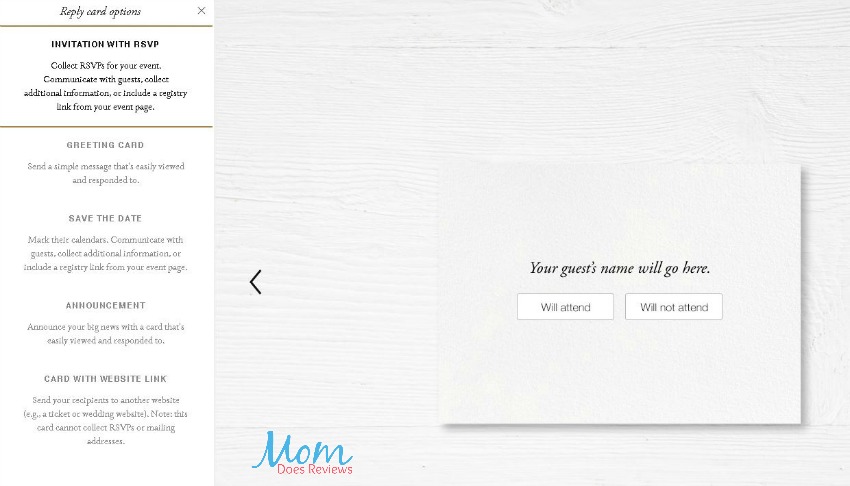
There is even a reply card included in the email invite where your guests can RSVP easily.
Paperless Post creates an event page where your guests can go to get in touch with you, view updated event details, and share their party photos.

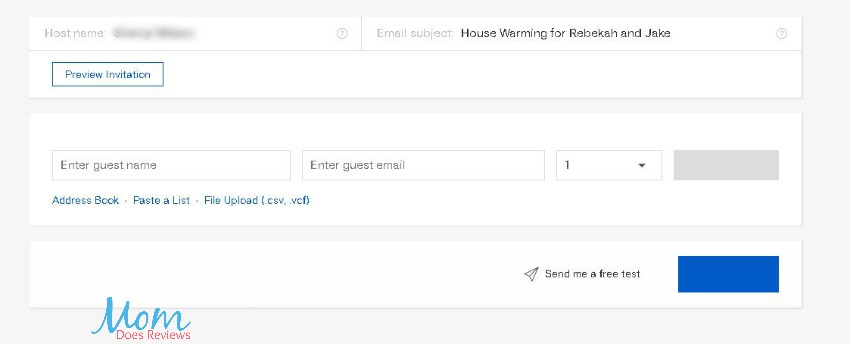
The last step is entering your guest list. Here you will enter the name and email of your guests and then Paperless Post will send the invites to your guests based on your schedule settings. I really like being able to schedule a card in advance. Maybe I will sit down and plan out all the birthday cards for the family.
Event page keeps guests and host in contact
Once your guests receive their invite, they will have the opportunity to view the event page which has all your event details including a map and any notes. Guests can also leave a comment on the event wall (think along the lines of well wishes) that are visible to all the invited guests.
The host of the event can see the guest list, along with the RSVP status. They can send a reminder to those that haven’t responded as well as an update email to all the guests if something comes up. It sure beats trying to call everyone on the phone when plans change at the last minute.

So, along with the convenience of being easy to design a beautiful invitation or cute card; Paperless Post brings the process of sending invites or announcements to the digital world. For me, this is a great thing. I have the best of intentions in getting those cards in the mail but sadly, I often forget until too late. Now I can send a thinking of you card just because I am.
If you have an event coming up, you should really consider Paperless Post for your invitations and thank you cards. The time saved from addressing, stuffing, stamping, etc is so worth the cost of the coins to send online. I think I will be sending our annual end of year letter out through Paperless Post. The convenience of doing it online is nice but not having to print out and handle the paper, envelope, and stamp is something that I can appreciate.
Save yourself some time by sending online invitations on Paperless Post.

Make sure to follow Paperless Post on social media:
Facebook | Twitter | Instagram
We’ve added Paperless Post to our Celebrate Summer Fun 2019 Gift Guide! #MDRSummerFun Check it out here!