Summer is here, and while most of the country is finally heading outdoors, here in Florida, along with other parts of the South, we’re settling into the indoor season. Heat, humidity, and frequent thunderstorms and hurricanes keep me safely in the house with the kids, especially during the hottest parts of the day. We can only take so many trips to the library and do so many crafts before mama starts to lose her mind.
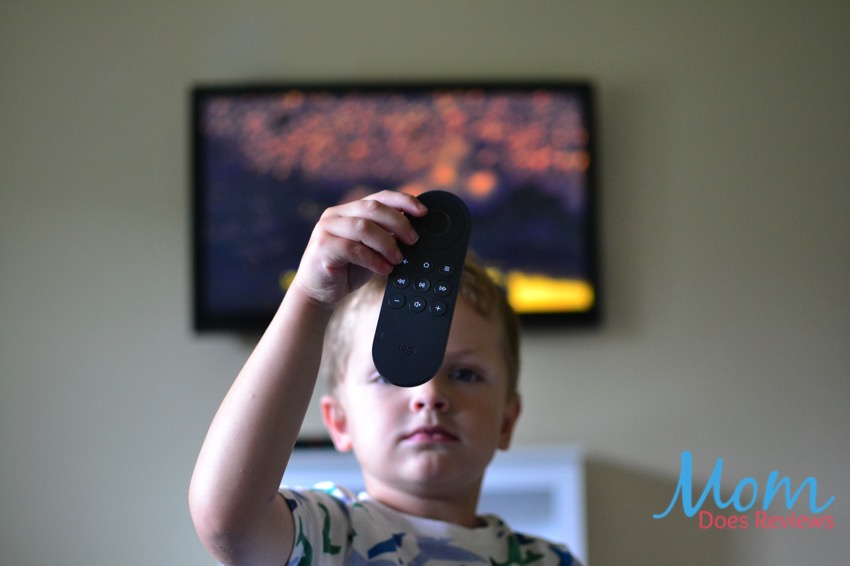
Whether I need to get some work done or just need some time to myself, it’s nice to let the kids watch a movie every now and then. They’re pretty young, so it can be tough to show them how the remote works. With the Logitech Harmony Express Universal Voice Remote, the kids can take control of their movie-watching experience while I kick up my feet.
About Logitech
A Swiss company focused on innovation and quality, Logitech designs products and experiences that have an everyday place in people’s lives.
It’s apparent that Logitech’s goal is to integrate technology into our lives. The purpose of the Harmony Express is to simplify your entertainment experience by removing the need for a collection of remotes that all do different things. Harmony Express is a universal remote that can also use Alexa voice commands to control your tv.
You can use your Harmony Express with a variety of smart devices. We have an Amazon Fire Stick with which the Logitech Harmony Express is compatible. Unfortunately, our Apple TV is an older model and doesn’t sync up with the remote. Make sure you check your product and manufacturer before purchasing the remote.
My Review of the Logitech Harmony Express
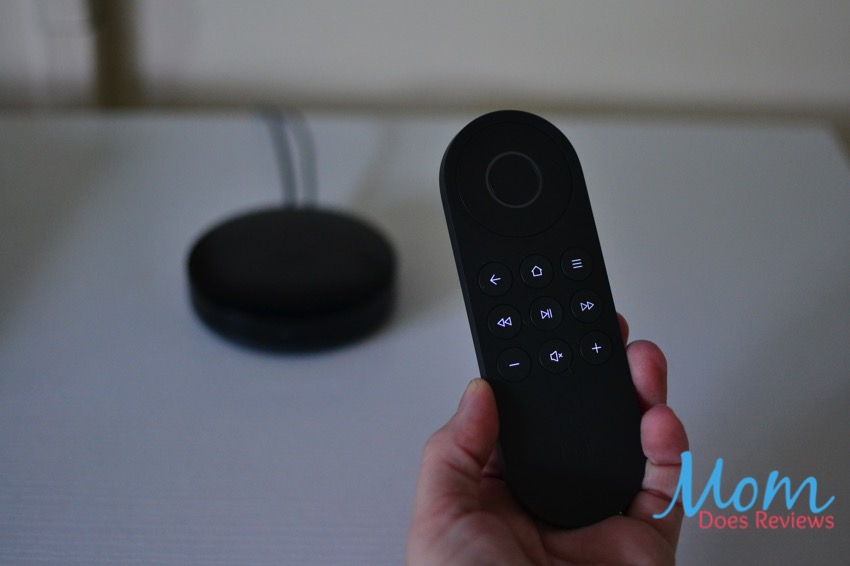
There are so many wonderful features to the Logitech Harmony Express. The setup took a few minutes and involved downloading an app and placing the Blaster and Mini-Blaster near the television. The Blaster uses Bluetooth and WiFi to send commands to your tv. The Mini-Blaster simply extends the distance you’re able to use the remote.
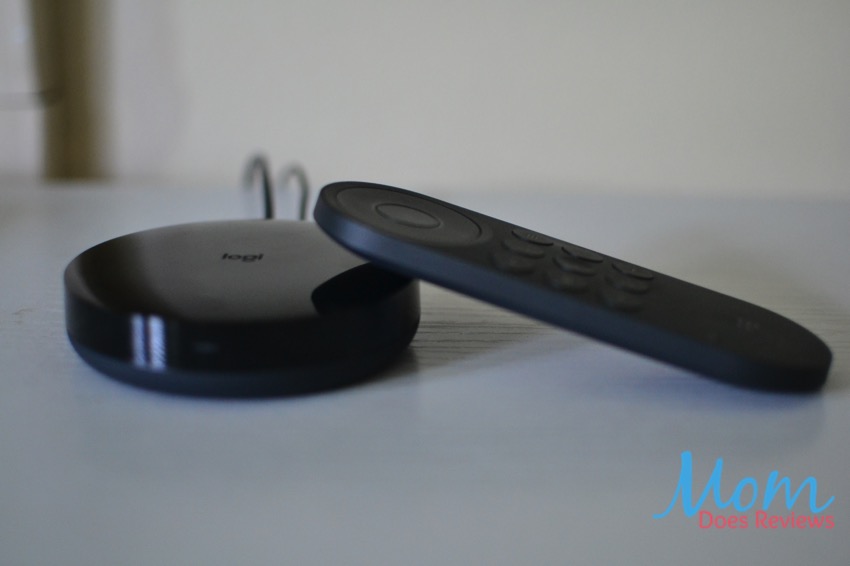
The Harmony Express must be charged occasionally and can be plugged into any USB port. I much prefer this to batteries, because there’s nothing worse than not being able to watch a movie with your kids because your remote ran out of batteries and you have no replacements in the house!
Once you’ve downloaded the mobile app it will walk you through how to set up the remote. I found this step relatively painless and easy to follow. We were able to use our existing Amazon account to set it up, so it was nice to not have to create a new account and password.
Using the Remote
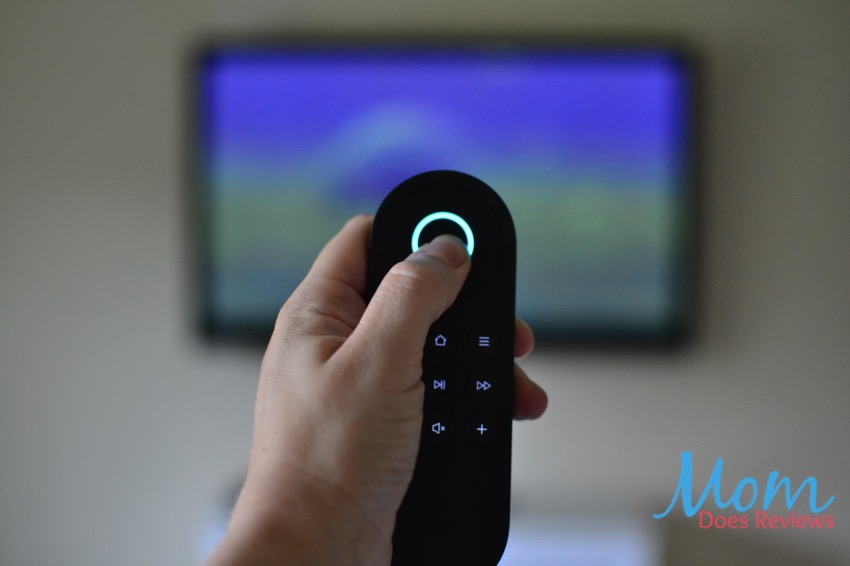
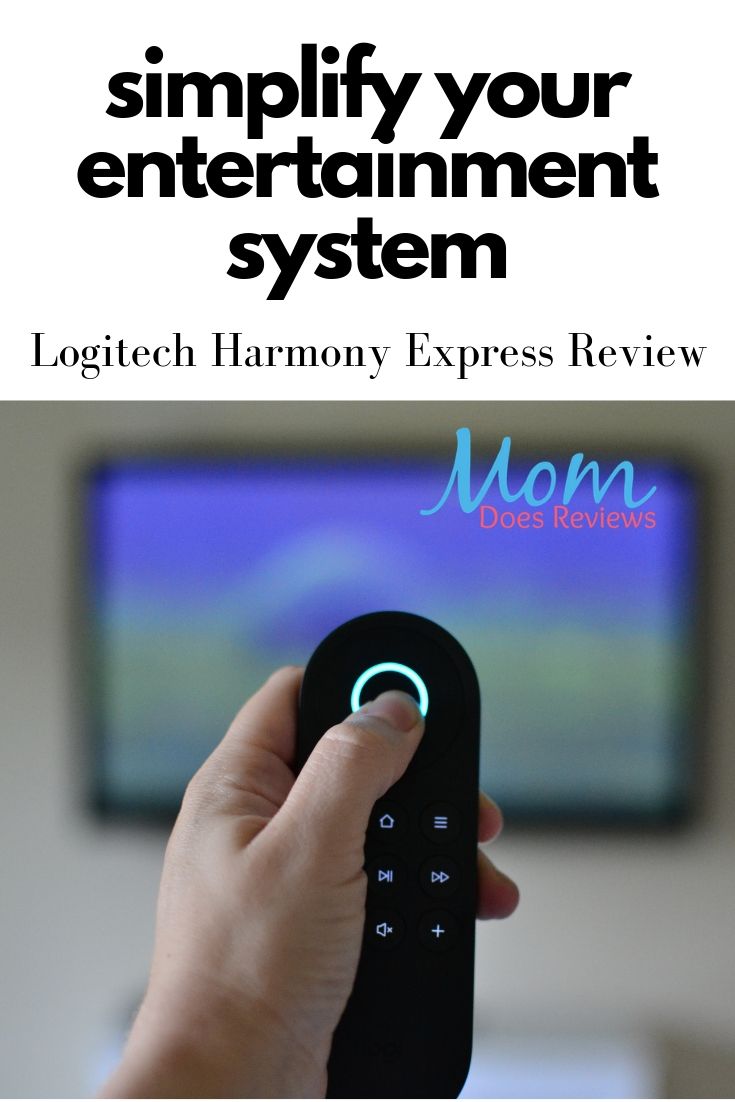
Now comes the fun part – using the remote! The Logitech Harmony Express uses Alexa to control your tv, so all you have to do is press the center button and hold it down while you use the voice commands. You’ll know it’s working because the center button will light up in blue. The instruction manual comes with specific phrases you have to use. For example, you must say, “Launch Netflix App,” not, “turn on Netflix.”
The different commands take some getting used to, but once you’ve figured them out and taught them to your kids, it’s kind of like living in the future! Some of my favorite uses of the voice command app are that you can turn the volume up or down and rewind your show (say, “Back.”).
You can also use the voice command to ask Alexa questions about the weather, to tell you a joke, or to find out when your favorite show is on.

The best thing about this remote for parents of little kids is that there is a feature to locate the Harmony Express when it’s lost. Our toddler is currently in a phase of taking things and hiding them, throwing them away, or putting them in his toy shopping cart, so things often disappear. For this remote, all you have to do is open the app on your phone and press the picture of the remote in the top right corner. It will immediately begin playing a loud sound until you turn it off in the app, making it easy to track down. Genius!
Final Thoughts on the Logitech Harmony Express
This universal remote is a great gift for families who want to simplify their entertainment systems. When you’re teaching kids to use the remote or you have babysitters coming in often, it helps to have an easy-to-use universal remote.
Follow Logitech
Facebook | Twitter | Instagram
You can find Logitech Harmony Express on our Summer Fun Guide!