Print Photos and Do Projects With This Fast EPSON Printer!
As a busy mom of two toddlers I can never seem to find the time to do fun little projects anymore, or even upload our family photos to our local retailer. Making things with my kids is something I love, especially when they have a project or a party for their preschool classes. I never know where to start, mostly because I don’t have the right tools to make it easier. I wanted a way to get my personal projects done, as well as print my family photos as my leisure…all in one spot.
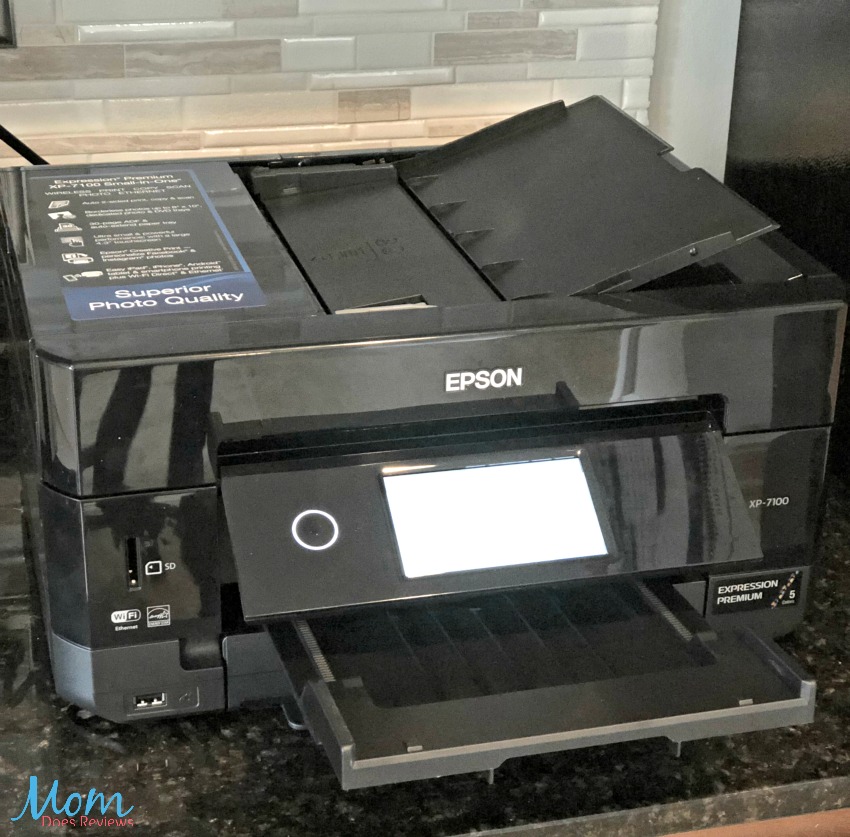
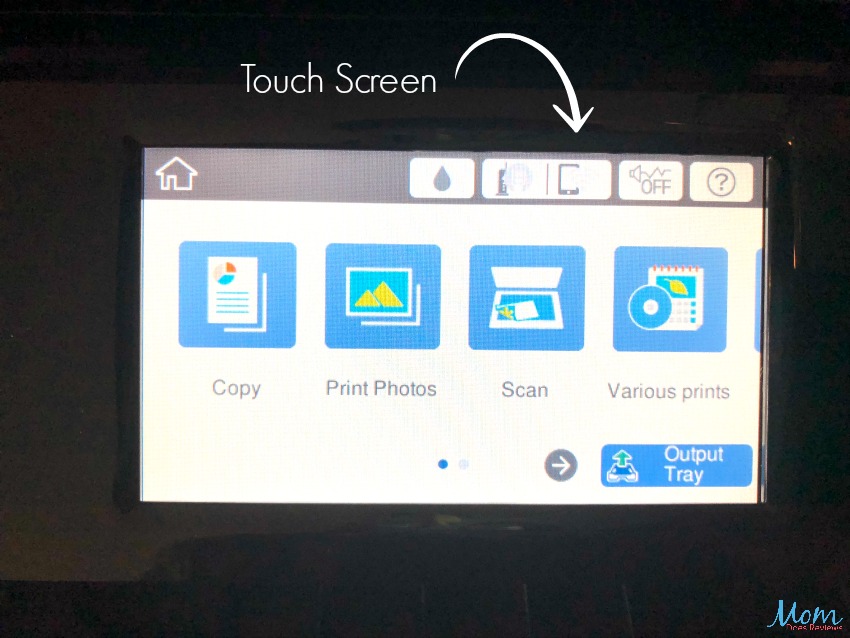
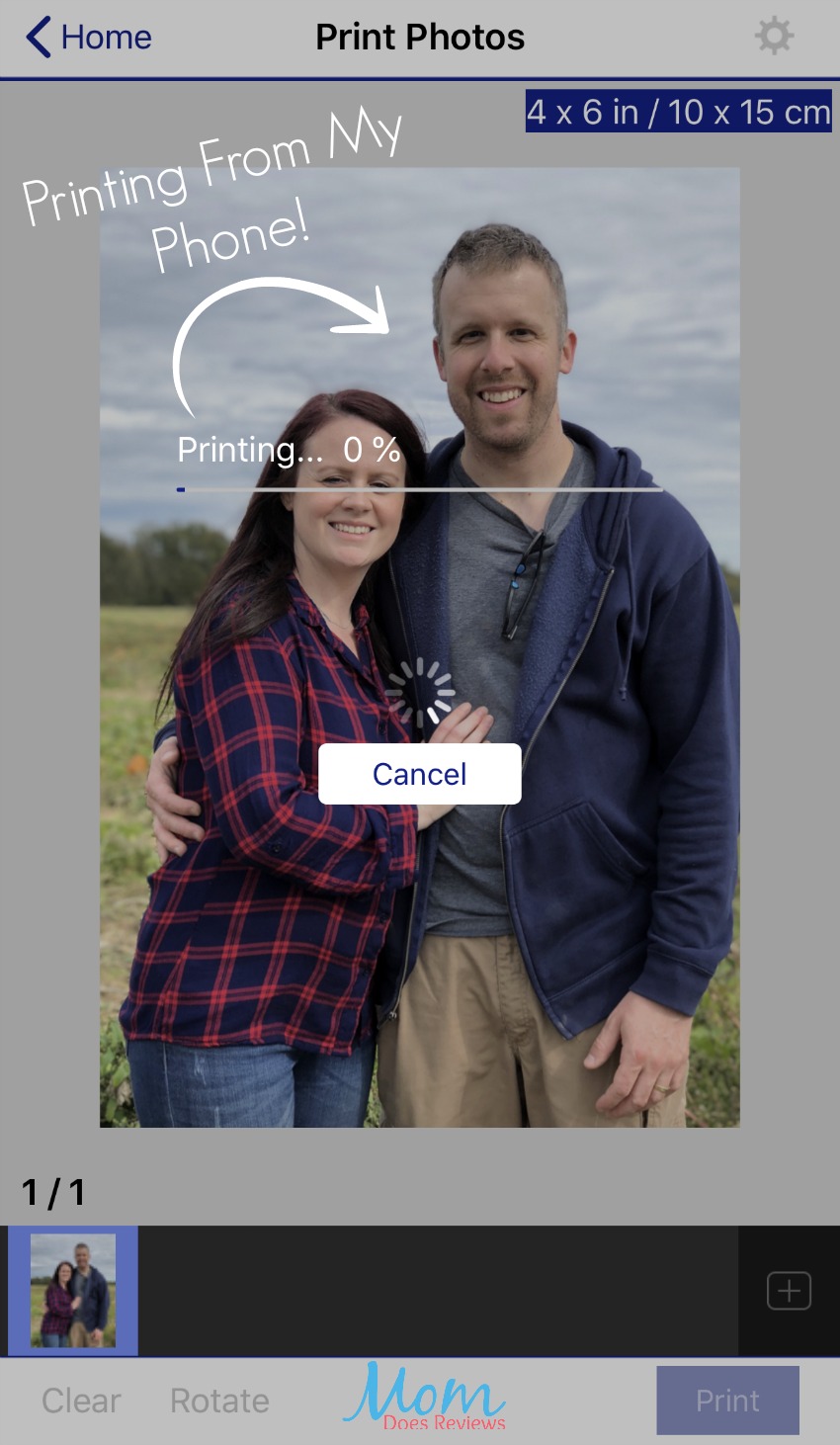
The new EPSON Expression Premium XP-7100 Small-in-One Printer can help me complete all of the small personal projects I want as well as print my family photos. Customize everything right at the touch of your finger with the touch screen. Here you can adjust printing type and size, depending on your project. The photo quality is amazing as well as the speed and variety of jobs it can perform. It can print a various amount of sizes from envelopes, letters, photos and even CD’s. You can burn a CD of photos to send to the grandparents and even make your own envelope to send it in! Download the free EPSON app to print projects right from your smartphone or tablet.
About EPSON
The 5-color Expression Premium XP-7100 wireless Small-in-One printer delivers superior photo quality and versatility, ideal for productive, creative families. Save time with a 30-page Auto Document Feeder and auto 2-sided printing, copying and scanning. Print vivid, borderless photos up to 8″ x 10″, or on specialty paper and DVDs. The intuitive 4.3″ touchscreen allows you to view, edit and print photos, directly from a USB or card slot. And, you can easily print from your tablet or smartphone — with or without a router — at home or on the go. Plus, print 4″ x 6″ photos in as fast as 12 seconds, as well as custom projects with the Creative Print App.
- Superior photo quality with 5-color inks
- 30-page ADF; auto 2-sided print/copy/scan
- Specialty paper, DVDs; borderless up to 8″x10″
- 4.3″ touchscreen; built-in USB/card slots
- Easy mobile printing from your tablet/smartphone
Project Ideas
Family Photos
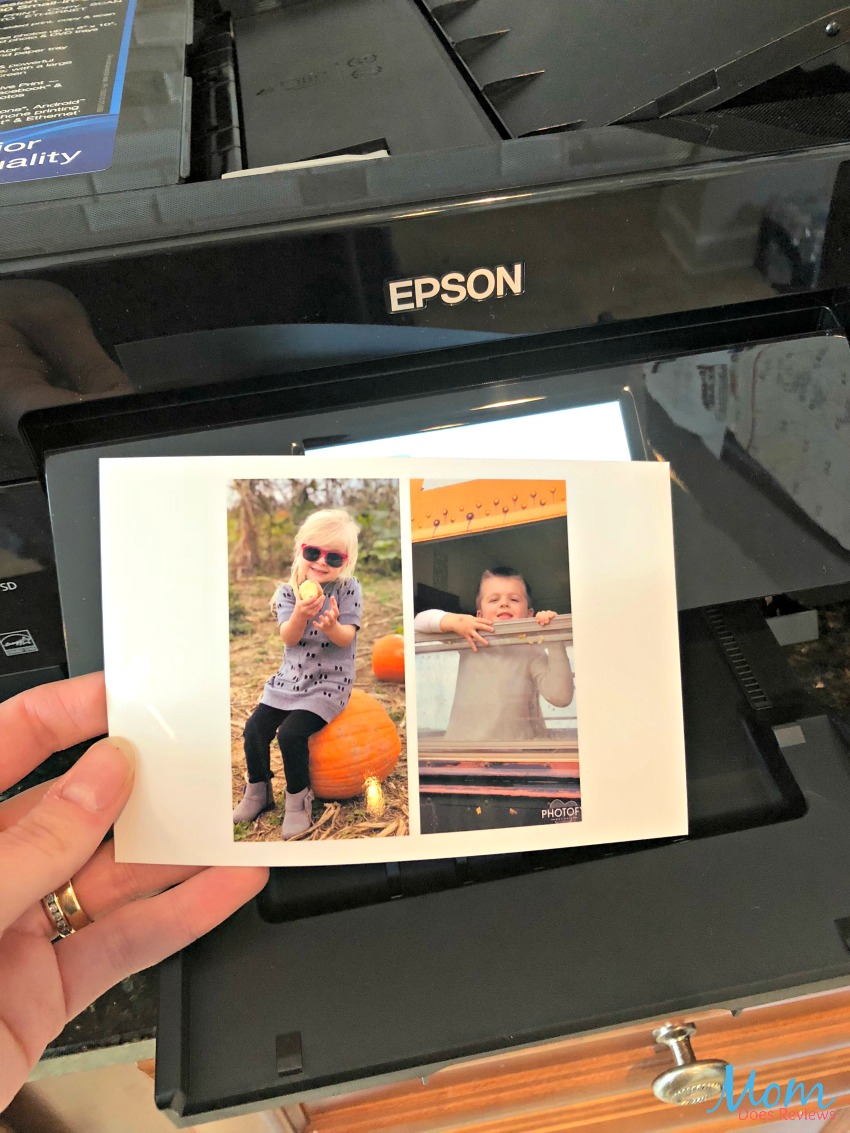
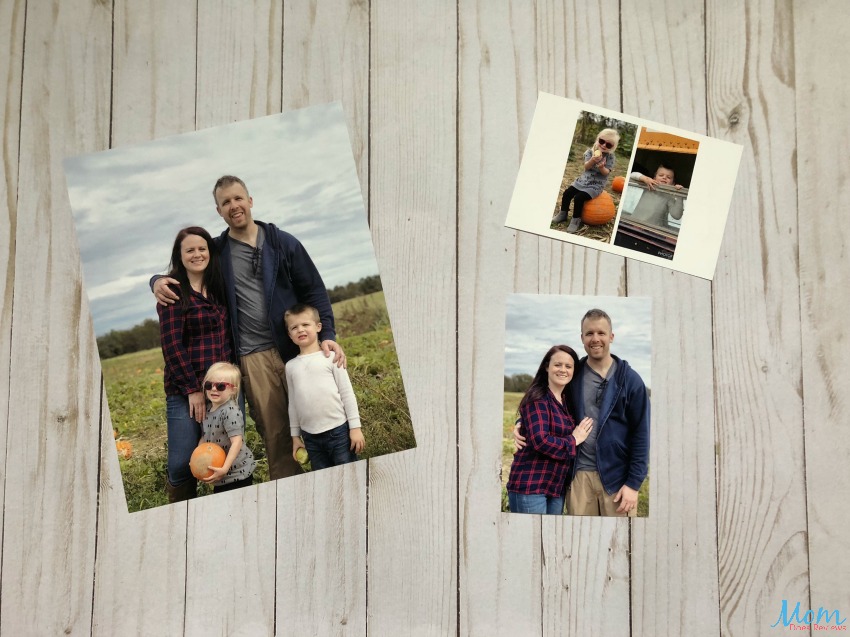
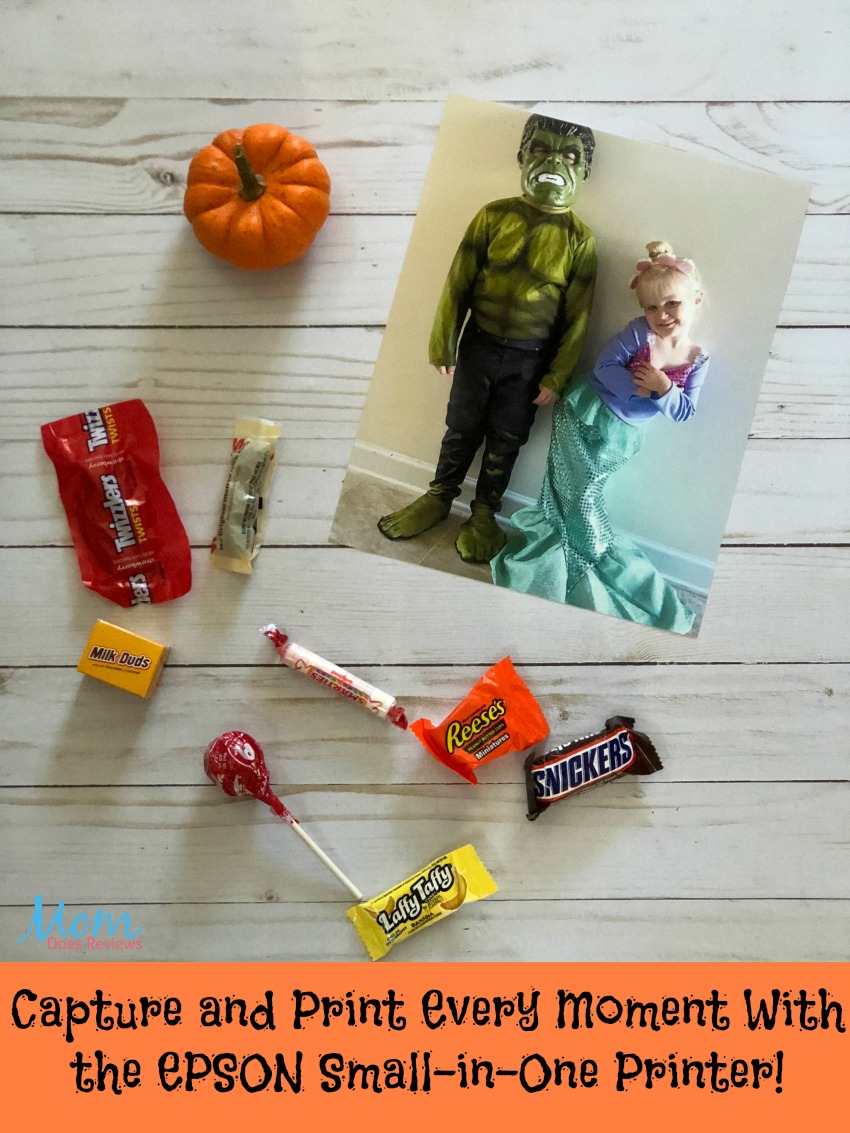
I was able to print my children’s halloween photos and my family and I recently went on vacation and visited a pumpkin patch. We were able to get some great family photos, and with the touch of a button, I had those photos printed in less than a minute.
Dinner Menu’s
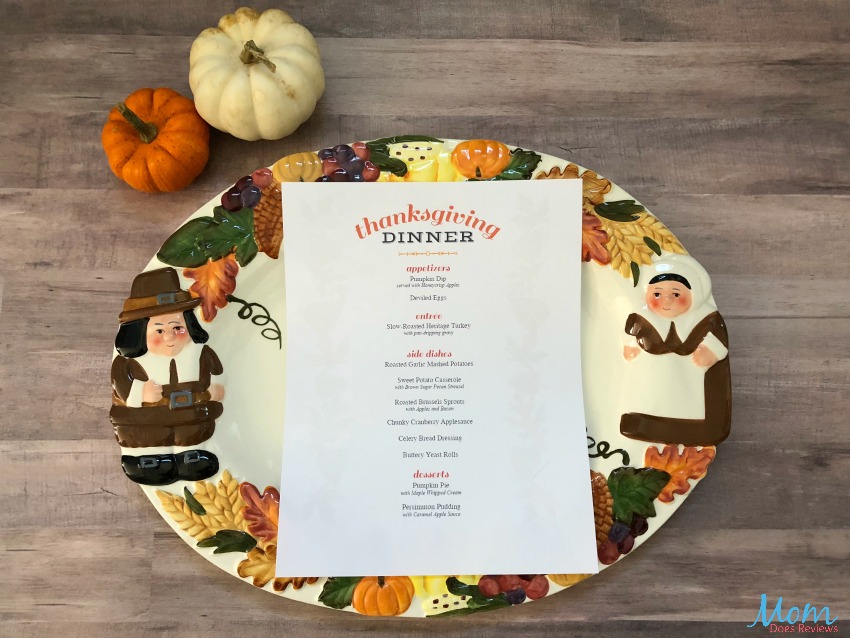
I got started putting together my Thanksgiving Day menu for our guests! It was so easy and fun and it adds such a personal touch to the occasion!
Candy Wrappers
Print candy wrappers for your halloween or baby shower you’re planning, it’s much more personal than plain ole candy.
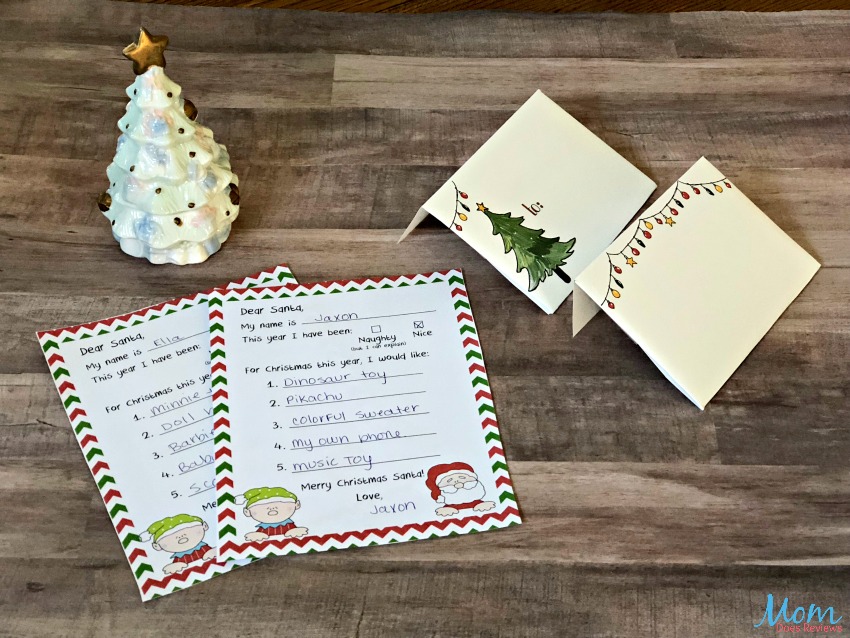
Envelopes
Create custom envelopes instead of handwriting them. I know thats my least favorite part of getting my Christmas cards ready. It will make your letters that much more special!
Letters To Santa
Even though it’s still a little ways away, my kids are very anxious to get their letters to Santa. So, I was able to print a personalized letter to Santa, and put them in the fun envelope we created!
Personalized CD’s
Save documents or pictures on a CD right at home!
Create Photo Calendars
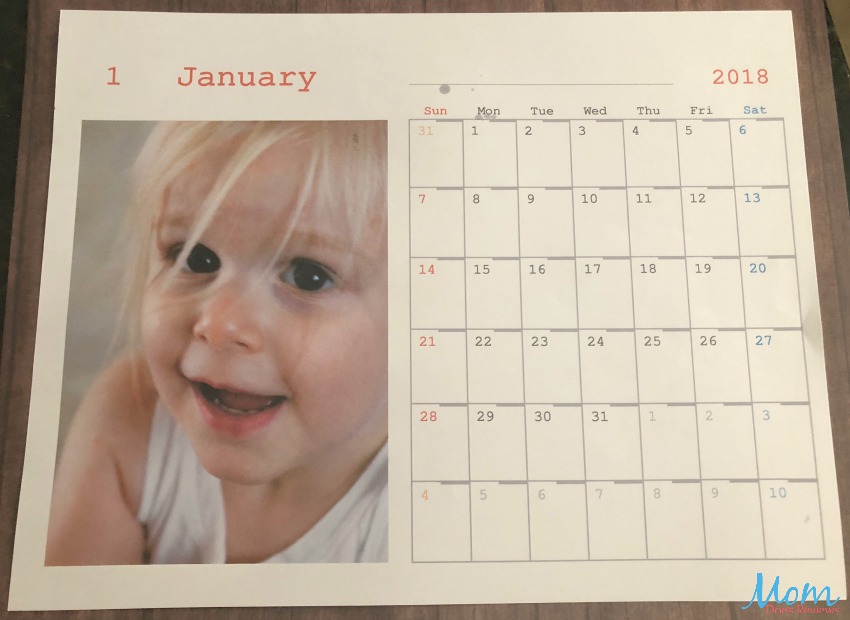
One of my mom’s favorite things for Christmas is a photo calendar for her desk at work. We usually get one printed and sent to her from our local retailer, but now we can create and print it right from the touch screen on the printer. I don’t even need my phone or computer for this. You pop a memory card in to select the photos you want, and BAM!
Family Schedules
Print a weekly or monthly schedule to keep up with your families tasks, like school events and sports. It’s a great way to have something like that when you need it.
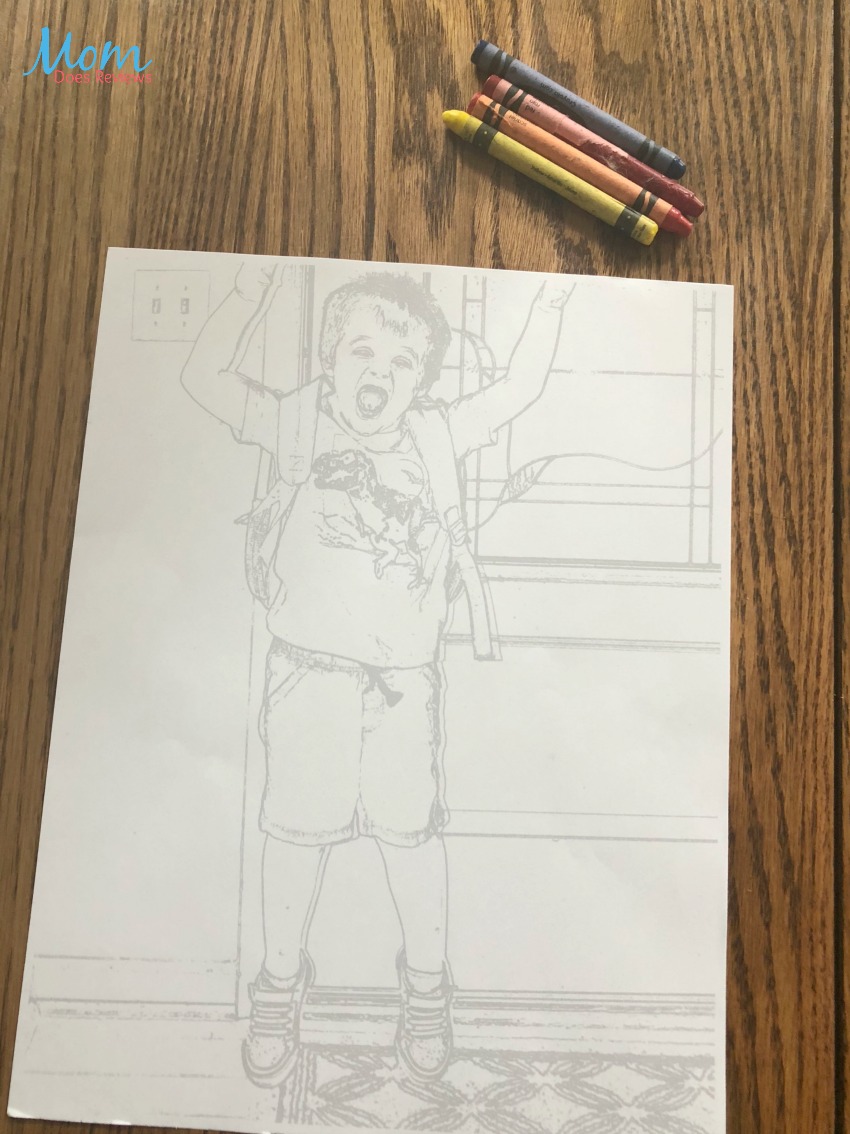
Coloring Pages using your own photos
This feature has to be the coolest one! You can take a photo from your memory card and turn it into a coloring page! How awesome is that? This a great idea for birthday parties or holiday parties for kids. It’s so personal and fun!
My Thoughts:
I am so impressed with our new EPSON Small-in-One Printer! It’s so compact and easy to move if need be. It’s so fast at completing tasks and the touch screen is very convenient. I can set the size and type of print that I want before I print my projects. Inside the trays, it shows you where to line up the different sizes of paper. I absolutely love the photo quality! Being able to print my photos when I want, where I want is so important to me. The best part is, with the free app and wireless setup, I can print a photo I just took on my phone and have it in a frame instantly! Creating projects and completing them quickly is what this printer was made for. So, grab your ideas and the EPSON Small-in-One Printer and get crafting!
For more information about EPSON Small-in-One, click here!
Connect with EPSON on social media
Facebook | Twitter | YouTube | Instagram

You can find EPSON on our 2018 Mega Christmas Gift Guide!