Back when my older kids were teenagers, internet was a dial-up connection, and email and browsing the web was just starting to be “a thing”, I controlled the internet by pulling the phone off the hook. Now, it’s not always that easy; but we still need to be able to monitor, protect, and even disconnect our family from the internet to keep them safe and present. Thankfully, now everyone can have easy internet restrictions with Gryphon.
About Gryphon
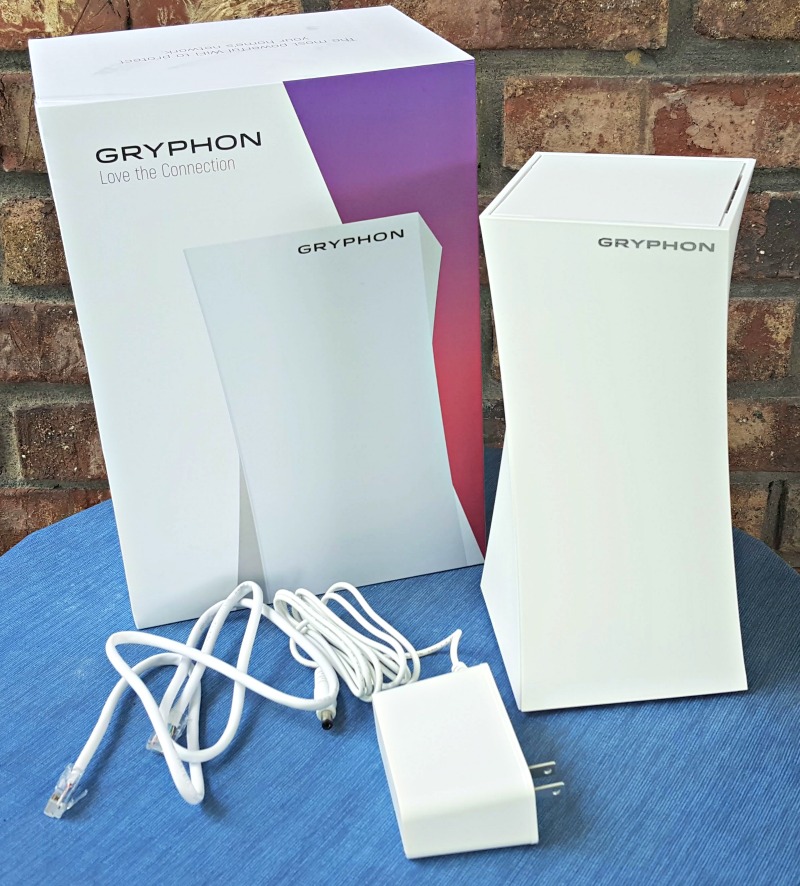
At Gryphon we work to help you protect what’s important. That means building an easy to use home network security solution to help you protect your family.
My Thoughts:
Whether you have your own kids at home or your grandkids are spending time with you this summer, chances are they are going to be using Spectrum internet this summer. Video games, tablets, cell phones, and a ton of other devices all require a connection to the web and Gryphon understands you can’t watch everything going on at once. While there has to be some built in trust between you and the kids, wouldn’t it also be better to know certain restrictions are in place to keep them safe?
Included Features:
- Screen Time Management
- Remote Real Time Request & Approval
- Content Filtering with CrowdRanking™
- Network Security for the Entire Home with ESET Technology
- Software and Protection Updates
There are a ton of features available with the Gryphon router. First off all, it’s plug and go as far as installation.
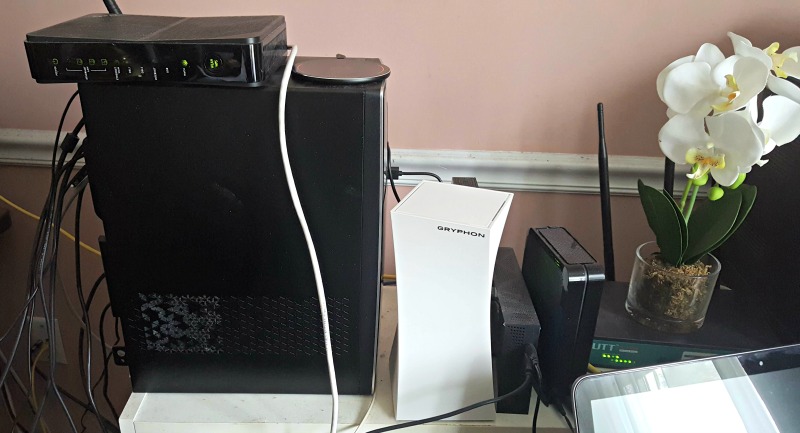
You plug in the device to both power and internet, install the app on your smartphone or tablet, scan the QR code on the bottom, and you’re all ready to get started!
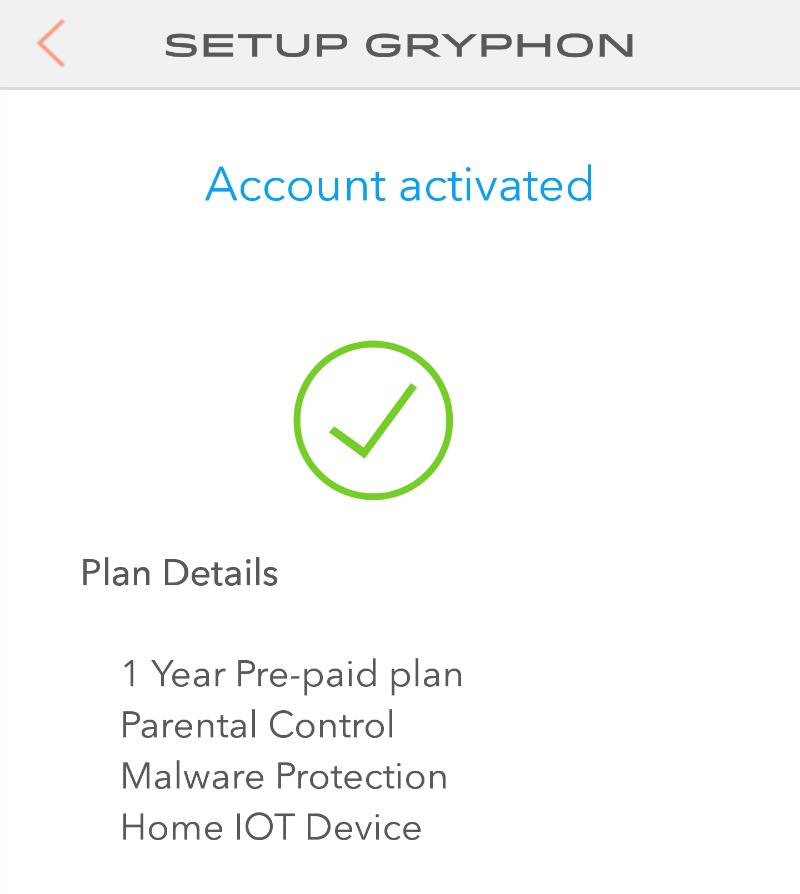
Then you simply connect your desired devices through the Gryphon app as needed. Even if you are technology challenged like me, there are a bunch of how-to videos available on their website and YouTube in case you need extra help!
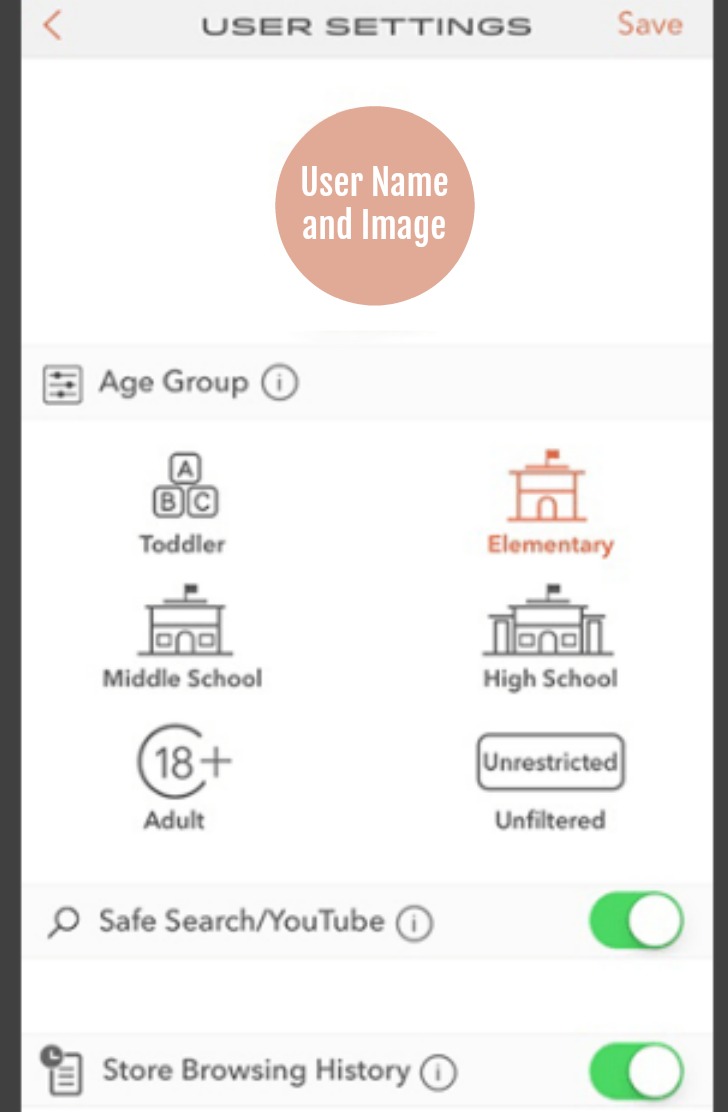
Have different age ranges in the house? That’s okay; you can set different limitations on the devices such as homework time, bed time, access to age appropriate content, etc. Simply use the settings menu in your app to make the appropriate selections for each device. And don’t worry, you have access to any requests or updates in real time, meaning you can make exceptions as soon as they are requested, even if you aren’t home at the time.

Also available with Gryphon is being able to check the browsing history of devices, even once they have been deleted. “Trust but verify” when it comes to what the kids or grandkids are looking at when they are online or playing games.
And each unit covers up to 3,000 sq. ft. so you don’t have to worry about purchasing multiple units to cover different zones of the house. We were able to get rid of our repeaters in the house once we installed our Gryphon on the main level of our home. This is a terrific feature as you start having more and more smart devices, such as kitchen appliances or TV sets. You can make sure they are protected from the latest online threats because all updates and security threat databases are automatically updated and maintained.
Having a Gryphon help protect your family isn’t about just keeping the internet connection under virtual lock and key. It’s about teaching them internet safety, trusting them to use it appropriately, and then monitoring it as needed to make sure the family is following the agreed upon rules you’ve established. We all know the kind of stuff that’s waiting online, even when viewed by accident. But by using the age appropriate restrictions, your elementary student won’t be looking at adult advertisements because they misspelled a web address.
Time for dinner but can’t get everyone to the table? Open your app and pause the internet.
Not at home but need to make sure the home internet connection is working properly? Open your app and check the network status.
Gave your child a time limit but don’t want to sit and wait until the time is up to make sure they disconnect from their game? Set the timer on the app for that specific device and walk away.
You can do all of these things and more, all in the name of keeping your family safe, especially your children. Chances are, they will need to get online this summer and when school gets back under way. This way, we can help them be mindful of the time spent online, what content is being viewed, and, most importantly, controlling the time spent online so that we spend more time together with face to face contact. Make sure you check out all the information about the easy internet restrictions with Gryphon today. This amazing router can also be purchased on Amazon.
Make sure to follow Gryphon on social media:
Facebook | Twitter | Instagram | YouTube
We’ve added Gryphon to our Summer Fun on MDR 2018 Gift Guide! Check it out here!