
FotoJet- a Graphic Designer, Collage Maker and Photo Editor all in one program!
Graphic Designer:
Everyone can become a professional designer with FotoJet’s graphic design tool! Whenever you feel inspired, you can always create awesome designs with massive templates, from posters, flyers, cards, invitations, to social media graphics and banners.
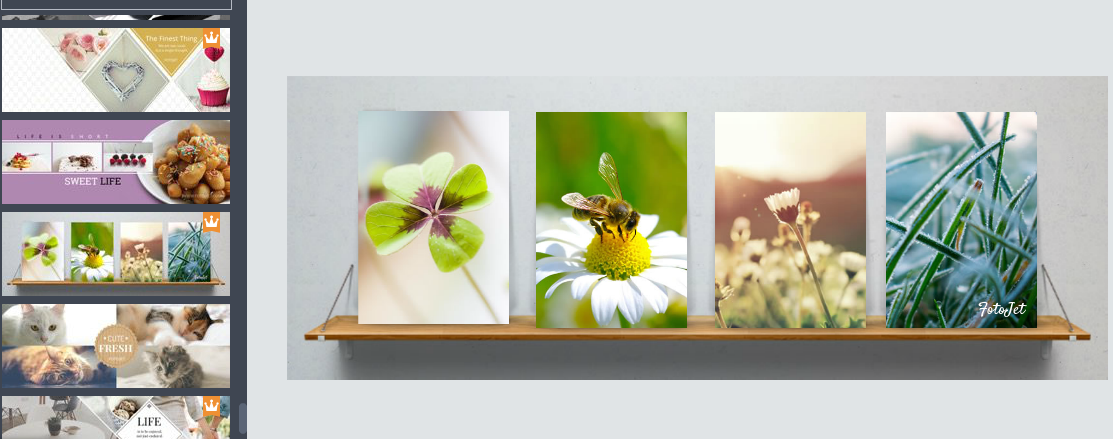
Need a new facebook cover photo?
I love to change my facebook cover- FotoJet has some great templates. All I did was switch out the pictures for my own pictures. So easy, so pretty!
Collage Maker:
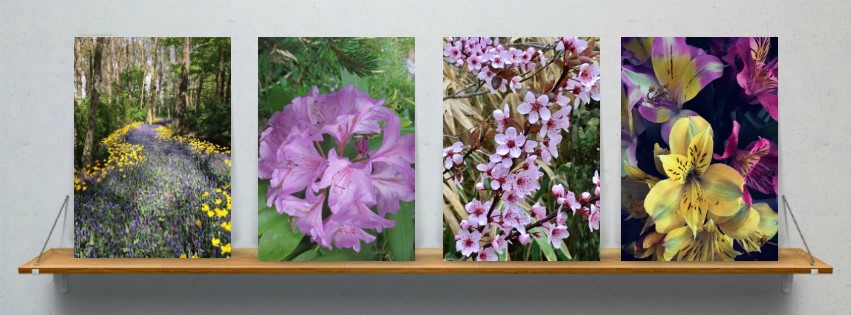
A beautiful photo collage can share your photos in an artistic way. FotoJet’s photo collage maker has 800+ stunning collage layouts and templates, including birthday collages, wedding collages, baby collages, family collages, love collages, etc., to help you make your own collages online easily and quickly.
How about a collage for that post you are working on?
We all love those vertical collages for sharing on Pinterest. I recently went on a Disney/Pixar trip in San Francisco for Cars 3. It was easy to make this fun collage. I did feel it was a little limited in the addition of new pictures if you wanted to add another block.
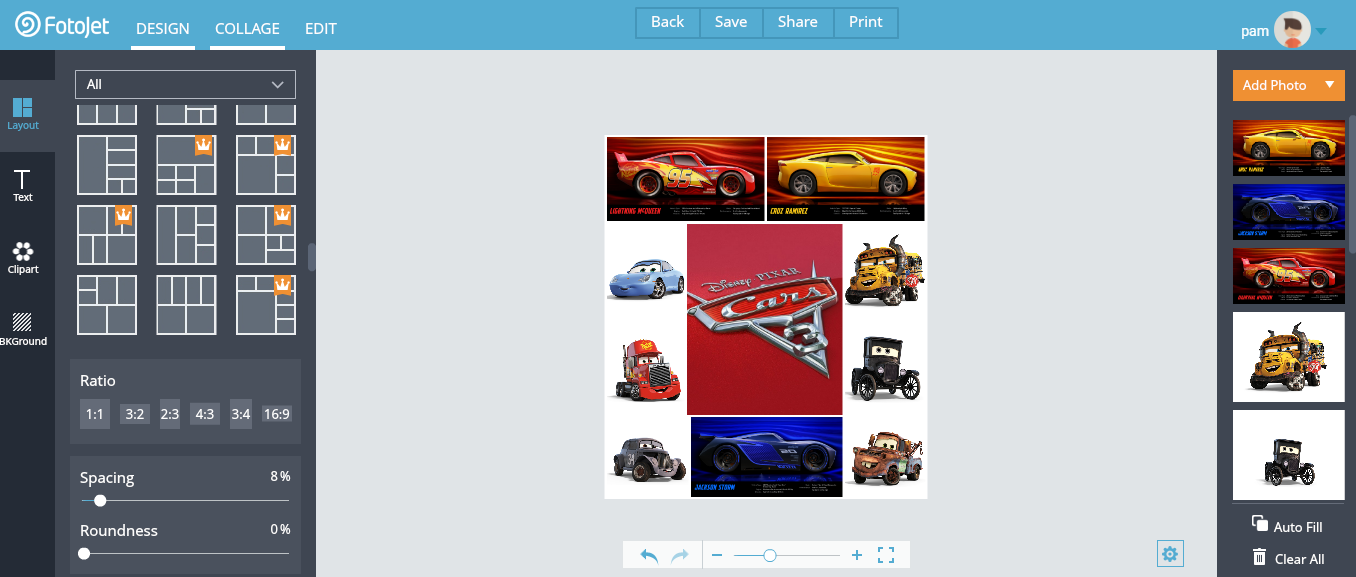
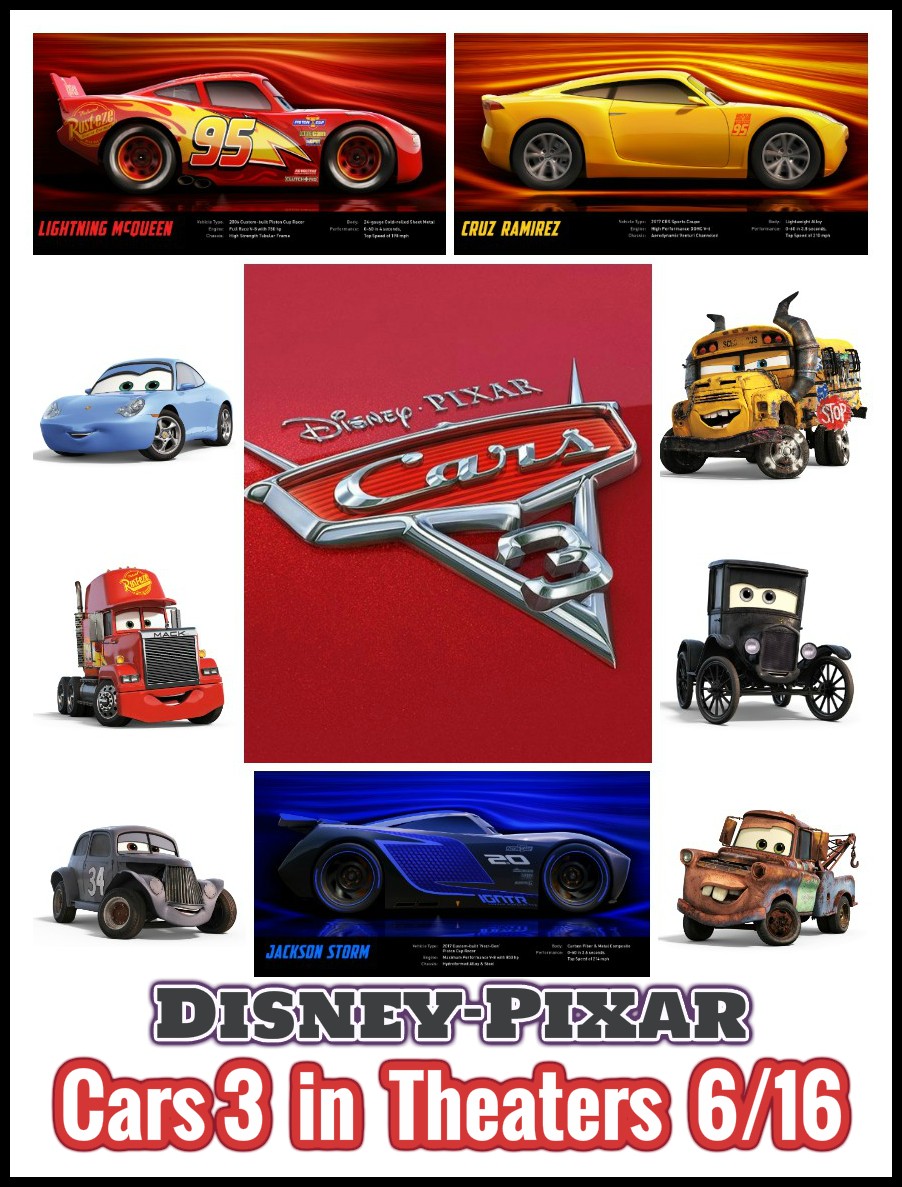
Photo Editor:
You will be amazed at how quickly you can edit your photos online! FotoJet’s editor comes with powerful editing tools, such as crop, resize, and rotate, in order to enhance your photos in seconds. Also, you can touch up your photos with text, clip art images, photo effects, overlays, frames, etc.
Need to edit and enhance a photo?
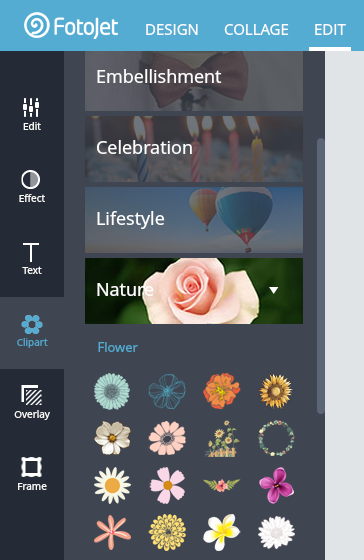
I always edit and enhance my photos before I add my watermark to them. Whether I crop it or enhance it, I did like Fotojet’s simple toolbar on the left side of the page.
Here is a photo I edited into a Giveaway Graphic:
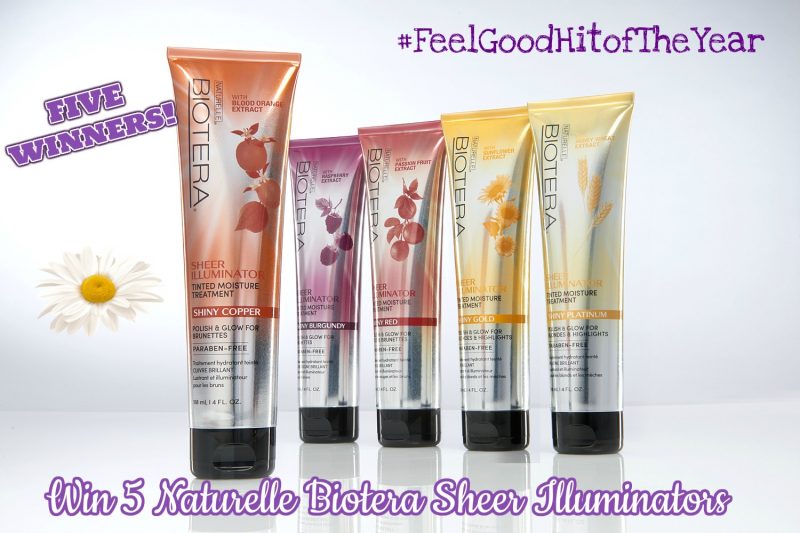
I also needed a graphic for a new giveaway. I had to choose Design because I needed to use a few images for the graphic. I used the Design function and choose Social Media. Just choose whatever size you need.
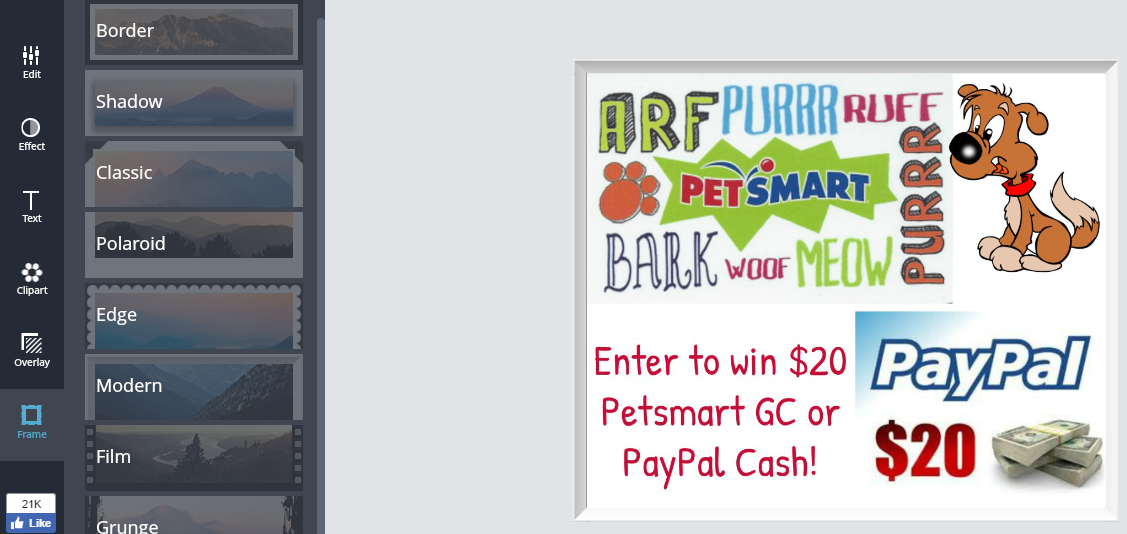
The only problem with the Design function is that you have to reload the image to edit it and add a border.

Overall, FotoJet is a great tool for bloggers, social media influencers or anyone that loves to enhance their photos.
Need Help?
Check out the FotoJet Help Center page HERE. You will find some great tips and tutorials for all the functions on the site. There is also a FAQ section and a place to leave suggestions.
