The reviewer has been compensated in the form of a Best Buy Gift Card and/or received the product/service at a reduced price or for free.
Google Chromecast Audio lets you use your speakers to play your tunes Wirelessly!
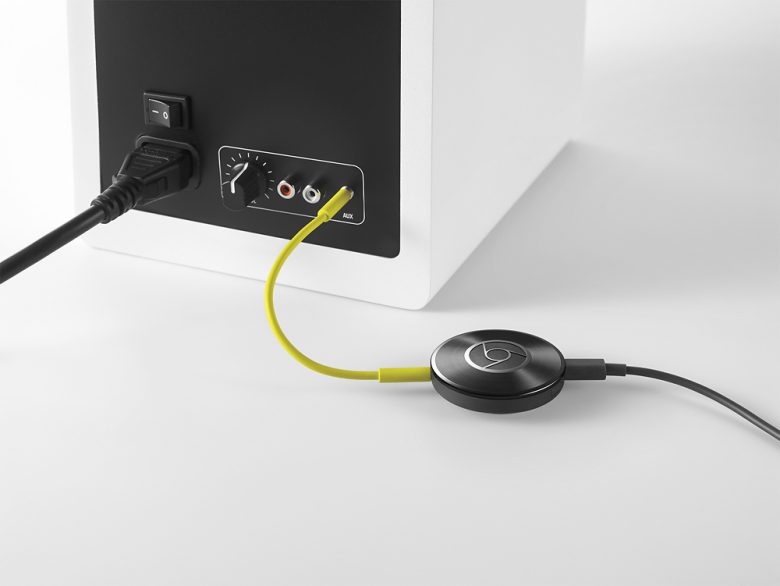
About Google Chromecast Audio:
How does it work?
Stream your favorite music with Google Chromecast Audio. Simply plug into your speaker’s auxiliary input and connect to your Wi-Fi network. Then just tap the Cast button from your favorite apps on your phone, tablet or computer to cast songs, radio stations and podcasts to your speaker.
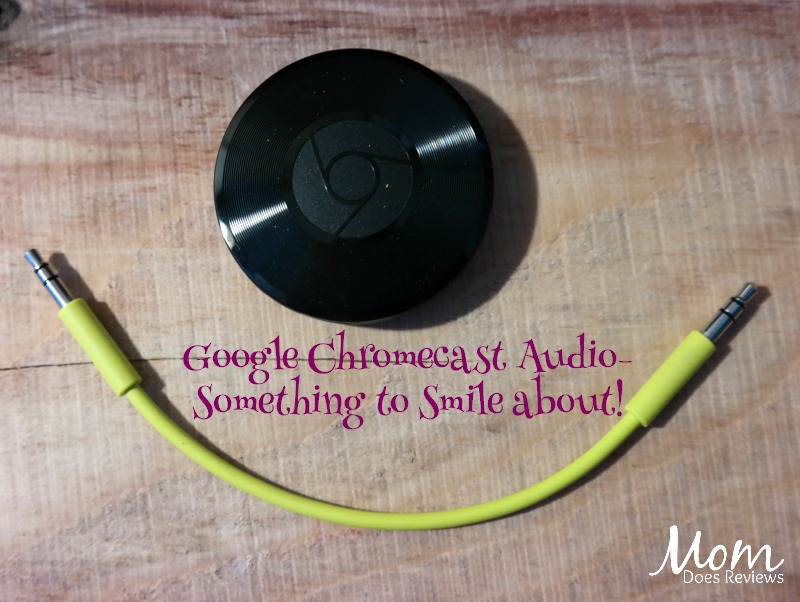
What are the benefits?
It’s convenient!
Do you love Pandora radio but don’t want to use earbuds or your computer speakers? Now you can use Google Chromecast Audio with your phone to play music, pause it or change the volume from anywhere in your house! And you can still use your phone like normal.
Great Sound!
When you use Chromecast Audio to stream over Wi-Fi, it has higher sound quality. Why settle for less?
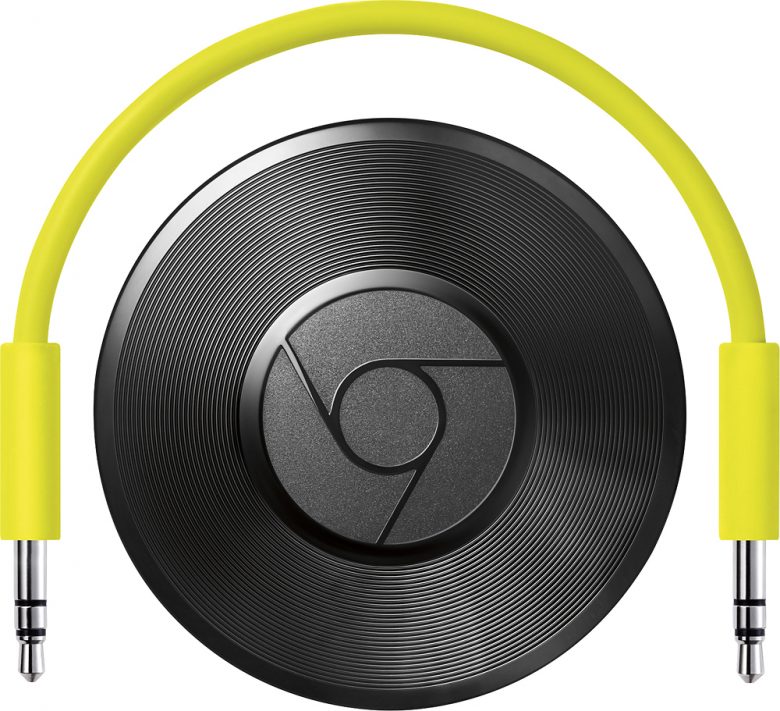
Works with your favorite audio apps
Stream millions of songs, radio stations, and podcasts through apps like Pandora, iHeart Radio, Spotify, YouTube Music, and Google Play Music. Check out hundreds of music apps here.
Play music in every room!
Now you can easily fill every room in your home with synchronous music. Simply group Chromecast Audio devices together so you can listen to the same song on multiple speakers.
My Thoughts:
Dealing with the audio and video systems in our house has always been my husband’s job. It’s just one of those things I never wanted to figure out. I can connect game systems and DVD players, but only if I have to. Now that my son is 14, he does it all when we get a new game system. Gotta love how kids are so tech savvy these days!
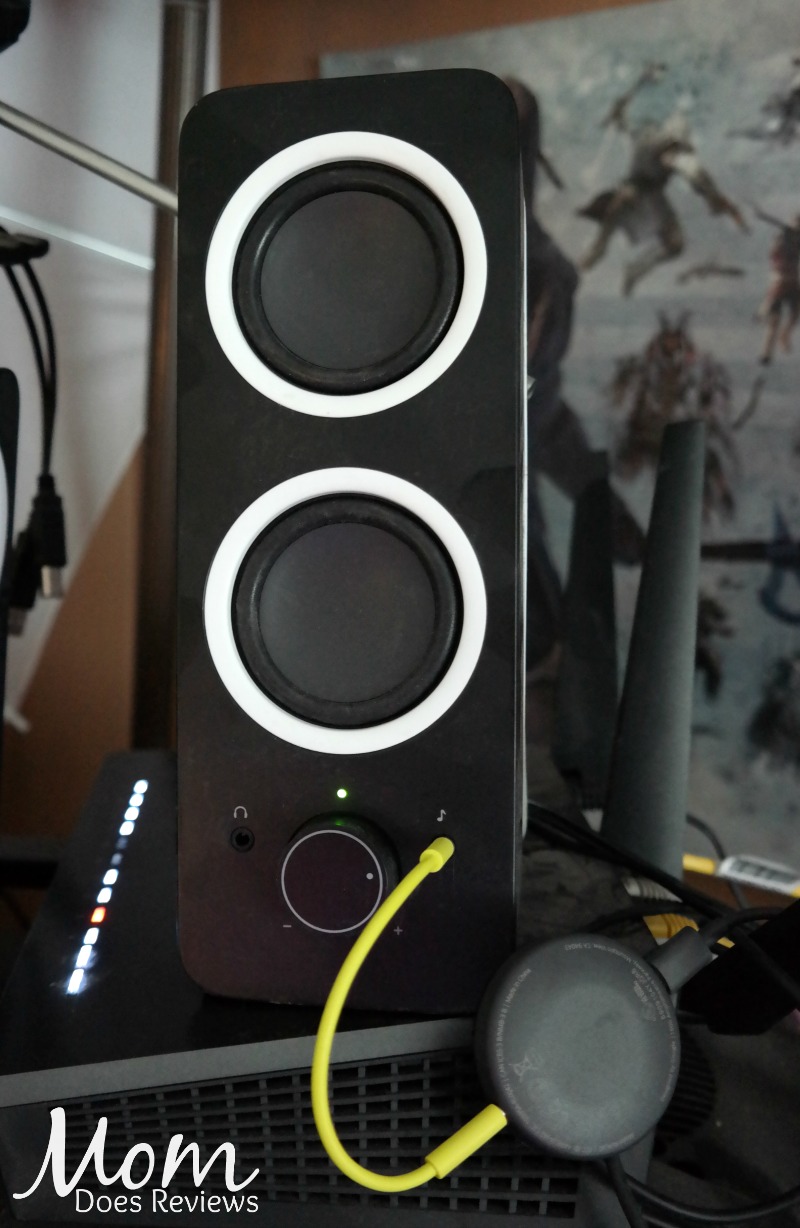
Google Chromecast Audio was designed for people like me- simple to set up, simple to use! Just connect the green cable to the device and the other end to a speaker. Then use the USB cable to power your device.

You don’t have to add any new apps to use Chromecast Audio! Just tap the Cast Button in the app to start listening. The arrow points to the Cast Button in Pandora.

Overall, I am very impressed with how EASY Chromecast Audio is to use and how AMAZING the sound is. It will change the way your listen to music!
If you want to play music on your speakers, new or old, wirelessly from your phone, laptop or tablet- Get Google Chromecast Audio at Best Buy!
What are your favorite music apps? Let us know in the comments below!
