Computers used to be an extreme luxury item in homes. Today, they are practically a necessity. Today we use the home PC and personal laptops to perform just about every daily task you have to do, from paying bills to making and scheduling appointments. Computers can help you achieve just about anything you want without leaving the comfort of your own home. People are even using them to work from home to avoid having to go through the process of a daily commute.
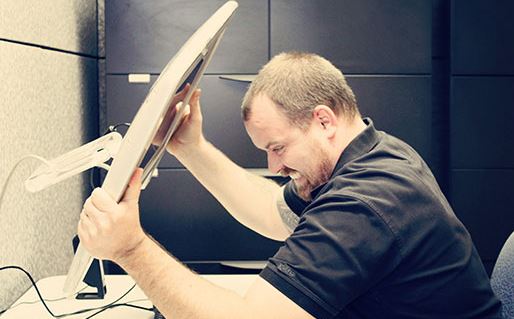
If your computer is slowing down and not working as well as it used to, it can be a real drag for the whole family. There is nothing more frustrating than being delayed in getting work done because your machine isn’t working properly. If your home computer isn’t working correctly there could be many different causes to the problem. Here are some easy steps you can take to help get your computer back on track.
Defrag
Windows breaks up files into fragments when files are saved. When there are a lot of files, it can take the computer longer to locate all of the fragments and put the file together. Defragging your computer consolidates these files and makes it easier for the computer to locate and open them. This is a feature that has been on Windows computers for nearly two decades, ever since computers were so slow you could make a sandwich between load times.
RAM
RAM stands for Random Access Memory. It is the installed memory on your computer that helps you open and run programs. It can go bad over time and not work as fast or as well. It is important to scan your computer’s RAM from time to time as it gets older to make sure it is functioning One great feature is you can actually remove your computers RAM and replace it with new one. You can even expand the amount of RAM your computer has to make it even faster. RAM can usually be doubled by putting 2 GB or RAM where 1 GB used to be.
Fan
Make sure the fan in your computer is working correctly. If it isn’t, the computer can become overheated and slow down. Ask an IT services in Ottawa or your local area about how to install a new fan if yours has completely shut down.
These are just three tips you can use to keep your older laptop from slowing down as it gets older. There are a few other things you can do as well, like make sure you don’t have any unnecessary programs installed that could slow it down. Also, don’t download any files that you aren’t sure about because they could contain viruses that will greatly slow down your PC or laptop.
